
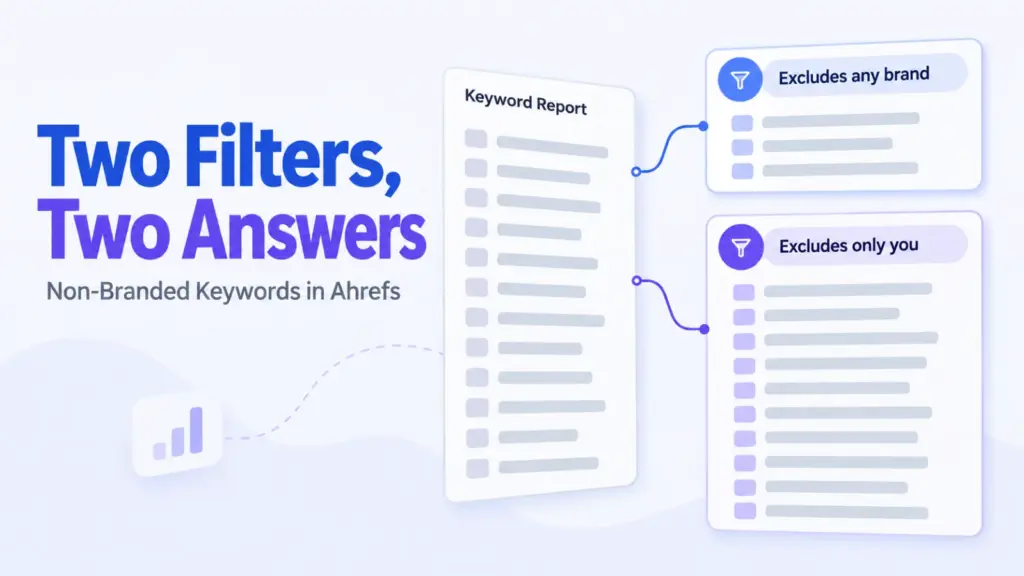

To see your non-branded keywords in Ahrefs, open Organic keywords and add a Keyword filter set to “Doesn’t contain”, listing your brand terms. That’s the method Ahrefs’ own guide recommends.
Ahrefs also tags keywords as “Branded”, and it’s tempting to filter on that instead. It gives you a different number, because the tag means any brand at all rather than yours.
Here’s how both work, why they disagree, and which one answers the question you’re probably asking.
The Short Answer
Five steps, and the last one is the one people skip.
- Site Explorer: enter your domain and open Organic keywords.
- Keyword filter: add one and set it to “Doesn’t contain”.
- Brand terms: list your name, its variants and your product names.
- Apply: what’s left is traffic that doesn’t name you.
- Check: skim the removed set before you trust the result.
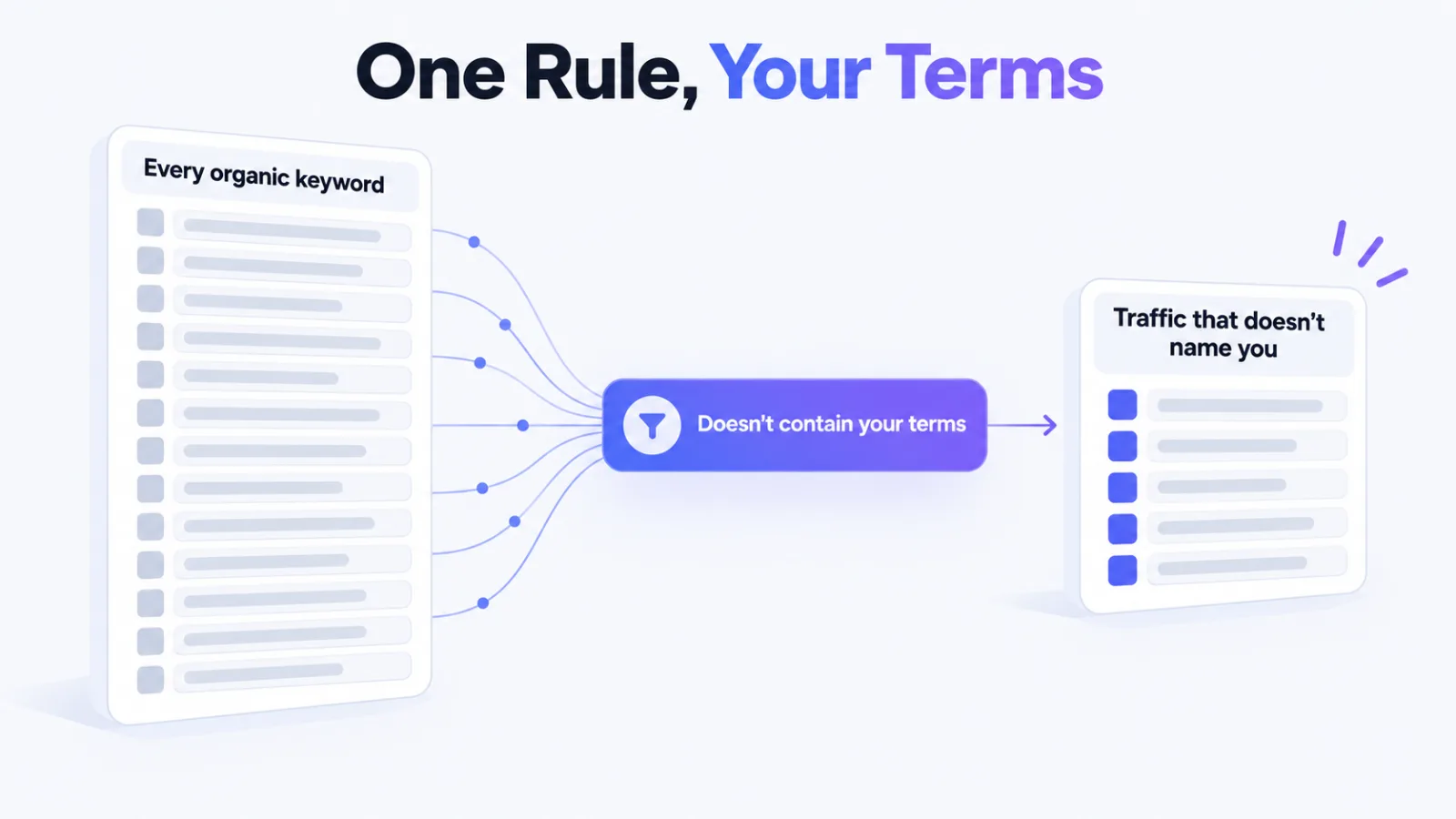
Ahrefs’ academy is plain about it: to exclude branded keywords, use the Keyword > Doesn’t contain filter. Its worked example removes a company’s own name from that company’s report.
Two Things Ahrefs Can Mean by Branded
The word shows up in two places, and they aren’t measuring the same thing.
The Branded attribute
Ahrefs classifies keywords by intent, and alongside the four intent types it attaches attributes. Branded is one of them.
Its help centre defines it as the searcher looking for “a specific brand or company name”. Not your brand. Any brand.
Where the tag shows up has also varied across Ahrefs’ own documentation, so check what your account offers rather than relying on a screenshot from someone else’s.
Your own exclusion list
The Doesn’t contain filter removes exactly the terms you give it and nothing else. It knows nothing about brands in general, which is why it answers a narrower question.
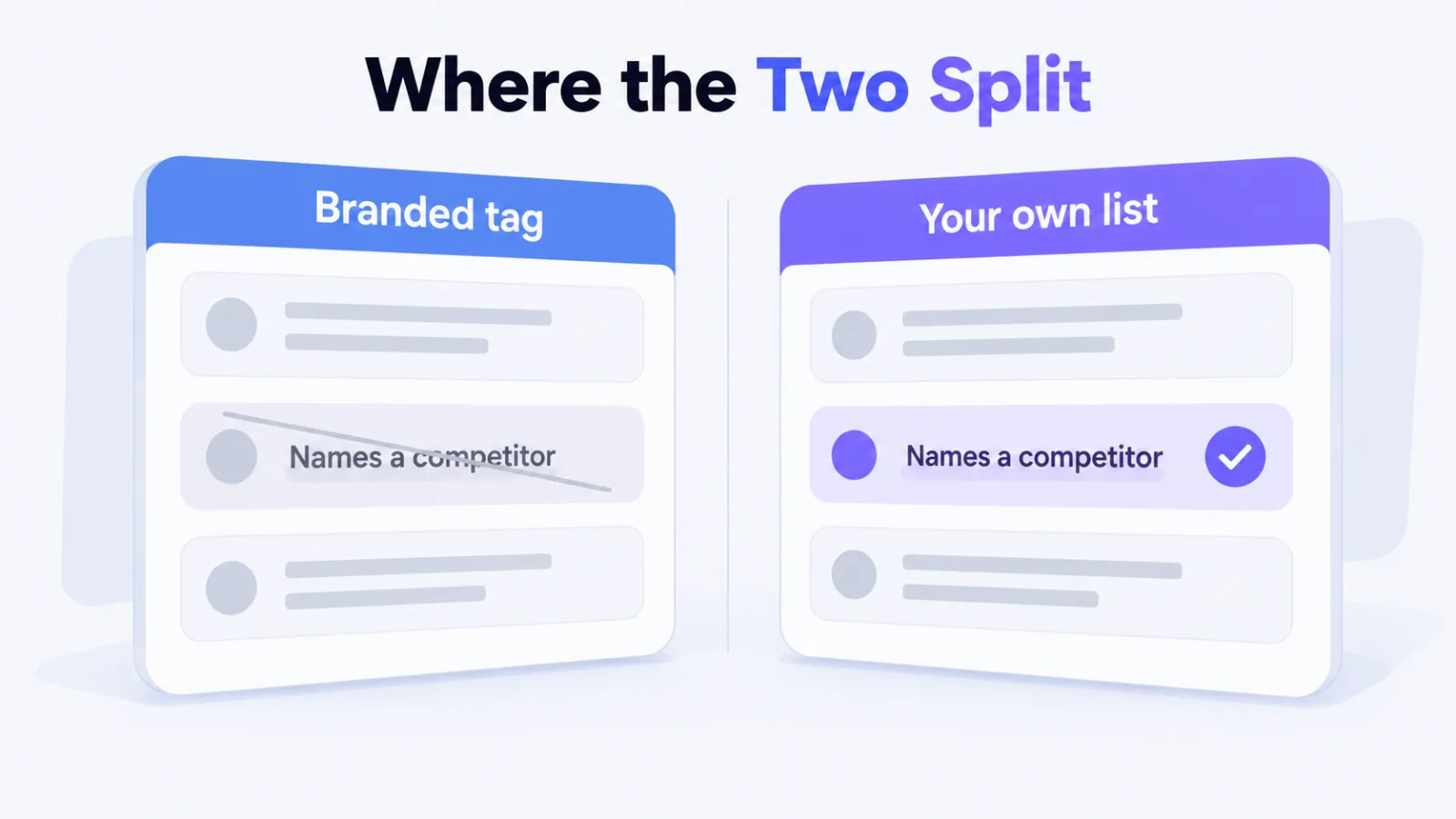
Where the two split apart
You can see it with any query that names a competitor, such as a comparison between two tools. The Branded attribute removes it, because it names a brand.
Your own list keeps it, because it doesn’t name you. For most sites, those comparison queries are some of the highest-intent traffic they earn without anyone already knowing their name.
Filter on the attribute and that traffic disappears from your non-branded view. Filter on your own terms and it stays where it belongs.
How Much the Attribute Can Remove
It’s more than you’d expect. Ahrefs studied roughly 150 million keywords in the United States.
It found that 45.7% of searches by volume contain a brand name, a product name or a trademarked term. By count of unique queries the share was 36.9%.
The gap between those two figures tells you branded queries skew toward higher volume. Removing them strips out a disproportionate share of any traffic number.
That study used the same broad definition, any brand at all. So on a report full of comparison and alternatives queries, the attribute can take a large bite out of numbers that were never about your brand.
The attribute has a gap of its own
Ahrefs notes that keyword attributes exist only for keywords with SERP data. A keyword without it carries no intent tag at all, branded or otherwise.
So before relying on the tag, check how your filtered view treats keywords that were never classified. They’re usually long-tail, and there can be plenty of them.
Building a Brand List That Holds Up
The Doesn’t contain filter is only as good as the list you feed it.
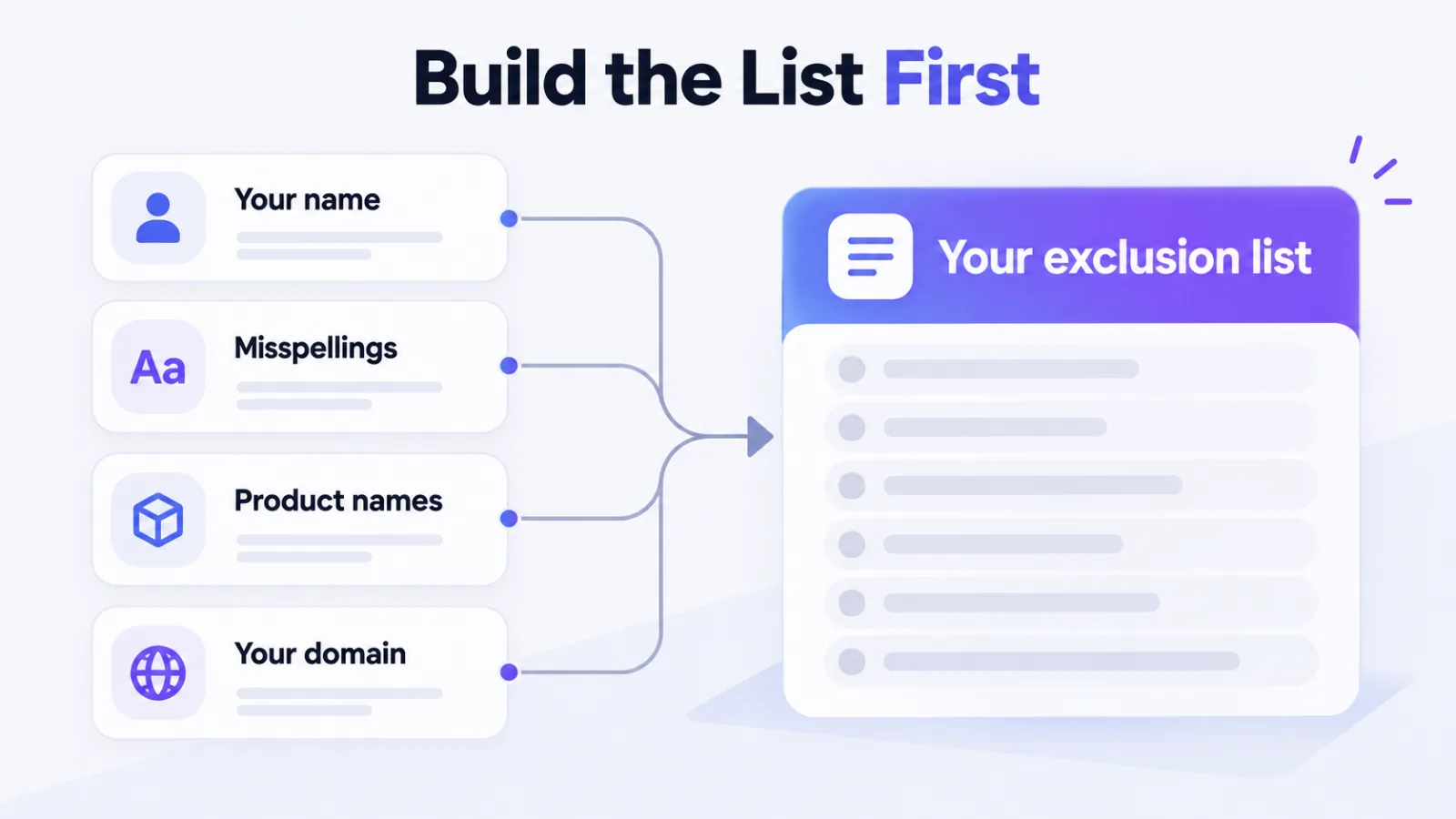
- Your name: as written, plus spaced and hyphenated forms.
- Misspellings: the ones your support inbox already sees.
- Product names: anything people search for by name.
- Your domain: people type it into search more than you’d think.
Pull candidates from your own Search Console queries rather than guessing. The misspellings people type are rarely the ones you’d predict.
When your brand name is also a word
You should watch for this if your name is a common word, or sits inside longer words. The filter can’t tell your brand from the ordinary use of the same letters, so it may remove queries you meant to keep.
Check the removed set before trusting the total. If it’s catching unrelated queries, tighten the term, for example by pairing it with a product word.
Doing the Same Split in Search Console
You’ve probably got better data for your own site sitting in Search Console, and the same split takes about a minute there.
Open the Performance report, add a query filter, and choose “Queries not containing” with your brand name. For a list of variants, use the custom regex option and exclude them all in one pattern.
Why the two tools disagree
It happens because they’re counting different things. Search Console reports the clicks and impressions Google recorded for your site.
Ahrefs estimates traffic from where you rank and how often each keyword is searched, so its figures are modelled rather than observed. Expect your non-branded share to differ between the two, and treat Search Console as the better measure of your own site.
Ahrefs earns its place on everyone else’s sites, where you’ve no Search Console access at all. That’s the job it’s built for.
What the Non-Branded Number Tells You
It’s the share of your organic traffic that doesn’t depend on people already knowing you exist.
Branded traffic mostly measures demand you created elsewhere: advertising, word of mouth, press, a sales team. Non-branded traffic is the part your search visibility earned from people who hadn’t heard of you yet.
That’s why the split matters more than the total. A site whose traffic is mostly branded can look healthy while ranking for almost nothing new.
Compare it against yourself
Watch your own non-branded share move over time rather than holding it against an industry figure. The right split depends on how well known you already are, and a benchmark can’t know that.
The same idea applies to backlink reports, where our guide to Ahrefs exclude filters covers what to strip out before a number means anything.
Check the Filter Before You Trust It
Three quick checks catch almost every problem.
- Search the result: look for your own name in the non-branded list.
- Read the removals: confirm nothing unrelated was caught.
- Compare both methods: a large gap usually means comparison queries.
Running it both ways is worth the extra minute. When the two numbers differ sharply, you’ve learned something real about how much of your traffic comes from people comparing you with somebody else.
For a wider view of what a keyword set should include, see how we approach share of voice in search.
Frequently Asked Questions
Does Ahrefs have a non-branded keywords filter
Ahrefs tags keywords with a Branded attribute, but its own guide for Site Explorer’s Organic keywords recommends the Keyword filter set to Doesn’t contain, listing your brand terms.
What does Branded mean in Ahrefs
It means the searcher is looking for a specific brand or company name. That’s any brand, not only yours, so it also flags queries that name a competitor.
Why do my non-branded numbers differ between two methods
It happens because the Branded attribute removes queries naming any brand, while your own list removes only queries naming you. Comparison queries that name a competitor usually account for the gap.
How do I exclude my brand name in Ahrefs
You open Organic keywords in Site Explorer, add a Keyword filter, choose Doesn’t contain, and list your name with its variants, misspellings and product names.
What share of searches are branded
Ahrefs’ study of about 150 million keywords found that 45.7% of searches by volume contain a brand name, product name or trademarked term. That counts any brand.
Is Search Console better than Ahrefs for this
For your own site, yes. Search Console reports clicks Google recorded, while Ahrefs models traffic from rankings and search volume. Ahrefs is the tool for sites you can’t access.
Filter on Your Name, Not on the Tag
If the question is how much of your traffic doesn’t depend on people already knowing you, the attribute answers something else.
Build a brand list, exclude it, and read what you removed. That number is yours in a way the tag’s never is.