
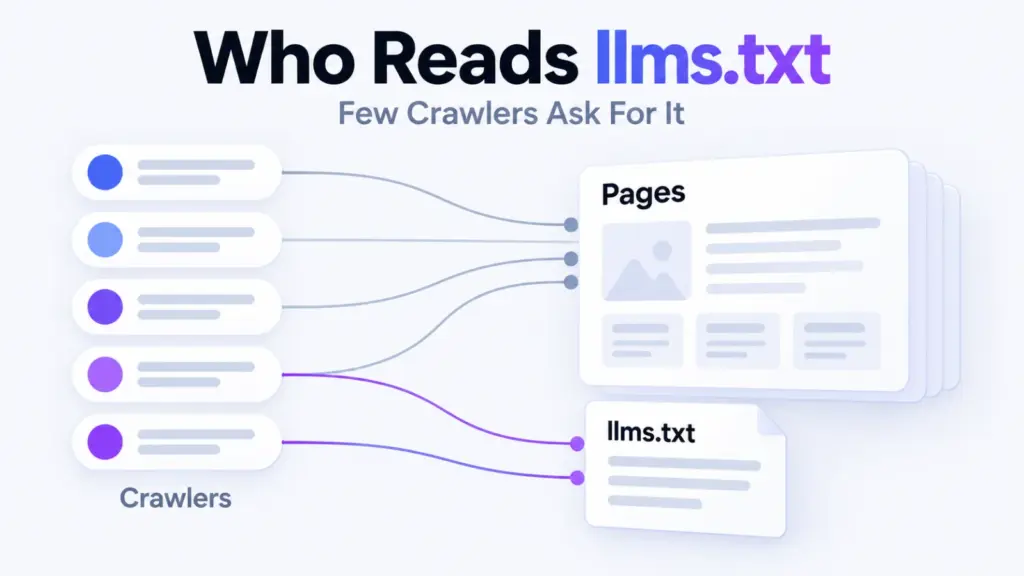

Who reads llms.txt? In 14 days our server logged 43 requests for it, and one SEO tool’s crawler made 19 of them. ClaudeBot, GPTBot, PerplexityBot and Googlebot made none.
llms.txt is a plain-text file at the root of a site that lists the pages its owner wants AI models to know about. Whether the AI companies’ crawlers fetch it is something a server log can answer.
Two AI-company names did ask, OpenAI’s search crawler and Meta’s agent, and so did Amazon’s. Here’s how we counted, who asked, and what a fetch does and doesn’t tell you.
What We Measured
Fourteen full days, 22 September to 5 October 2026, from the web server’s access log.
- Counted: requests for /llms.txt and /llms-full.txt.
- Name: a crawler token found anywhere in the full user agent.
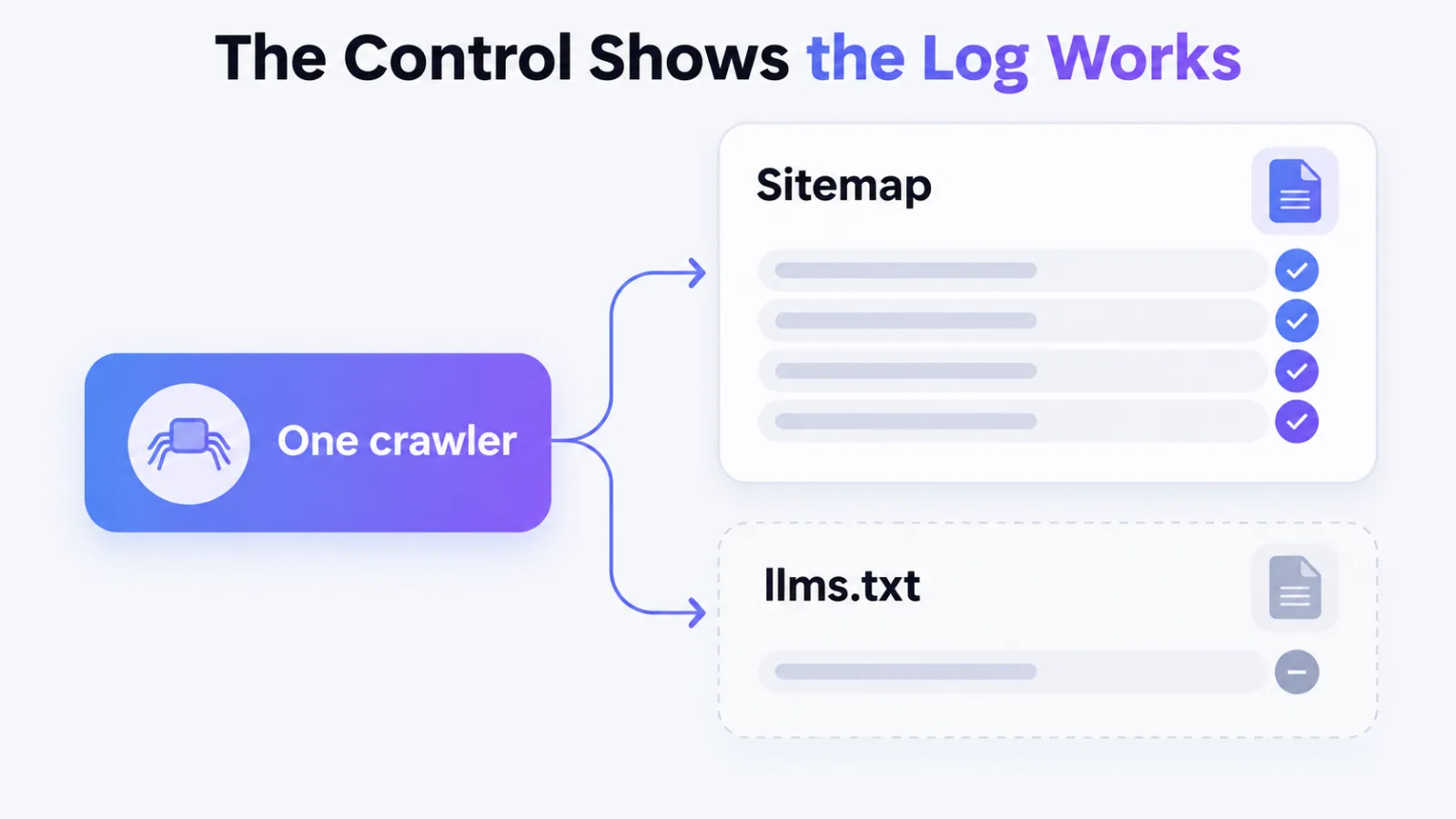
- Control: requests for the sitemap index, a file crawlers fetch.
- Page fetches: successful requests for ordinary pages.
The user agent is the name a visitor’s software gives itself. It’s the only identity this log holds, so every count below is a count of requests carrying a name.
Who Sent the 43 Requests
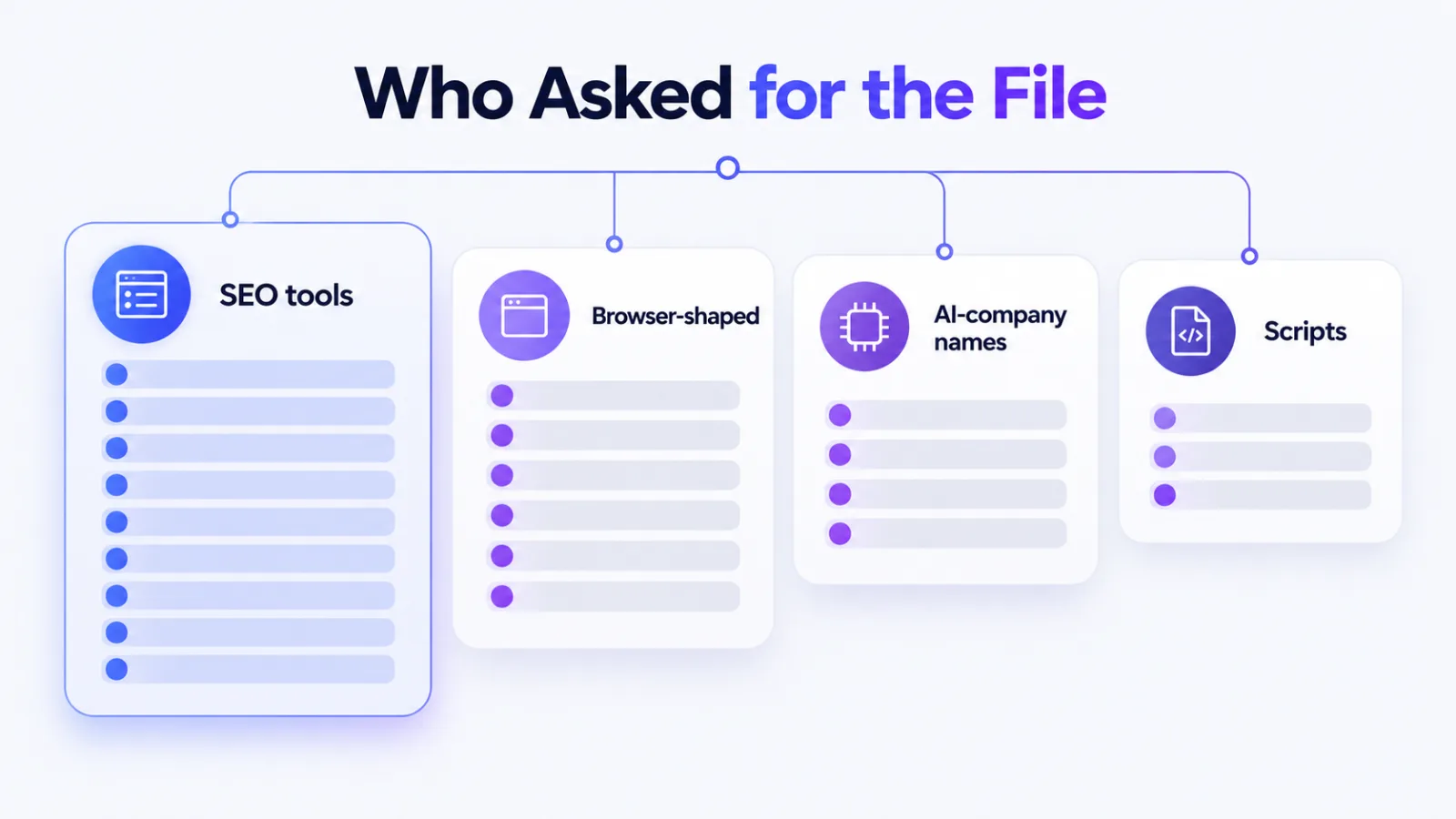
Eight kinds of requester asked for the file. The table groups them by the name in the user agent.
| Requester | llms.txt | llms-full.txt |
|---|---|---|
| SEOJuice-SearchBot | 19 | 0 |
| Browser-shaped user agents | 12 | 5 |
| meta-externalagent | 6 | 7 |
| Amazonbot | 2 | 0 |
| GEO-Brain-CitationBot | 1 | 0 |
| OAI-SearchBot | 1 | 1 |
| Go-http-client | 1 | 1 |
| curl | 1 | 1 |
| Total | 43 | 15 |
One SEO tool’s crawler, SEOJuice-SearchBot, made 19 of the 43 requests, or 44%. It made only 14 successful page fetches in the same window, so it asked for the file more often than it read pages.
The browser-shaped requests
Twelve requests carried user agents that look like Chrome, Safari or Firefox. Two were the bare string Mozilla/5.0, and one was an Ubuntu 8.04 string from 2008.
We’re not claiming they were people, and a string that old points to software.
Which AI Crawlers Asked and Which Didn’t
The same names made thousands of page requests in the window, so silence isn’t a lack of visits. The table puts each crawler’s page fetches next to its requests for the sitemap index and for the llms files.
| Crawler name | Page fetches | Sitemap index | llms files |
|---|---|---|---|
| Googlebot | 983 | 7 | 0 |
| meta-externalagent | 667 | 0 | 13 |
| Amazonbot | 545 | 0 | 2 |
| Bingbot | 521 | 32 | 0 |
| PerplexityBot | 309 | 0 | 0 |
| OAI-SearchBot | 240 | 0 | 2 |
| GPTBot | 237 | 14 | 0 |
| ClaudeBot | 145 | 176 | 0 |
ClaudeBot asked for the sitemap index 176 times and for llms.txt never. GPTBot, Bingbot and Googlebot did the same: they asked for the sitemap and skipped llms.txt.
That’s the control doing its job. If the log had been missing requests, the sitemap counts would be missing too.
The Three Crawler Names That Did Ask
OpenAI’s search crawler asked once for each file, on 27 September and 1 October. Amazon’s crawler asked for llms.txt on 26 September and 3 October and never for the large file.
Meta’s agent was the heavy user, with 6 requests for llms.txt and 7 for llms-full.txt, all between 2 and 5 October. It had fetched pages on 12 of the 14 days. The first llms.txt request came on 2 October.
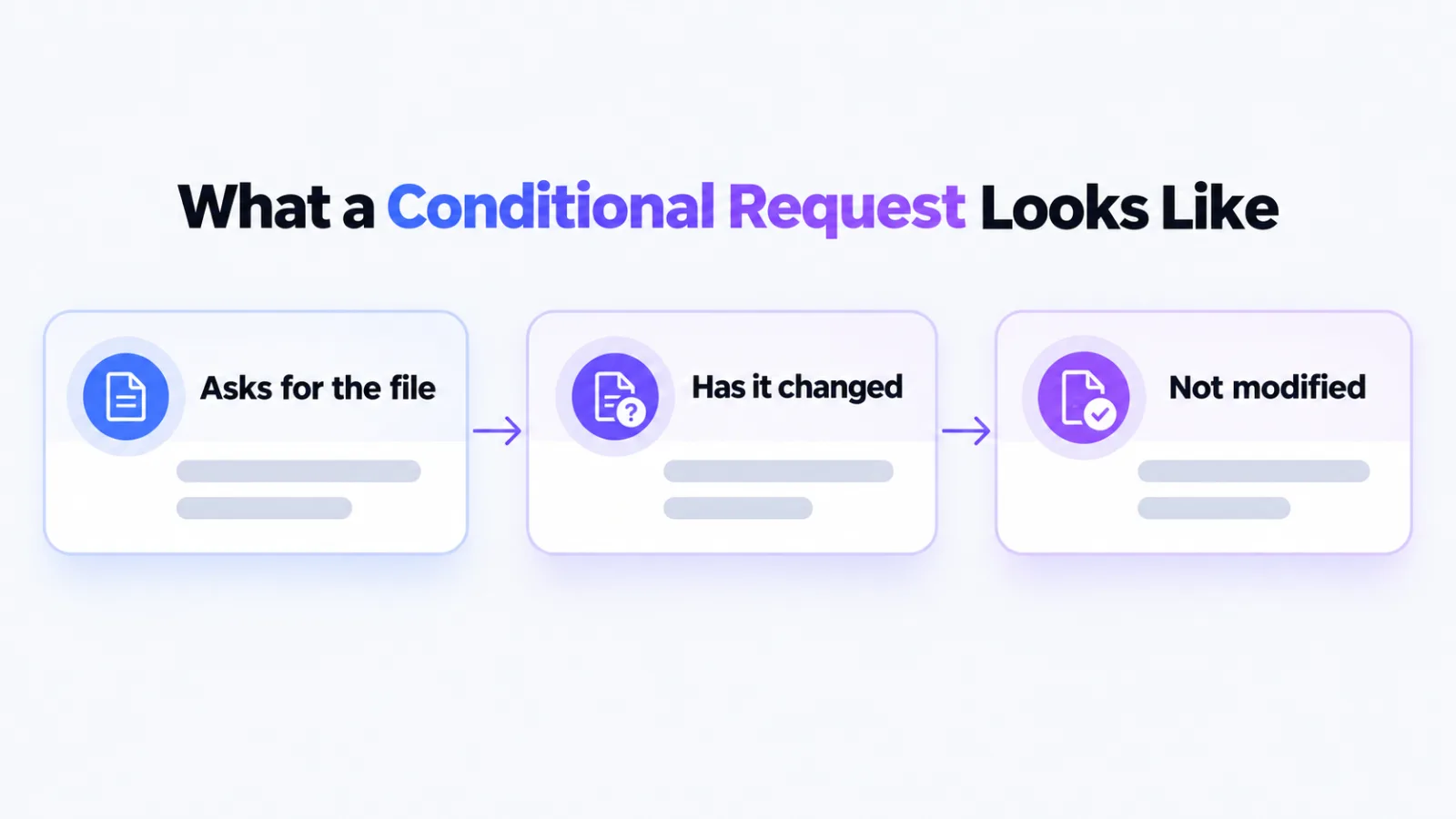
Four of Meta’s requests were conditional
Four of its 7 requests for the large file got a 304 reply, which means not modified. The crawler asked whether the file had changed since its copy, and our server said no.
Only software that keeps a copy sends that question. It’s how a recurring fetcher behaves, and a one-off script usually doesn’t.
What a Fetch Doesn’t Tell You
A fetch shows that something asked for the file. It doesn’t show that a model used it, or that it changed which sources an assistant cites.
Nothing in this log connects a request to an AI answer. It can’t say llms.txt helps you get cited, and it can’t say it doesn’t.
What the Numbers Don’t Prove
Four limits, and the first two matter most.
- Names can be copied: every logged address is Cloudflare’s, so we can’t verify who sent a request.
- The large file may be cached: Cloudflare can serve llms-full.txt without asking our server, so its count is a floor.
- The small file isn’t cached: as served today, every llms.txt request reaches our server.
- One site, 14 days: that’s a case study, not a survey.
The first limit matters because requests wearing AI-crawler names have included fake AI crawlers hunting for secrets. A name in a log proves nothing on its own.
What to Do With It
Publishing the file is cheap, and tools that audit sites do ask for it. Don’t expect it to move AI citations by itself, because this log gives no evidence that it does.
Check the size before you publish the long version. Ours was about 98 kilobytes for llms.txt, and llms-full.txt averaged 5.5 megabytes. Eleven full downloads moved about 61 megabytes in 14 days.
If you want to know what the file is for, start with what llms.txt is. How it differs from robots.txt is covered in llms.txt vs robots.txt.
How to Check Your Own Log
You need the access log for a stretch of complete days.
- Pick complete days: a half day skews every count.
- Filter by path: /llms.txt and /llms-full.txt, fetches only.
- Group by name: count requests under each crawler token.
- Add a control: count the same names on your sitemap.
- Read the status: a 304 means the requester kept a copy.
To see which AI crawlers visit at all, follow the steps in which AI bots crawl your site. For what real arrivals look like once the noise is gone, see new page crawl times.
Frequently Asked Questions
Do AI crawlers read llms.txt
Some names do, most don’t. On our site OpenAI’s search crawler asked once, Meta’s agent 6 times and Amazon’s twice in 14 days, while ClaudeBot, GPTBot and PerplexityBot never did.
Does llms.txt help you get cited by AI assistants
Our log can’t say. It shows requests for the file, not which sources an assistant used, so a fetch isn’t evidence of a citation.
Should I still publish llms.txt
Yes, if it costs you little. Audit tools ask for it, and the file is easy to maintain. Treat it as optional, not as a citation strategy.
How do I see who requests my llms.txt
To see who asks, filter your web server’s access log for requests to /llms.txt and group them by the crawler name in the user agent. Add your sitemap as a control so you know the log is complete.
What does a 304 on llms-full.txt mean
It means the requester already held a copy and asked whether the file had changed. Meta’s agent got four of them, which points to repeat visits.
Count Who Asked Before You Trust the File
On this site 43 requests for llms.txt came from eight kinds of requester, and none came from the crawlers that make the most requests.
Run the count on your own last 14 days, with a sitemap control beside it, before you decide what the file is doing.