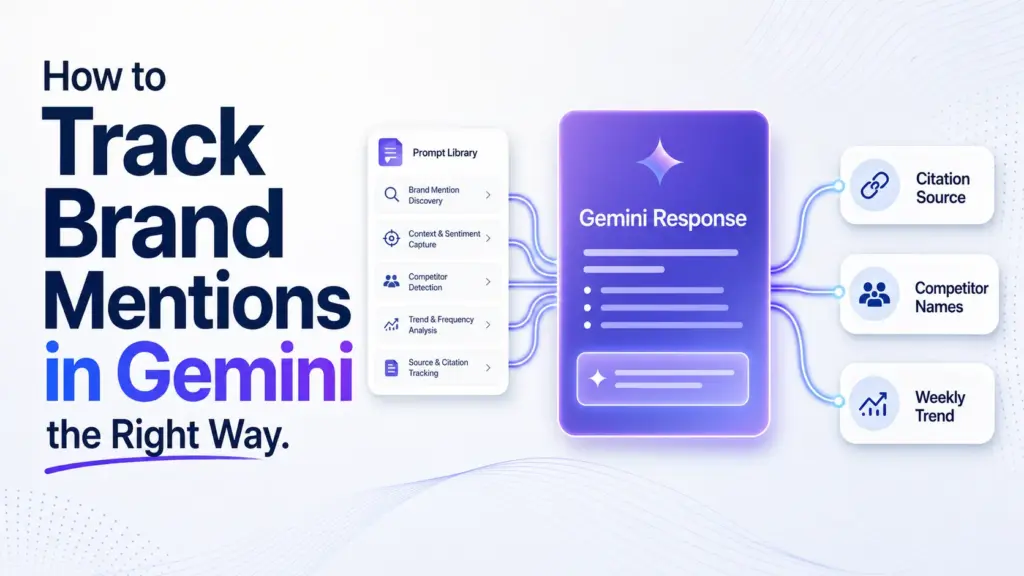

“Gemini” and “Google AI Overviews” get used interchangeably, but they’re different products with different tracking requirements — and conflating them is a common reason brand tracking programs miss half the picture. Gemini is Google’s standalone AI assistant (app and chat interface). AI Overviews is the AI-generated summary that appears directly inside Google Search results above the traditional blue links. Your brand can appear in one and not the other, and the tracking method for each is different. For the Gemini-specific tracking workflow, see how to monitor brand mentions in Gemini.
Why the Distinction Matters for Tracking
AI Overviews pulls from live search index results tied to a specific query, closely mirroring traditional SEO signals — the pages that rank well organically have a real advantage in AI Overviews. Gemini as a standalone assistant draws more heavily on broader training data and can behave more like a conversational research tool, less directly tied to your current search rankings. A brand can have strong organic rankings and appear reliably in AI Overviews while barely appearing in Gemini chat responses, or vice versa.
How to Tell Which One You’re Actually Seeing
If the AI-generated answer appears at the top of a standard Google search results page with a “Generative AI is experimental” or similar label, that’s AI Overviews — tied directly to that search query. If you’re interacting through the separate Gemini app, gemini.google.com, or the Gemini side panel in Workspace apps, that’s the standalone assistant. The tracking prompts and cadence are similar, but the citation sources and ranking signals behind each differ enough to warrant separate monitoring.
Tracking Both Without Doubling Your Workload
Most of your existing prompt library works for both surfaces with one adjustment: run search-style queries (the phrasing someone would actually type into Google) against AI Overviews, and run more conversational, multi-turn queries against Gemini chat, since that better reflects how each surface is actually used. Log which surface each result came from — combining the two into a single “AI mentions” number obscures which one is driving any change you see.
The Short Version
- Track branded, category, comparison, and buyer-intent prompts separately.
- Keep language, market, browser, device, and signed-in state consistent.
- Log mentions, citation URLs, competitor names, answer position, and sentiment.
- Compare week-over-week and month-over-month trends, not one-off answers.
- Use automation once you need competitor benchmarking, alerts, and exports.
Prerequisites Before You Start
Reliable Gemini tracking starts before you type the first prompt.
Most bad Gemini data comes from teams comparing one-off checks that used different prompts, different browsers, or different locales. That makes the report look precise while the inputs are unstable.
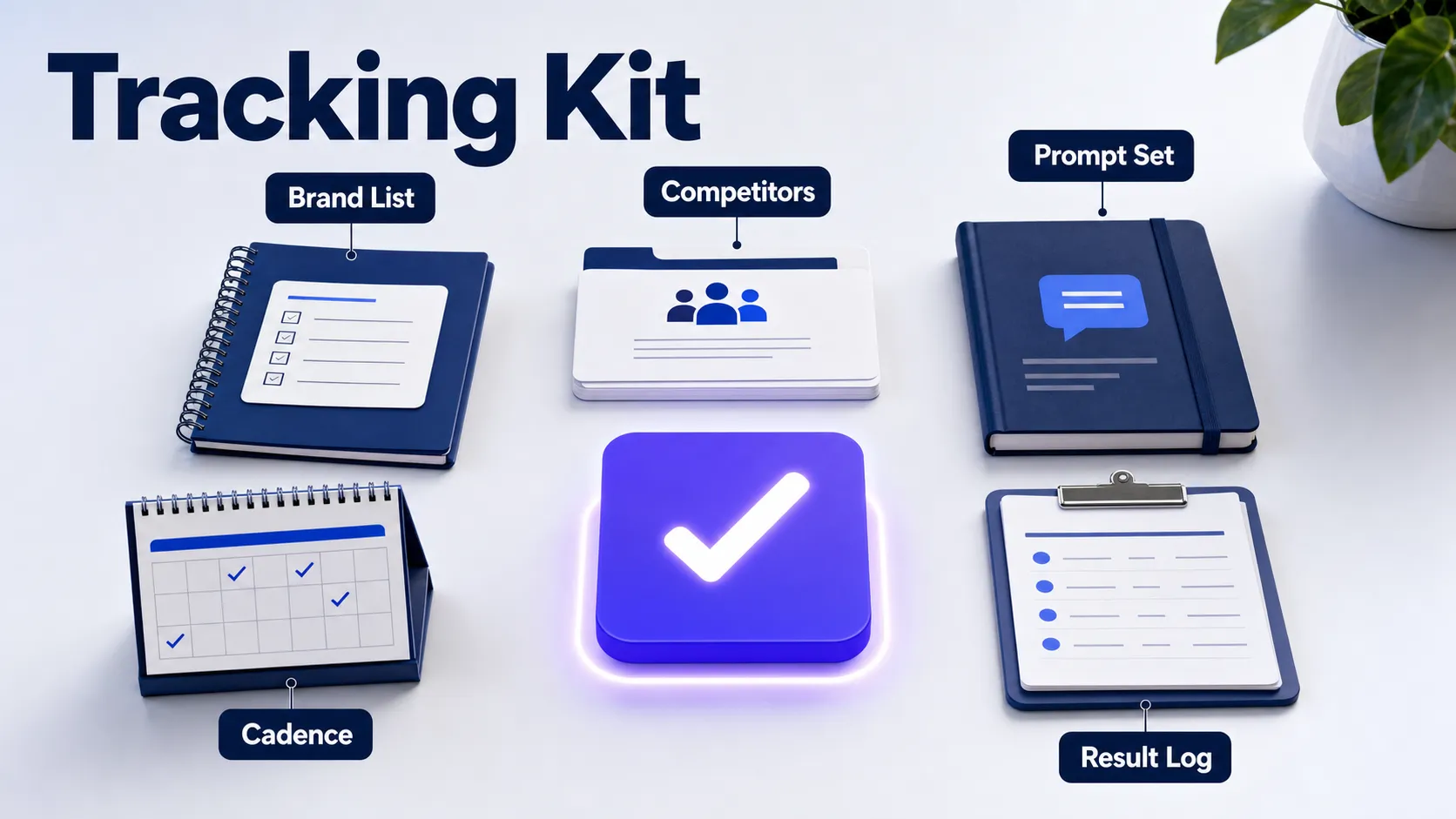
Build three lists first: your target brand names, your direct competitors, and category competitors Gemini names even when buyers don’t search for them directly.
You’ll also need a spreadsheet, a repeatable prompt library, one place to store results, and a tracking cadence. Weekly tracking is enough for most small teams, while fast-moving reputation issues or share-of-voice swings need more frequent scans.
Gemini responses vary by location, language, signed-in state, device, and time. Lock those settings now, or your report won’t tell you whether visibility changed or the testing conditions changed.
How to Track Brand Mentions in Gemini Without Noisy Data
The clean workflow has 6 steps: define prompts, choose a tracking method, standardize the testing setup, capture results, measure the right metrics, and turn the findings into action.
Step 1: Define the Brand Queries and Topics to Track
Your prompt library should reveal 4 things: whether Gemini recognizes your brand, whether it cites a source, whether it recommends competitors, and whether it frames your brand correctly.
Start with 10 to 20 prompts. Don’t start with 100. A smaller prompt set gives you cleaner learning and fewer noisy conclusions.
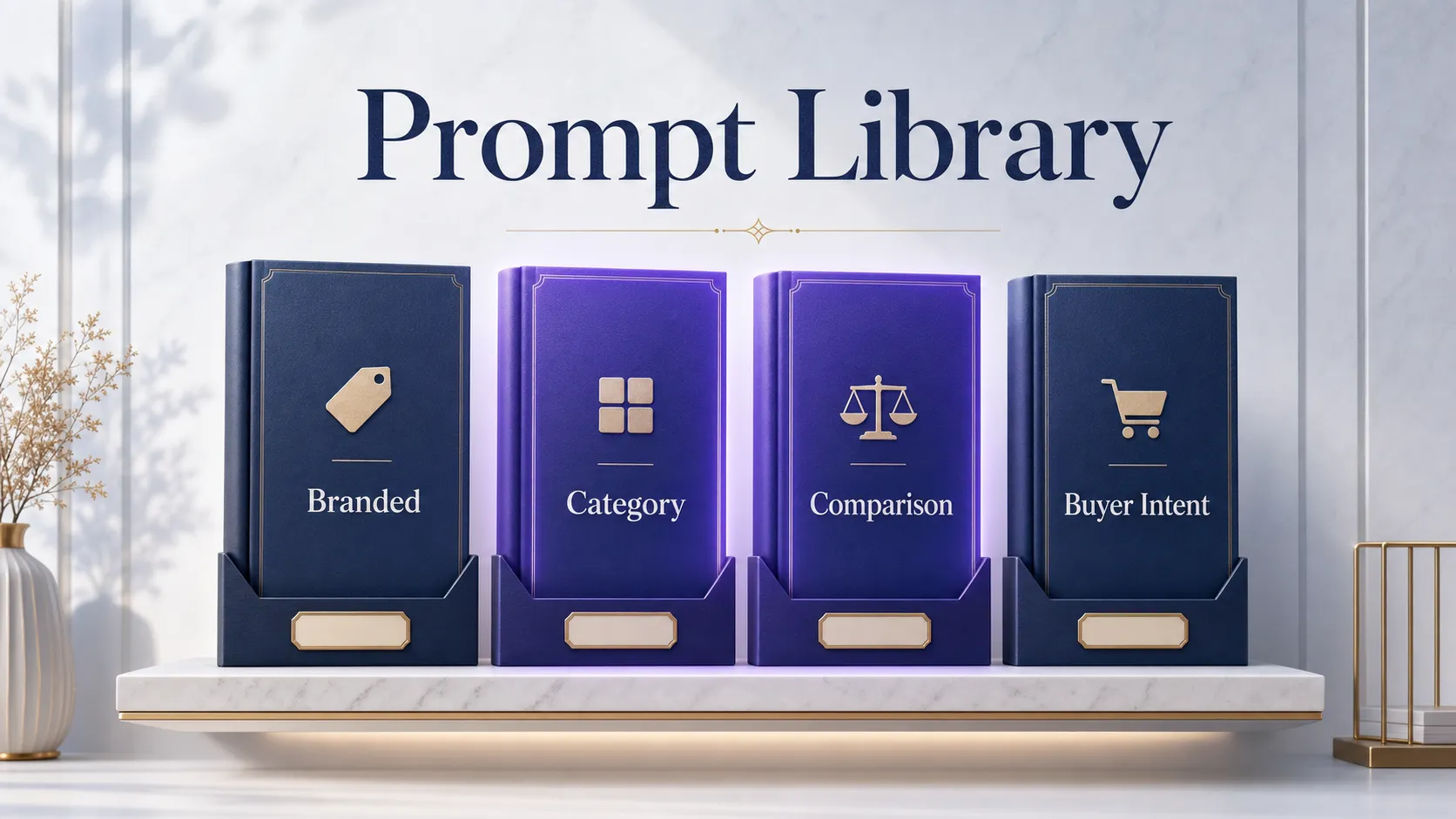
Split prompts into these buckets:
- Branded prompts, such as “Is [brand] good for [use case]?”
- Category prompts, such as “best [category] tools” or “top [category] providers.”
- Comparison prompts, such as “[brand] vs [competitor].”
- Buyer-intent prompts, such as “what should I use for [problem]?”
Category and comparison prompts expose competitor wins faster than branded prompts. A brand can look healthy in branded queries while Gemini recommends rivals for the category phrases that matter most.
Keep the wording stable. Changing “best tools for” to “top platforms for” creates prompt drift, which makes the next scan harder to compare with the last one.
For deeper context on why Gemini chooses some brands over others, use the related BrandMentions guide to brand mentions in Gemini after your first baseline is built.
Step 2: Choose Your Tracking Method
Your tracking method should match the reporting job, not the size of your ambition.
Manual checks are fine for a single market and a small query set. They break down once your team needs historical trend lines, competitor monitoring, or multiple locations.
| Method | Best Fit | What You Gain | Where It Breaks |
|---|---|---|---|
| Manual Gemini checks | 10 to 20 prompts in one market | Fast baseline, no new tool | No clean history unless you log everything |
| Spreadsheet workflow | Weekly team reporting | Shared visibility, simple trend tracking | Time-consuming competitor and citation capture |
| Gemini visibility tracker | Multiple markets, alerts, executive reporting | Scheduled scans, exports, competitor benchmarking | Quality depends on repeatable scans and citation extraction |
Tools named in the current Gemini tracking market include SE Ranking, Rankability, GEOflux, Visiblie, and Beamtrace. Judge them on repeatable scans, citation capture, competitor extraction, export quality, and location support before you judge them on price.
A tracker is a measurement system. It’s not a substitute for fixing weak sources, thin category pages, or unclear entity signals.
Step 3: Standardize the Gemini Testing Setup
Standardization removes noise, so each scan reflects the query rather than the environment.
Use the same country, language, device type, browser, and signed-in state every time. Run the checks at the same time of day when you can.
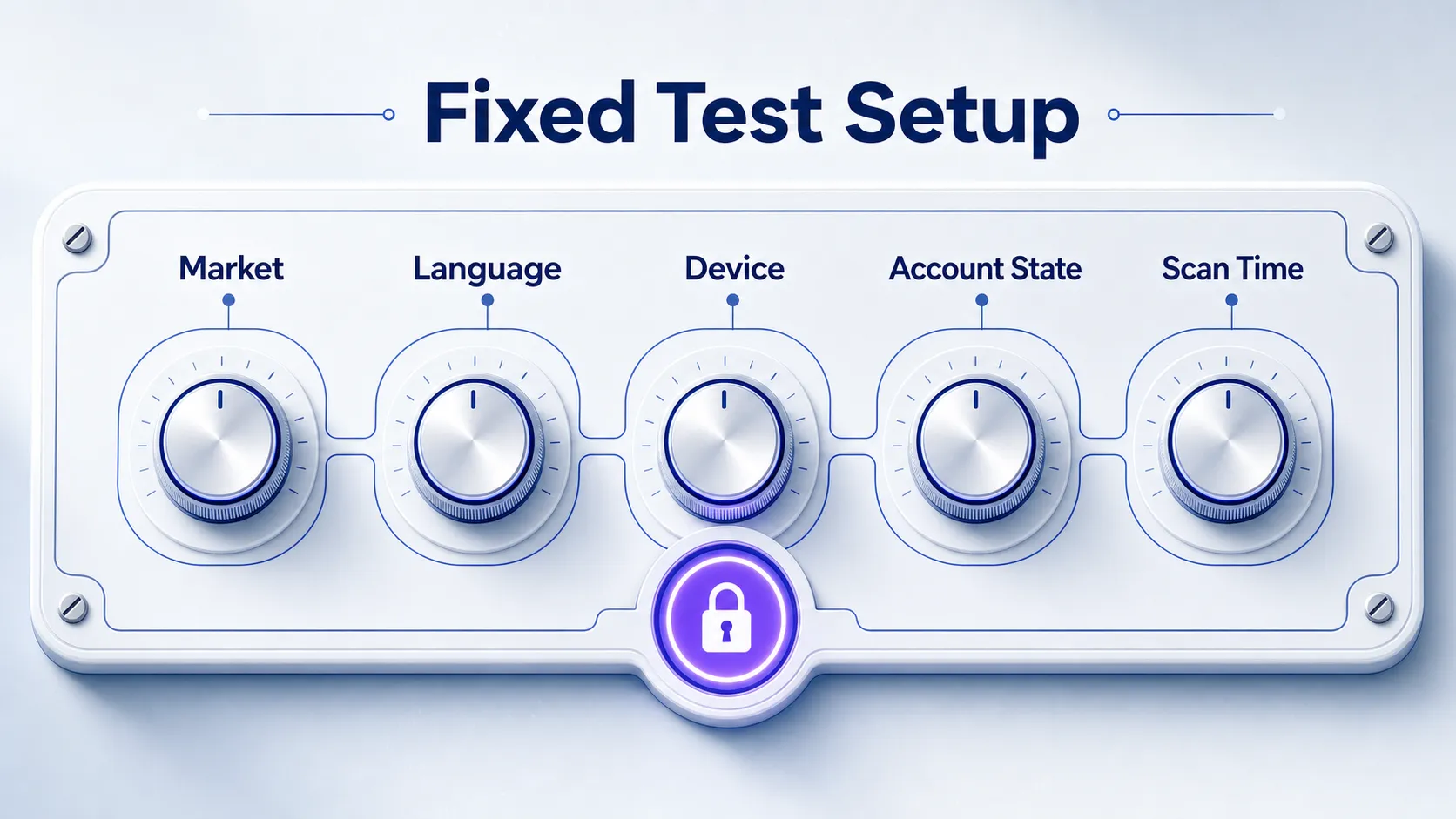
Keep prompt wording, punctuation, and ordering fixed too. If you change 3 variables at once, you won’t know which one changed the response.
Gemini can change sources and brand ordering even when the prompt looks identical. That’s why consistency matters more than volume in the first month of tracking.
Step 4: Run Gemini Queries and Capture the Results
Capture each response immediately, because Gemini answers are fluid and hard to reconstruct later.
Run one prompt at a time. Record the answer before moving to the next prompt, especially when competitors appear or the citation source changes.
| Field | What to Record | Why It Matters |
|---|---|---|
| Date and time | When the check ran | Creates a clean trend line |
| Prompt | Exact wording used | Prevents prompt drift |
| Market and language | Locale settings | Separates market behavior |
| Mention status | Named, omitted, or confused | Shows entity recognition |
| Citation URL | Source URL or cited domain | Shows what Gemini trusted |
| Competitors | Brands named in the answer | Feeds share-of-voice tracking |
| Context | First, later, positive, neutral, negative | Separates mention from recommendation |
Separate 3 outcomes every time: brand mention, citation, and recommendation. A response can mention your brand without citing it, cite a third-party page, or recommend a competitor while naming you as an alternative.
Watch for entity errors too. Misspellings, wrong company matches, outdated product names, and misattributed claims belong in the notes column, not in your main score.
If you need a broader reporting structure, the BrandMentions article on brand mentions monitoring shows how to turn raw mentions into a dashboard.
Step 5: Measure the Metrics and Review Trends
Gemini brand tracking works best when you measure movement across a fixed prompt set.
Single scans are anecdotes. Weekly and monthly comparisons show whether your brand is gaining visibility, losing citations, or being displaced by competitors.
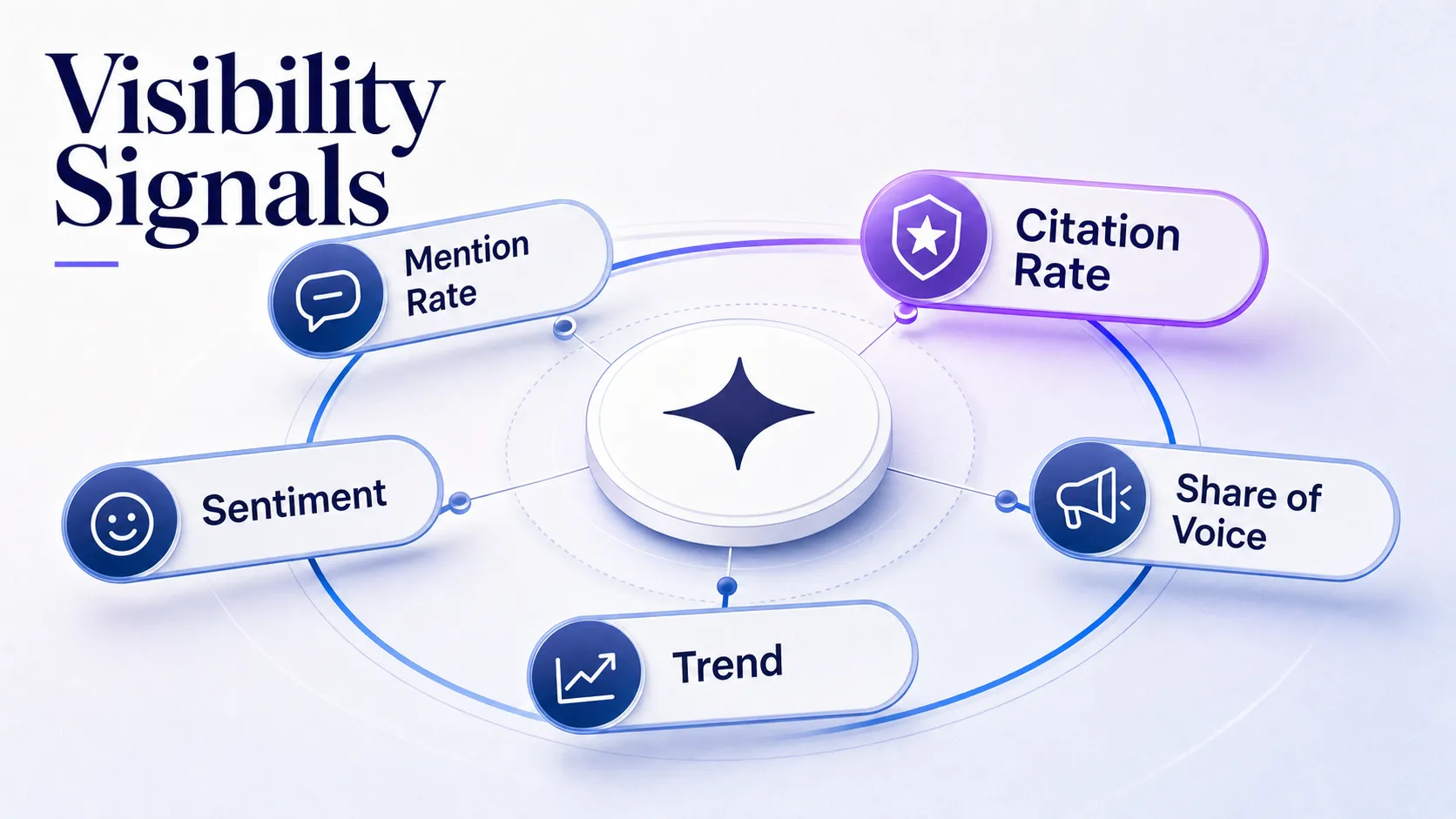
| Metric | Plain-English Definition | How to Read It |
|---|---|---|
| Mention rate | How often your brand appears across tracked prompts | Shows whether Gemini associates your entity with the topic |
| Citation rate | How often Gemini points to a source URL | Shows whether the answer has supporting sources |
| Own-source citation rate | How often your site is cited | Shows whether your content supports the answer directly |
| Share of voice | How often your brand appears compared with competitors | Shows category visibility, not only brand recognition |
| Sentiment | How the answer frames your brand | Shows whether the mention helps or hurts perception |
| Visibility score | A vendor-specific composite score | Useful directionally, not as an absolute truth |
Rising mention rate without rising citation rate usually means Gemini recognizes the entity but doesn’t yet trust the supporting sources. That’s a source-quality problem, not a prompt problem.
For the citation side of the equation, the BrandMentions guide to AI search citations explains how mentions and sources work together in generated answers.
Step 6: Use a Gemini Visibility Tracker and Turn Data Into Action
A Gemini visibility tracker scales the same workflow by scheduling scans, storing history, extracting citations, benchmarking competitors, and exporting reports.
Set alerts for 3 changes: a drop in mentions, a competitor gaining share, or a citation source disappearing. Those changes deserve action before they become a quarterly visibility problem.
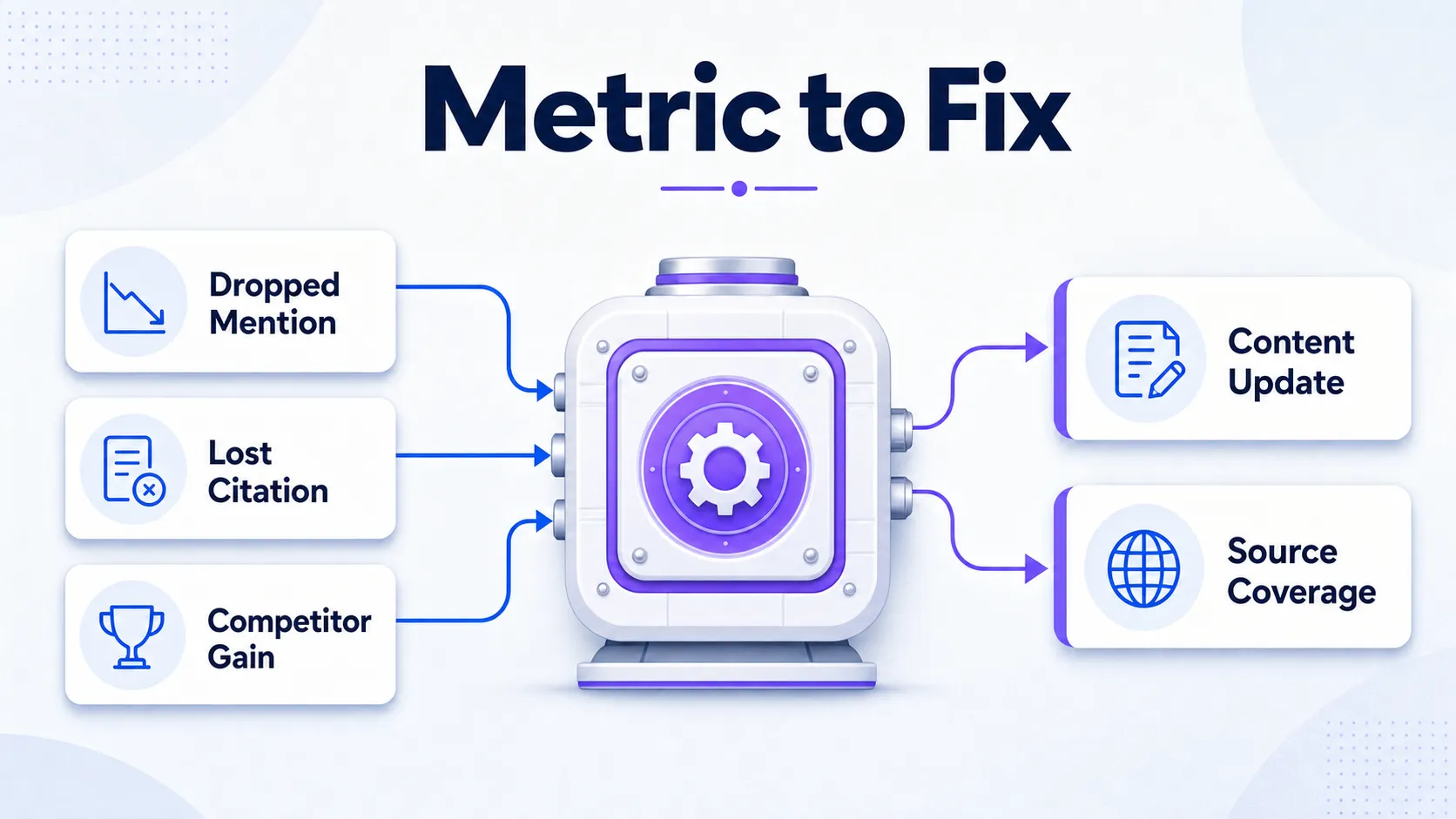
Use the data to improve weak answer-first pages, clarify entity signals, and expand source coverage on the domains Gemini already cites in your category.
Operator shortcut: teams usually get the fastest lift from improving source quality and answer-first content before expanding the prompt set. More prompts only give you more noise when the underlying sources are weak.
Keep markets separate in reports. Don’t mix United States, United Kingdom, and multilingual scans in one score unless the tracker clearly normalizes those results.
When Gemini is only one part of your visibility program, compare it with other AI engines using the BrandMentions workflow to track brands across AI engines.
See where AI answers put your brand
Twenty minutes with a senior strategist: where the major engines point buyers in your category, who gets named instead of you, and a straight read on what a programme would change.
Book a strategy callCommon Pitfalls That Distort Gemini Mention Reports
The biggest tracking mistakes come from treating Gemini like a traditional rank tracker.
Mistake 1: Treating a Mention as a Recommendation
A mention only proves Gemini named the brand.
A recommendation means Gemini framed the brand as a fit for the query. Record both, because a neutral mention buried in a list doesn’t carry the same value as a first-position recommendation.
Mistake 2: Mixing Branded and Category Prompts
Branded prompts measure recognition, while category prompts measure discoverability.
Keep them in separate tabs or separate report views. Otherwise a strong branded score hides weak category visibility.
Mistake 3: Ignoring Competitor Context
Gemini visibility is comparative when the prompt asks for options.
If your brand appears in 6 of 10 answers but the same competitor appears in 9, your report needs to show that gap. Mention rate alone won’t tell the whole story.
Mistake 4: Overreacting to One Answer
One Gemini answer is a signal, not a trend.
Use the same prompt set over time before you change strategy. Acting on a single response leads to scattered content updates and weak decisions.
What Good Gemini Tracking Reveals
Good tracking reveals a stable benchmark, clear visibility trends, competitor movement, and source-level patterns.
After 4 to 6 weekly scans, you should know which prompts consistently name your brand, which prompts cite your content, which competitors own the category language, and which source types Gemini uses most often.
That’s the point of the system. You’re not trying to prove that Gemini mentioned you once. You’re building a repeatable report that shows whether visibility is compounding.
If terms such as citation, entity mention, or share of voice need a shared definition for your team, the AI visibility glossary gives you a clean vocabulary to use in reports.
FAQ
How do I track brand mentions in Gemini?
You track brand mentions in Gemini by running a fixed set of prompts, recording whether your brand appears, logging citation URLs, noting competitors, and comparing results over time.
Use a spreadsheet for a small prompt set. Use a Gemini visibility tracker when you need scheduled scans, historical charts, alerts, or multi-market reporting.
What is the best Gemini mentions tracker?
The best Gemini mentions tracker is the one that repeats the same prompts consistently, extracts citation sources, tracks competitors, supports your target markets, and exports clean reports.
Don’t pick only on price. A low-cost tool that misses citations or can’t hold scan conditions steady gives you a weak benchmark.
How can I monitor brand mentions in Gemini?
You can monitor brand mentions in Gemini manually each week or with an automated tracker that checks your prompts on a schedule.
For example, a small team can start with 15 prompts in one market, log results every Friday, and move to automation once leadership asks for trend lines and competitor share. The BrandMentions article on monitoring Gemini mentions covers the broader monitoring setup.
Can I use a Gemini visibility tracker to monitor competitors?
Yes, a Gemini visibility tracker can monitor competitors by recording which rival brands appear in the same prompt set and how often they’re recommended.
Track competitor share by prompt type. Comparison and category prompts usually expose rival gains earlier than branded prompts.
How do I track my rankings on Google Gemini over time?
You track Gemini rankings over time by recording where your brand appears in each answer, such as first named, later named, cited, recommended, or omitted.
Gemini answers don’t behave like fixed search results, so treat position as a directional field. Pair it with mention rate, citation rate, share of voice, and sentiment before you make decisions.
Gemini tracking doesn’t need to start with a large platform. Start with fixed prompts, clean settings, and a simple log. Once you need history, alerts, competitor benchmarking, and source-level reporting, move the workflow into a dedicated tracker or an AI brand mentions program that turns the data into visibility work.