
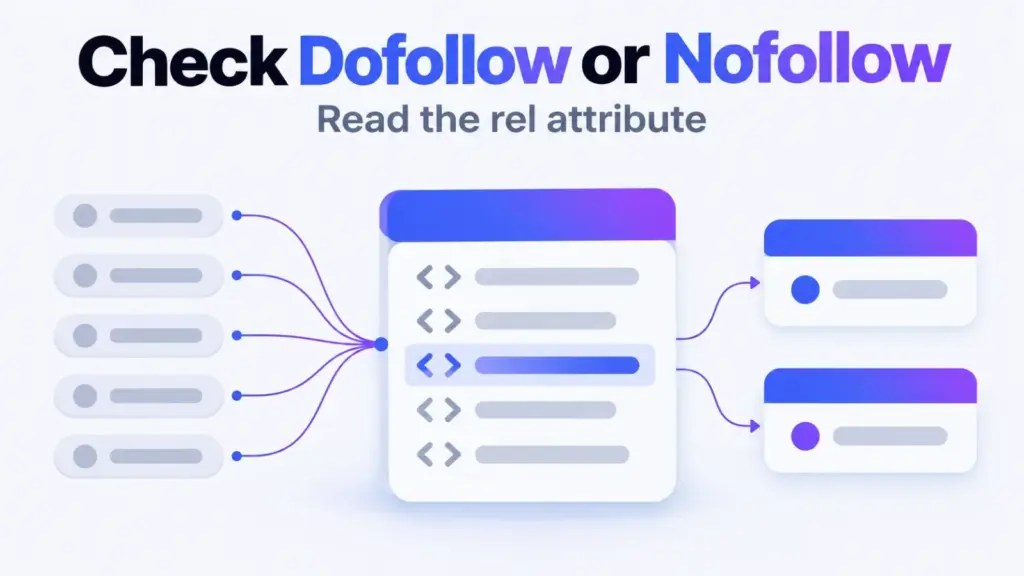

You can check dofollow or nofollow on any link in about a minute: right-click it, choose Inspect, and read the link's rel attribute. No rel value means the link is followed. A value of nofollow, sponsored or ugc means it's qualified. Then check the page's robots meta tag, because that can nofollow every link at once.
You don't need an extension or a paid crawler for this. Chrome, Edge, Firefox or Safari will do, and the method works on any page you can open.
What Each rel Value Tells You
The rel attribute on an HTML link tells search engines how the site relates to the page it points to. Google's documentation on qualifying outbound links lists three values and treats all of them as hints, not strict commands.
| What you see in the tag | What it means |
|---|---|
No rel, or only noopener or noreferrer |
Followed ("dofollow") |
rel="nofollow" |
The site doesn't want to vouch for the link |
rel="sponsored" |
Paid, affiliate or sponsored placement |
rel="ugc" |
User-generated content, such as comments or forum posts |
rel="sponsored nofollow" or similar |
Several values combined; any one of them qualifies the link |
There's no dofollow attribute. If you see rel="dofollow" in the wild, it does nothing; the link is followed because nothing qualifies it.
Check a Single Link in 5 Steps
The browser inspector is the fastest reliable check, because it shows the link as the page actually renders it.
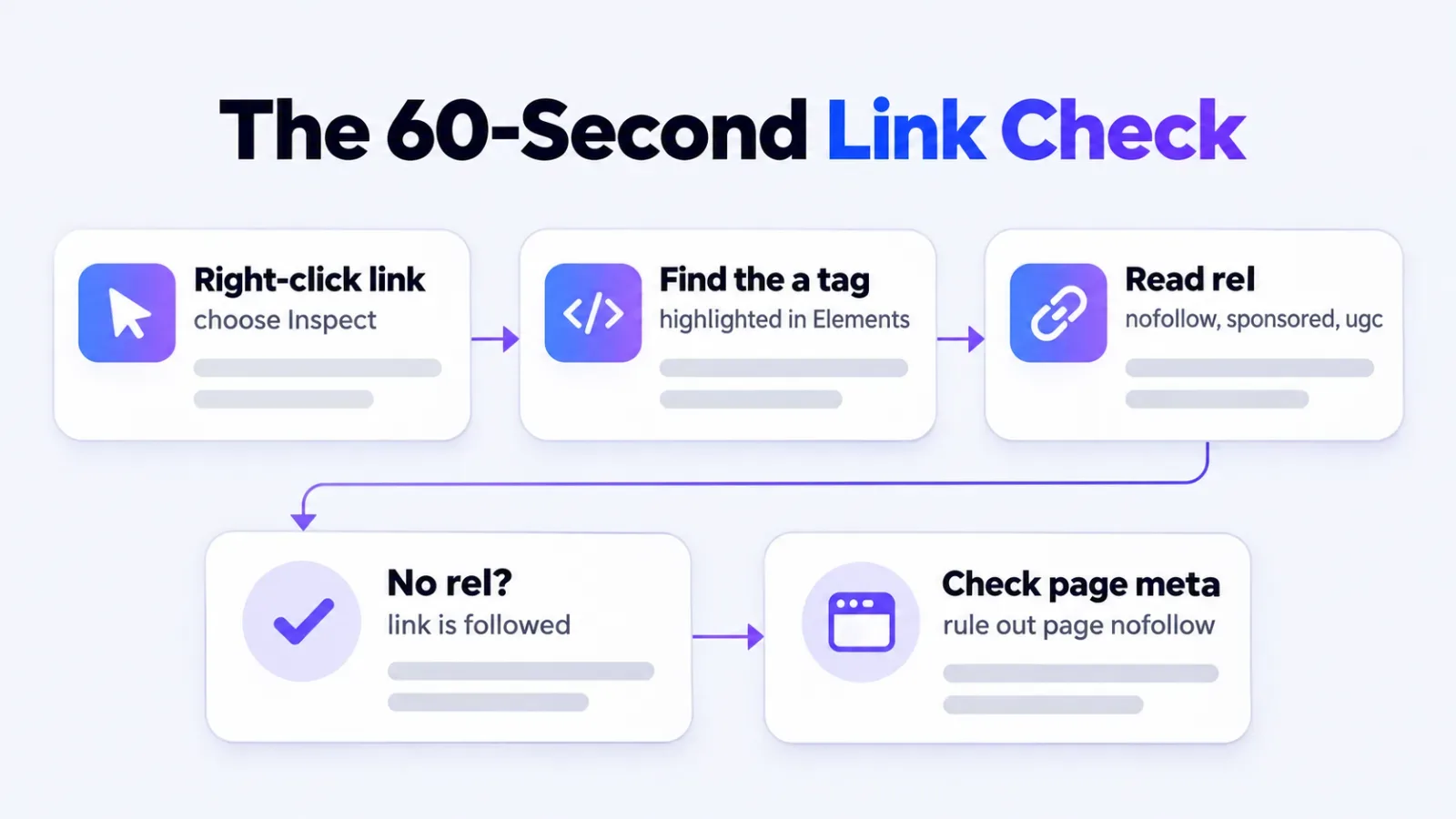
- Open the page and find the link you want to check.
- Right-click the link and choose Inspect (Chrome, Edge, Firefox). In Safari, enable the developer tools in Safari's Advanced settings first, then right-click the link and choose the inspect option.
- Find the highlighted
<a>tag in the Elements panel. It starts with<a href="...and contains the destination. - Read the
relattribute inside that tag. Match it against the table above. - Confirm it worked: hover the tag in the panel and the link should light up on the page. If a different element lights up, you've inspected a wrapper, so click the
<a>line directly.
Rule Out a Page-Level Nofollow
A page-level nofollow overrides a clean-looking link. Sites can apply it in two places, and the link tag itself won't show either one.
First, search the page source for name="robots". If its content includes nofollow, Google is asked not to follow any link on that page. Second, the server can send the same instruction in an X-Robots-Tag header. In the inspector's Network tab, reload, click the first document request and read the response headers.
Skip this step and you'll log placements as followed that aren't. It's the most common miss on syndicated and press-release pages.
Why View Source and Inspect Can Disagree
View Source shows the HTML the server sent; Inspect shows the page after JavaScript has run. When the two disagree, a script is adding or changing rel values after load.
Some publishers do this to every outbound link, so the source looks followed while the rendered page says nofollow. Google renders JavaScript, so trust the Inspect result when they differ. Check both on any placement that matters to you.
Misreads That Make a Link Look Followed
Most wrong answers come from reading the right tag the wrong way. Watch for these:
noopenerandnoreferrerare security and privacy values, not nofollow.- A redirect link through the publisher's own domain can be fine in the tag but blocked elsewhere.
- Lazy-loaded comment sections often add
ugconly after they load. - Cached or AMP versions of a page can carry different attributes from the live page.
- A link in an image carries its
relon the wrapping<a>, not the<img>.
What to Do When an Earned Placement Comes Back Nofollow
A nofollow on an editorial placement isn't a failure. The mention still reaches readers, and Google says it treats the attribute as a hint rather than a block. If the link sits in the article body and the outlet's policy is nofollow sitewide, keep it and move on.
Ask for a change only when the label looks wrong, such as sponsored on coverage nobody paid for. If you're judging placements by follow status, read how editorial link building earns authority first, and if a vendor is handling placements for you, set checks like this one into the brief when you outsource link building work.