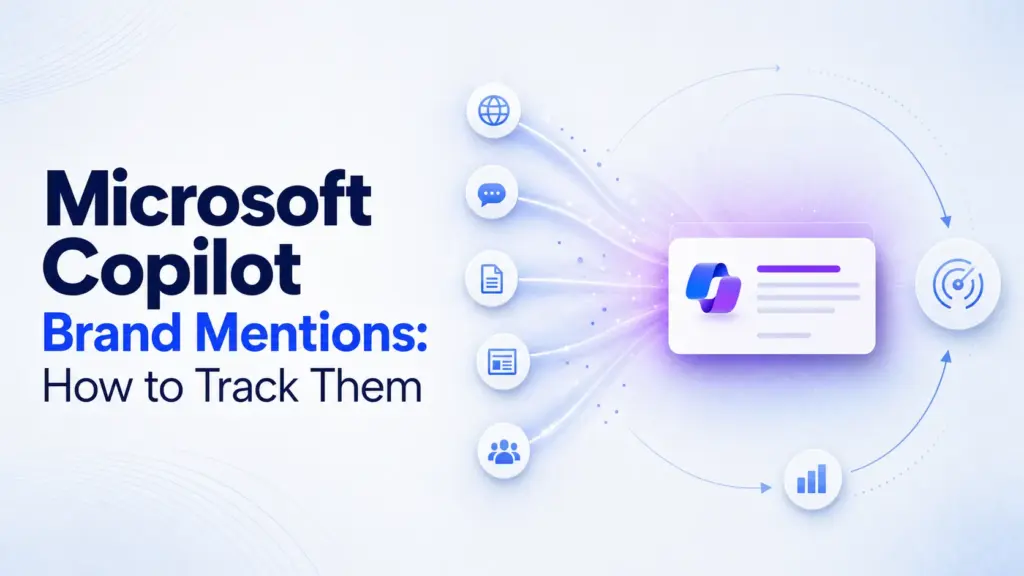

If you want Microsoft Copilot to mention your brand more often, you tune the signals Copilot sees and track the results on a schedule. Mention frequency is influenced by which Copilot surface you target, how clean your Brand Kit and web signals are, and how consistently you test prompts, but no tactic guarantees a mention. This is an action guide, not a definition piece.
You will set up the right inputs, run repeatable prompt tests, and build a monitoring workflow you can defend to a stakeholder. Copilot pulls heavily from Bing-grounded sources, so your external authority matters as much as any in-product setting.
What You Need Before You Start
Get five things in place before you test a single prompt. Teams lose the most time here because they start prompting before permissions, naming, and asset governance are settled.
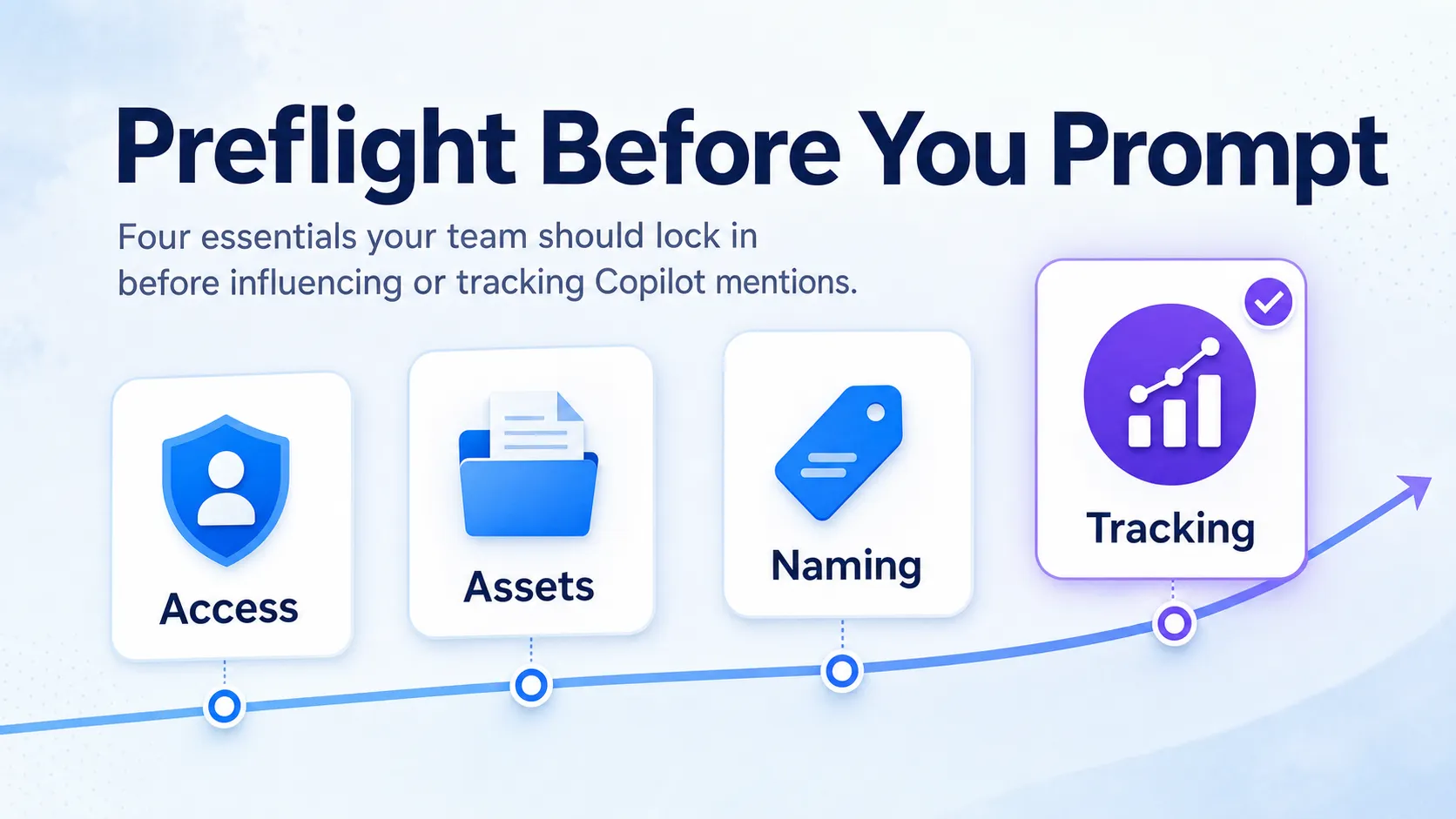
- Confirm access to the right Microsoft environment: Microsoft 365 Copilot, Copilot Chat, or the Create experience.
- Line up permissions: admin, brand manager, or delegated editor access for any Brand Kit work.
- Gather approved inputs: logo files, brand colors, fonts, voice guidelines, and approved positioning statements.
- Set one source of truth for the brand name, product names, tagline, and category wording.
- Decide your tracking method from day one: a spreadsheet, a dashboard, or a dedicated brand monitoring tool.
That last point matters more than it looks. If you cannot record what you saw on a given day, you cannot prove whether a change helped. Pick your tracking format before you run the first test, not after.
Step 1: Confirm Which Copilot Surface You’re Targeting
Decide the exact Copilot experience you care about before you optimize anything. Microsoft ships “Copilot” across many surfaces, and a result in one does not carry to another. The most common measurement mistake is mixing up “Copilot answered with our brand” and “Copilot used our brand assets.”
Name your goal in one line: a brand mention inside an answer, a citation or source reference next to an answer, or on-brand content generation using your assets. Those are three different outcomes with three different levers.
| Surface | What it does | What you can influence |
|---|---|---|
| Microsoft 365 Copilot | Works inside Word, Excel, PowerPoint, Outlook, and Teams using tenant data | On-brand content generation via Brand Kit and Organization Assets Library |
| Copilot Chat | Answers open questions, often grounded in Bing web results | Whether your brand is mentioned or cited in category and problem answers |
| Copilot Create / Designer | Generates branded images, posters, and templates | Visual brand consistency from your Brand Kit assets |
Personal Microsoft accounts and tenant-managed work accounts behave differently, and Brand Kit access lives in different places for each. Track each surface separately if more than one matters to you, and label every test with the surface it came from.
Step 2: Set Up or Validate Your Brand Kit
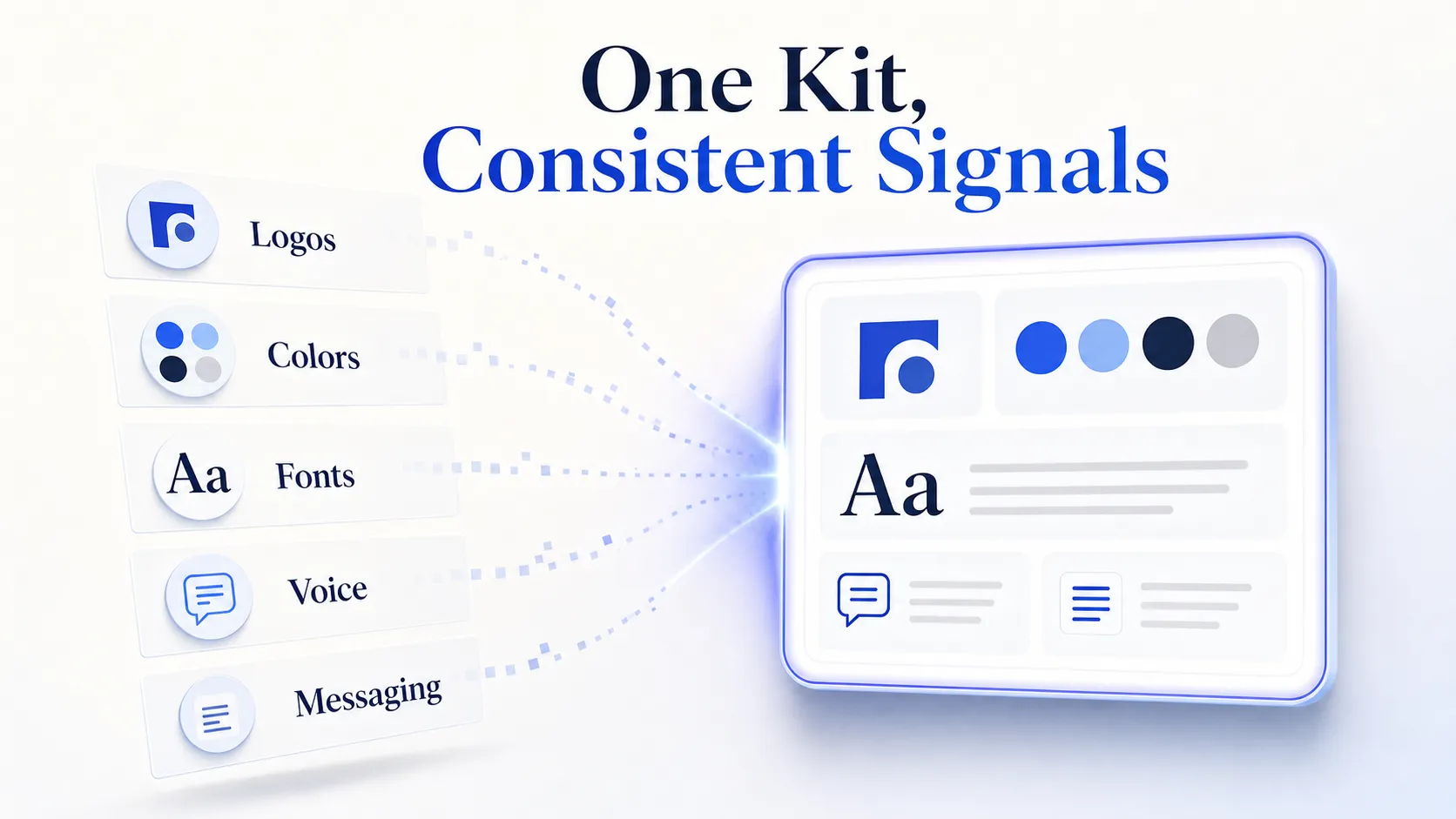
A Brand Kit gives Copilot clean, consistent brand signals to work with inside Microsoft’s own tools. It stores logos, colors, fonts, templates, brand voice, style rules, and approved messaging so generated content stays on brand by default. Setting one up improves consistency, but it does not by itself guarantee a mention in a Copilot answer.
Step 2a: Create or Review the Brand Kit in Copilot Create
Open the Create flow in the Microsoft 365 Copilot app and start a new official Brand Kit, or review the one already published. Add your core assets in one pass so the kit reflects a single approved standard: logos, color palette, fonts, templates, brand voice, style rules, and approved messaging. If you already have a brand guidelines document, Copilot can extract branding elements from it, then let you refine before publishing.
Step 2b: Confirm You Have the Right Access
Brand Kit editing depends on the Enterprise Brand Manager policy being enabled and the correct role or Microsoft Entra security group assigned. Only designated brand managers can edit, rename, and publish an official Brand Kit, and an IT administrator grants that access. If the option is missing, this is usually why.
Step 2c: Verify the Kit Is Published and Visible
A Brand Kit only helps once it is published and reaching the intended users. Confirm the kit shows up in the Create experience for a test user in the tenant, then generate one branded asset to check it applies. Permissions can take up to 24 hours to propagate after a brand manager is designated, so build that lag into your rollout plan.
The strongest Brand Kit wins come from cutting naming drift and asset inconsistency, not from adding more decorative materials. A kit that fixes “how the brand is written and shown” beats a kit stuffed with variants nobody uses.
Step 3: Strengthen the Signals Copilot Is Most Likely to Use
Copilot Chat answers lean on Bing-grounded web sources, so your external brand signals shape whether you appear in an answer. Microsoft does not publish an exact ranking formula, so the goal is signal quality, not formula hacking. Focus on the signals that make your brand easy to identify and easy to trust.
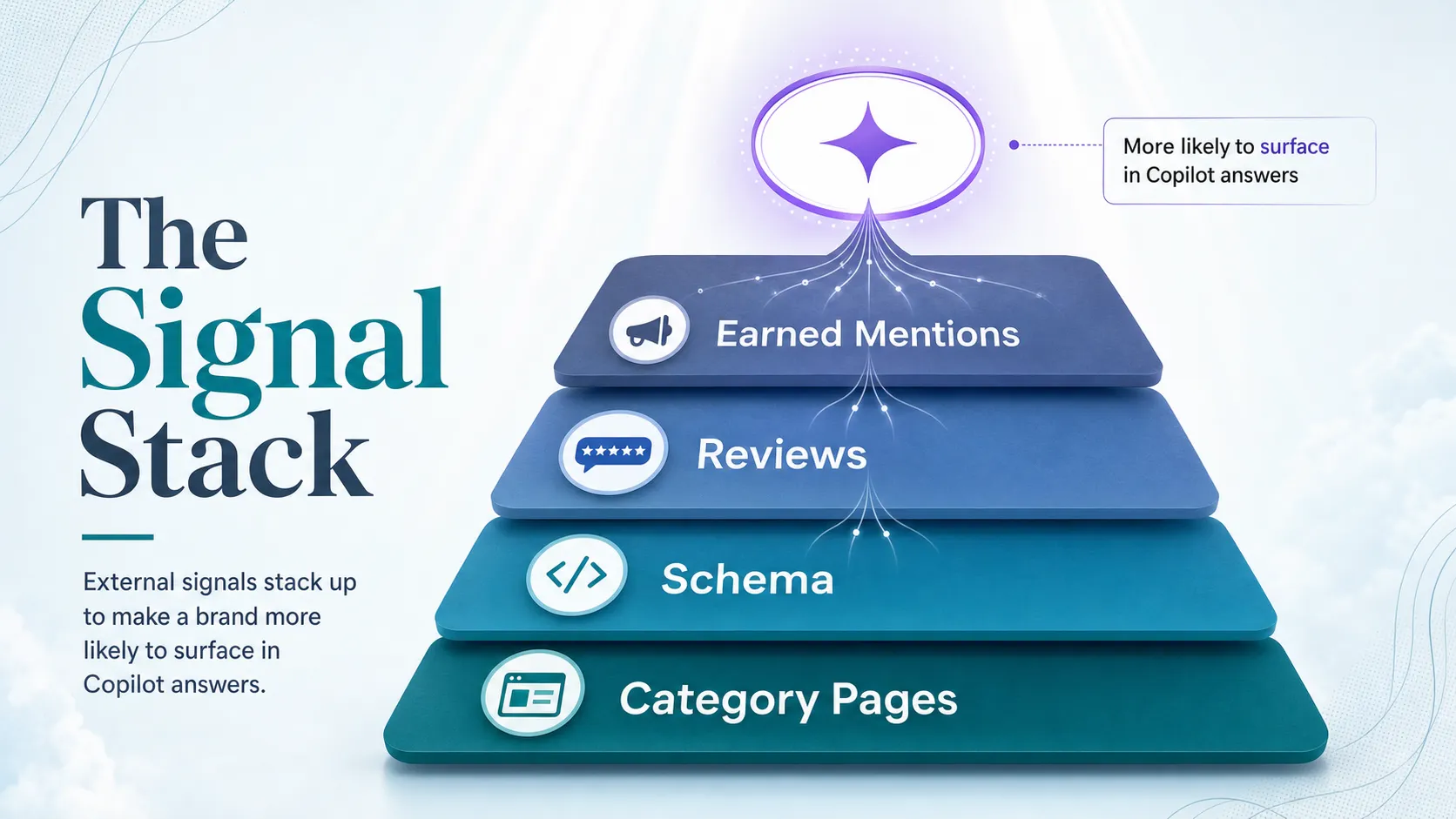
- Publish clear, authoritative website pages that state who you are, what you do, and the category you belong to.
- Add relevant entity schema where it fits: Organization, Product, or LocalBusiness for physical locations.
- Keep brand name, product names, location details, and category wording consistent across the web.
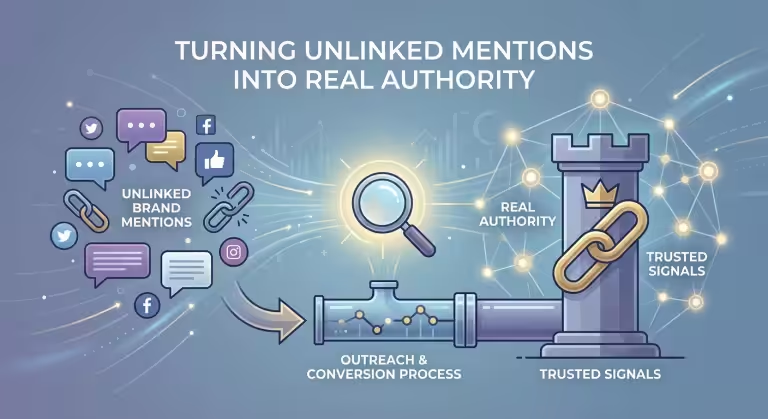
- Build third-party proof: reviews, credible industry listings, earned media, and mentions on sites Bing indexes.
In audits, a clear category page plus a few strong earned mentions usually beats scattered, inconsistent brand references. If your own site cannot state your category in plain words, an answer engine will struggle to place you in one. For a deeper playbook on this, see our guide on increasing brand mentions in AI search.
Step 4: Test Prompt Scenarios to See Whether Copilot Mentions Your Brand
Run repeatable prompts to check whether Copilot actually surfaces your brand, then keep the wording stable so results stay comparable. Copilot output can vary day to day, so a test is only useful when the prompt and context stay consistent. Use three prompt families and cycle them on a schedule.
Step 4a: Build Three Prompt Families
Category prompts ask for options in your space (“best tools for X”). Competitor prompts name a rival and ask for alternatives. Problem-based prompts describe the buyer’s pain without naming any brand. Together they show whether you appear when someone shops the category, evaluates a competitor, or searches by problem.
Step 4b: Hold the Conditions Constant
Run the same prompts on the same Copilot surface at the same cadence. Change the wording and you change the test, so lock the phrasing once and reuse it. If you want to trial a new prompt, add it as a new row rather than editing an old one.
Step 4c: Record What You Saw
For each run, note whether the brand appears, where it lands in the answer, and whether it is cited with a source or only mentioned in passing. Capture the date, account type, region, and any response variation so the test is auditable later. A screenshot beats a memory when a stakeholder asks how you know.
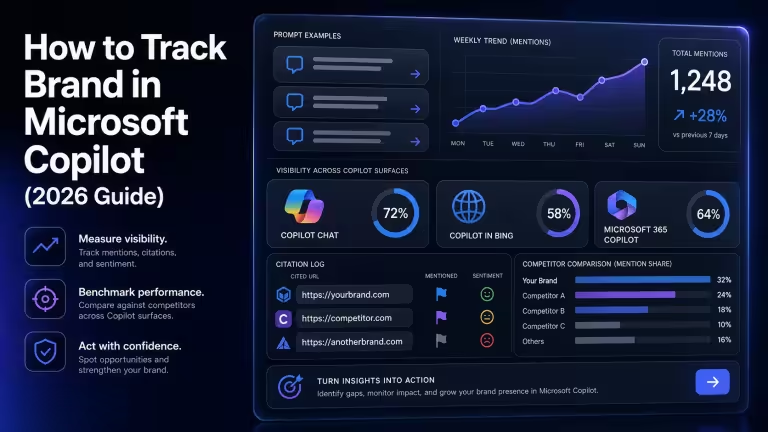
Our step-by-step walkthrough on tracking a brand in Microsoft Copilot covers prompt logging in more detail if you want a ready template.
Step 5: Set Up a Tracking Workflow for Mentions and Source Quality
Build a monitoring process that runs on a cadence instead of a one-off check. The goal is a durable record that shows mention frequency over time and, just as important, which sources Copilot keeps citing. Tracking only the answer text is not enough; the useful pattern is which sources drive mentions and which prompts trigger changes.
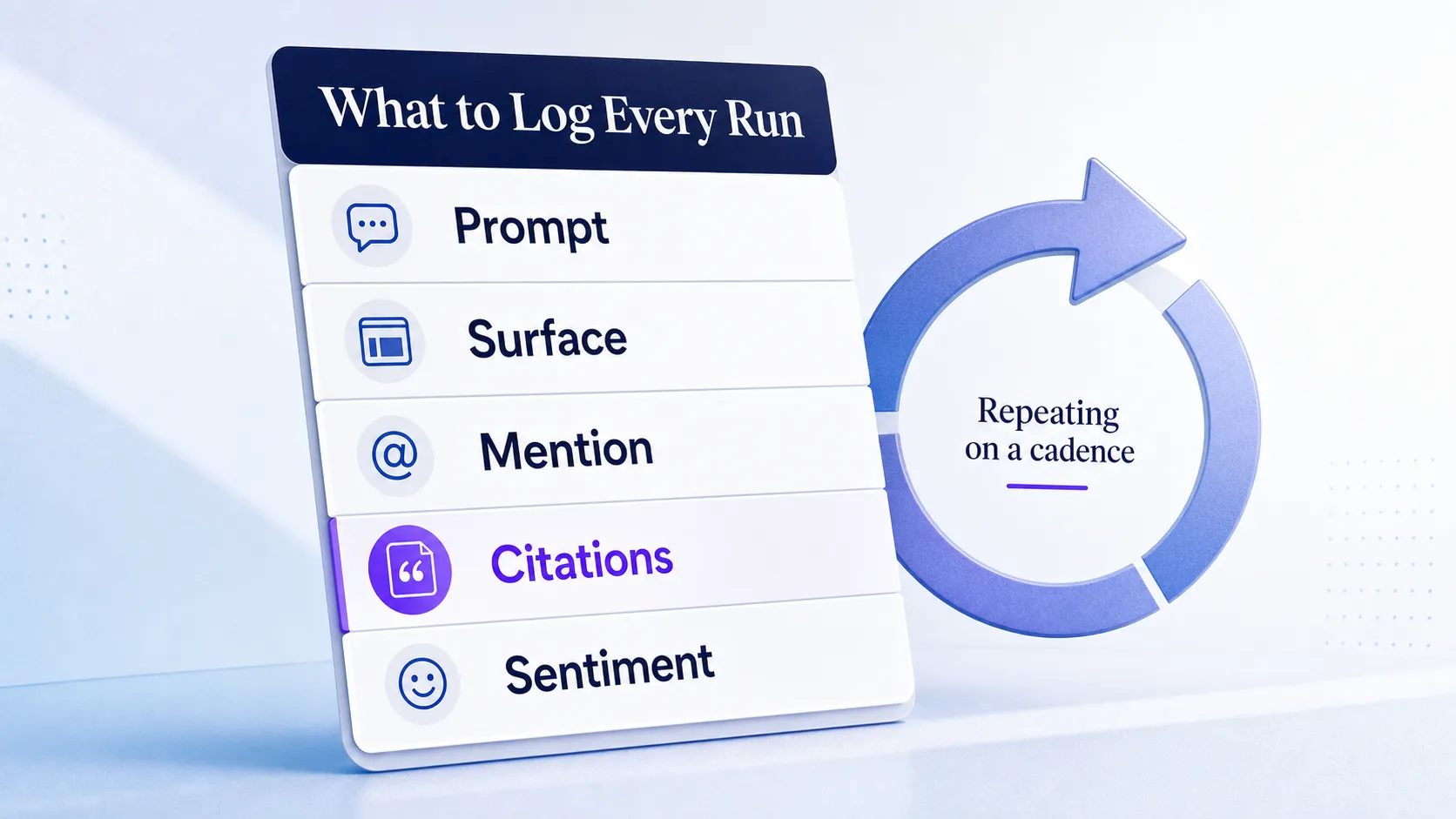
Manual tracking in a spreadsheet works fine at low volume. Dedicated brand tracking tools earn their keep once you run many prompts across surfaces or need to report weekly. Whichever you pick, capture the same fields every time.
| Field | Why it matters |
|---|---|
| Prompt and surface | Keeps runs comparable and tied to the right Copilot experience |
| Date and account | Explains variation and makes the record auditable |
| Mention yes or no, plus position | Shows whether you appear and how prominently |
| Citations and source URLs | Reveals which domains Copilot pulls from |
| Source quality | Flags whether sources are owned, earned, or third-party |
| Competitors named and sentiment | Frames your position against rivals |
Run the log weekly or monthly depending on volume and priority. Save screenshots or exports when you can, so the record holds up when someone challenges it. Our broader guide to brand mentions monitoring shows how to turn these fields into a live dashboard.
Step 6: Compare Mentions Against Competitors and Source Patterns
Read the tracking data to find your next move, not just to confirm one appearance. The real insight is not “Did we get mentioned once?” but “What pattern keeps driving or blocking mentions in this category?” Compare mention frequency by competitor, topic, and prompt type.
| Metric | Your brand | Competitor A | Competitor B |
|---|---|---|---|
| Mentions across 20 prompts | Count | Count | Count |
| Cited with a source | Count | Count | Count |
| Framing | Leader, alternative, or fallback | Leader, alternative, or fallback | Leader, alternative, or fallback |
| Top source domains | Domains | Domains | Domains |
Calculate a lightweight share of voice by dividing your mentions by total brand mentions across the same prompt set. Then review sentiment and framing: being named as a fallback option is not the same win as being named the leader. Identify the domains Copilot returns most often, and flag weak or low-authority sources that you can outrank with better owned pages or stronger earned coverage.
Turn the findings into action. If a competitor wins problem-based prompts, your problem-solution pages are thin. If Copilot cites third-party sources you cannot control, earn better mentions on the sites it already trusts. For the wider measurement view across engines, see how to track brand mentions in AI search results.
See where AI answers put your brand
Twenty minutes with a senior strategist: where the major engines point buyers in your category, who gets named instead of you, and a straight read on what a programme would change.
Book a strategy callTips, Common Pitfalls, and What Success Looks Like
A few predictable mistakes break this workflow. Fix them early and the data stays trustworthy.
Don’t Optimize Only for Bing Rankings
Bing grounding matters, but ranking one page on Bing does not force Copilot to name you. Copilot synthesizes across sources and framing, so treat Bing visibility as one input, not the whole game.
Watch for Silent Naming Drift
Inconsistent brand and product naming quietly splits your signal. If half the web calls you one name and half another, an answer engine sees two weaker entities instead of one strong one. Your source-of-truth naming from the prerequisites fixes this.
Know the Difference Between a Mention, a Citation, and a Recommendation
A mention names your brand in the answer text. A citation links your page as a source. A recommendation actively suggests you as the choice. They are not interchangeable, and tracking them as one number hides where you are actually winning or losing.
Don’t Expect Instant Change
One Brand Kit update or one content refresh will not move answers overnight. Copilot reflects the wider web over time, so judge progress across weeks of consistent logging, not a single check.
Success looks concrete: more consistent mentions across your prompt set, a repeatable monitoring cadence, a clear picture of which sources Copilot cites, and a short list of the assets and authority signals most associated with your visibility. The teams that improve fastest log the same prompts every month and fix the source gaps the data exposes.
FAQ
How do I add the Brand Kit option to Copilot?
Enable the Enterprise Brand Manager policy for your tenant, then assign a Microsoft Entra security group to control who can manage the kit. Once the policy is on, designated brand managers create and publish the Brand Kit through the Create experience in the Microsoft 365 Copilot app. Access and licensing prerequisites must be met first, so confirm those with your IT administrator before you start.
Why is Brand Kit not showing in Microsoft 365 Copilot?
The most common cause is a missing policy or role: the Enterprise Brand Manager policy is not enabled, or your account is not in the assigned security group. Personal Microsoft accounts also behave differently and access brand assets through Microsoft Designer rather than work-tenant Copilot. Check licensing, policy status, and app version before assuming a bug.
How long does it take for Brand Kit permissions to propagate?
Brand manager access can take up to 24 hours after designation, and full policy and permission syncing across Microsoft 365 can run to 24 to 72 hours. Plan your rollout with that lag in mind and verify with a test user before you announce the kit internally. If the option is still missing after that window, revisit the policy and group assignment.
Can I track Microsoft Copilot brand mentions manually?
Yes. A spreadsheet with fixed prompts and consistent fields works well at low volume. Log the prompt, surface, date, whether the brand appeared, its position, any citations, and the sources named, then run the same set weekly or monthly. Move to dedicated tooling once volume or reporting demands outgrow manual capture.
What is the difference between a Copilot mention and a citation?
A mention is when Copilot names your brand inside the answer text. A citation is when Copilot links your page as one of the sources behind that answer. You can be mentioned without being cited, and cited without being named prominently, so track both separately to see the full picture.
Start where the data is clearest: run your top buying question in the Copilot surface that matters most, and note whether your brand shows up at all. Then publish or review your Brand Kit, tighten your category page and naming, and open a monthly log so you can see movement instead of guessing at it. Consistent mentions in Copilot are earned over weeks, not switched on in an afternoon. See where your brand stands in AI search and build the tracking cadence from there.