
Most Perplexity tracking guides walk through how to set up a prompt workflow. Fewer answer the question that determines whether the resulting data is useful: which metrics actually matter once you have the data. Raw mention counts alone are close to meaningless without three supporting numbers alongside them. This page breaks down the metrics worth tracking and what each one tells you that a simple mention count doesn’t. For the step-by-step setup workflow itself, see how to track brand mentions in Perplexity.
The Four Metrics That Matter More Than Raw Mention Count
Citation Rate (Not Just Mention Rate)
Being named in the answer text and being cited as a numbered source are different outcomes with different value. A mention with no citation builds entity recognition; a citation drives an actual click. Track both separately — a brand that’s mentioned often but rarely cited has a source-quality problem, not a visibility problem.
Competitive Share of Answer
Out of the prompts where any brand in your category gets named, what percentage name you versus a specific competitor? This number, tracked over time, shows whether you’re gaining or losing ground — a single week’s mention count doesn’t.
Source Recency of What Gets Cited
Since Perplexity’s retrieval favors fresh content, track how old the pages are that get cited in your category — yours and competitors’. If competitor citations are consistently from pages updated in the last 60 days and yours aren’t, that’s a leading indicator of losing ground before mention share actually shifts.
Prompt-Level Consistency
A brand mentioned in 8 of 10 runs of the same prompt is a stable signal. A brand mentioned in 2 of 10 runs is noise that needs more sampling before you act on it. Track the consistency rate per prompt, not just a single-run result.
Turning These Into a Simple Scorecard
A workable monthly scorecard needs only four numbers per tracked prompt: mention rate, citation rate, competitive share, and source-age gap. Teams that track raw mention count alone consistently misread noise as trend — the four-metric view is what actually separates signal from a single lucky (or unlucky) prompt run.
What Tracking Brand Mentions in Perplexity Actually Means
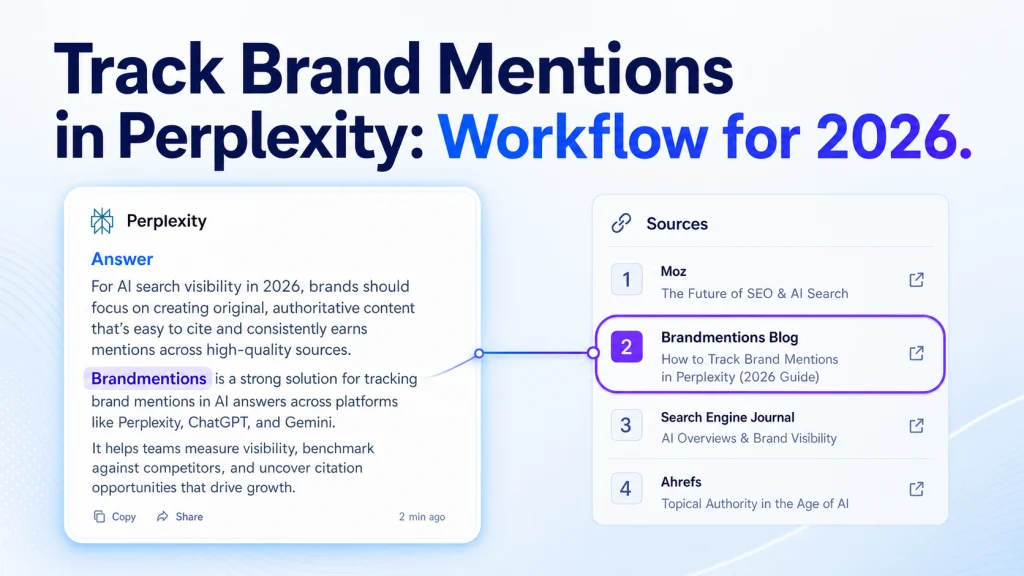
A brand mention in Perplexity is your brand name appearing in the answer text, even when your site is not linked. A citation is different: it is a source Perplexity shows in its numbered footnote list, and that source may or may not be your own domain. The two move independently. You can be named in the answer without being cited, and you can be cited as a source without being named in the prose.
The link or referral is the outcome you actually care about, but it sits downstream of both. A citation to your domain can send a click. A mention without a citation builds awareness but sends no one anywhere. Treating all three as one number is the first mistake most teams make.
Perplexity is easier to track than ChatGPT or Google AI Overviews for one reason: the source layer is visible. Every answer shows its inline numbered references, so you can read exactly which domains shaped the response. That visibility is the whole reason a measurable workflow exists here. You are not guessing what the model read. You can see it.
| Signal | What it is | Where you find it |
|---|---|---|
| Mention | Your brand name in the answer text | The generated paragraph |
| Citation | A source domain Perplexity references | The numbered source list |
| Link or referral | A citation to your own domain that can send a click | The source list, when the domain is yours |
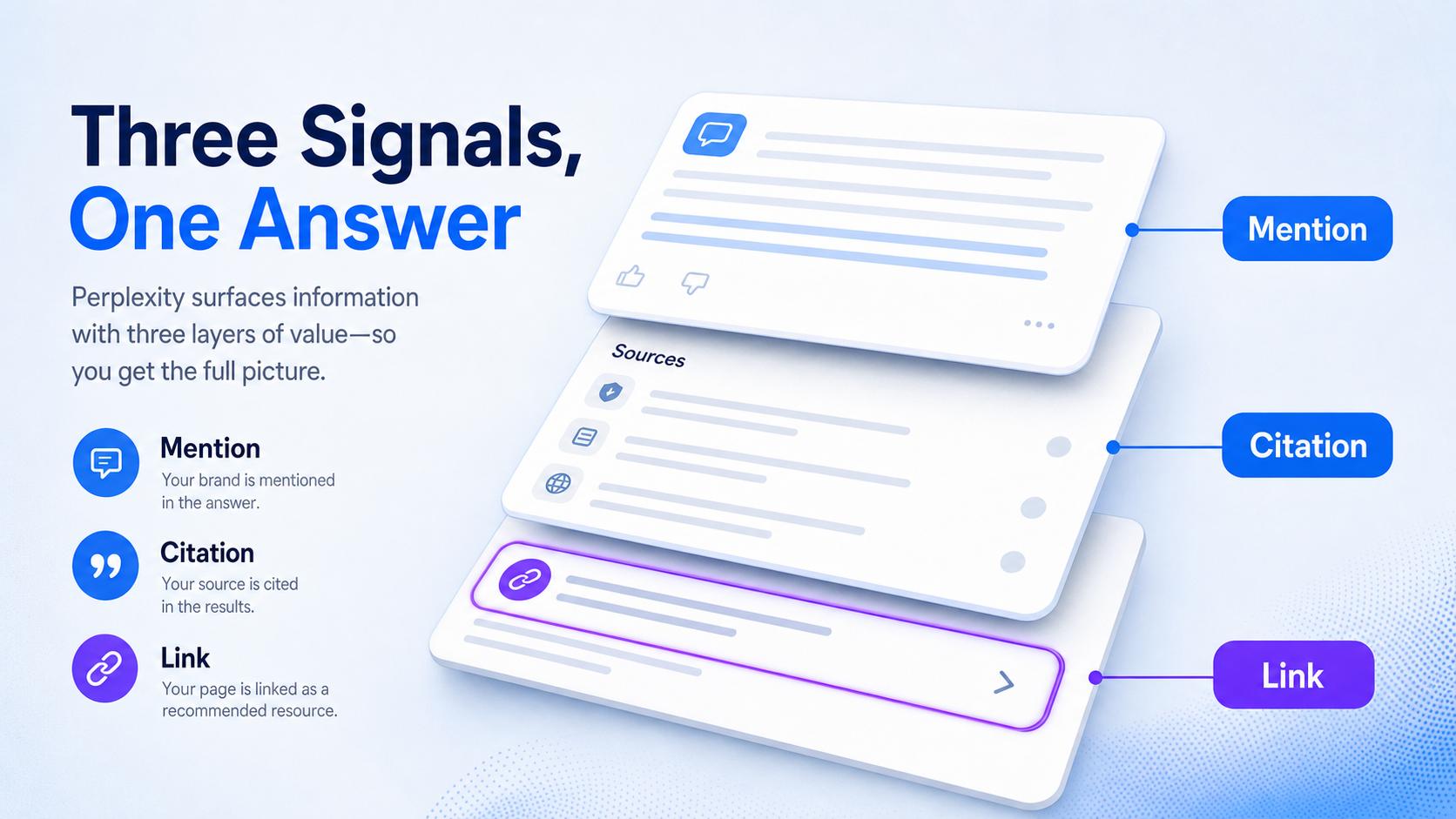
Here is how a practitioner tags a result fast. Run the prompt, read the answer for your brand name, then scan the source list for your domain. If your name is there, mark mention yes. If your domain is in the sources, mark citation yes. Note the highest-placed source domain and any competitor names in the answer. That is under 30 seconds per query once the sheet is set up.
What You Need Before You Start
Set up a clean test environment first, because messy inputs produce data you cannot compare next week. The setup is light. You need your terms, your rivals, a sheet, a consistent session, and a cadence.
Walk this checklist before your first run:
- Your brand variants: company name, product names, common abbreviations, and frequent misspellings.
- A competitor list of 3 to 5 brands that surface in real buyer comparisons.
- A tracking sheet in Google Sheets or Airtable with columns for query, date, brand mention, citation, source domain, competitor mentions, and notes.
- One Perplexity account or browser profile used consistently, with language, location, and login state fixed.
- A decided cadence: a baseline run now, then weekly or monthly checks.
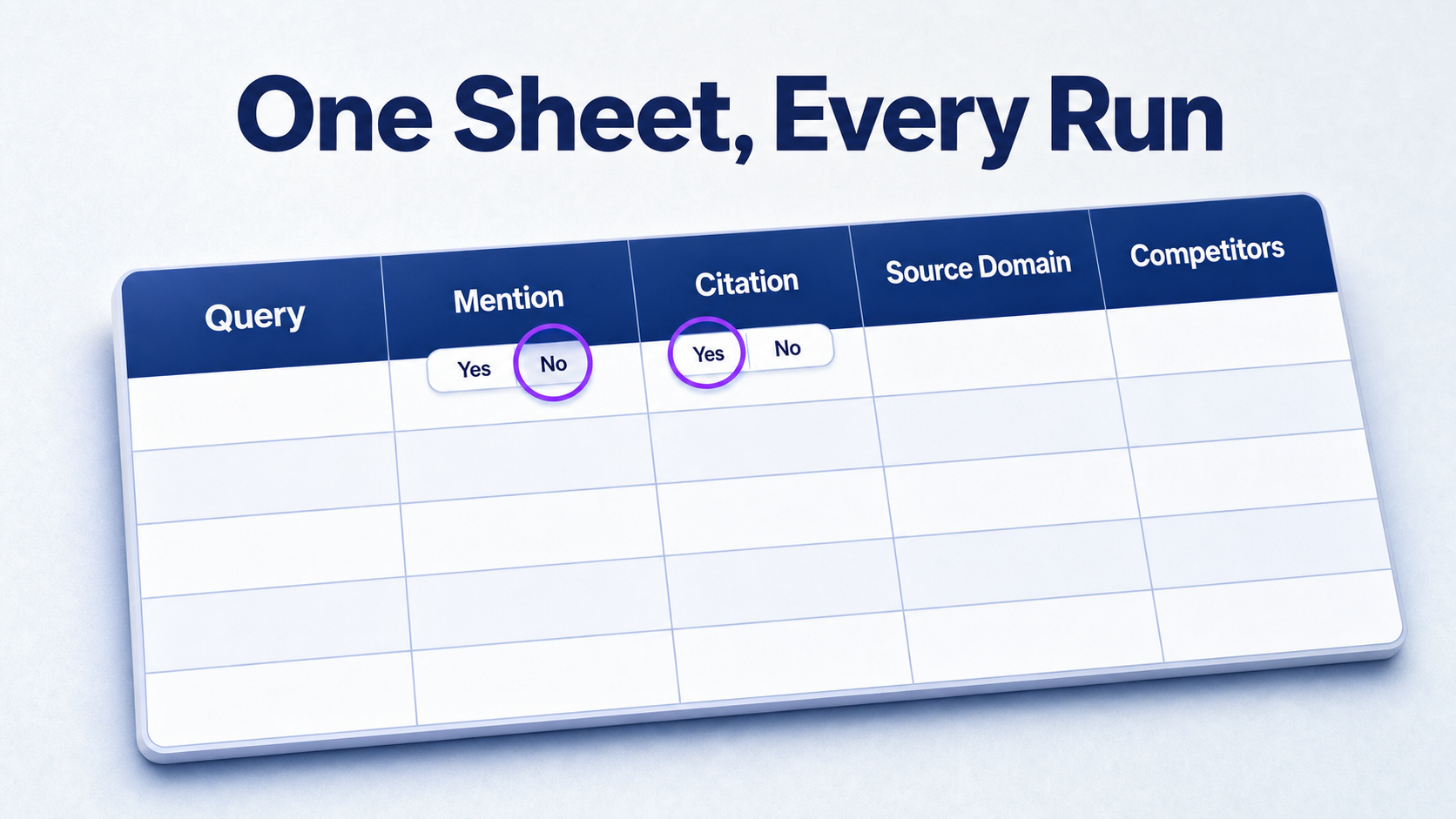
Seed your first prompts from live buyer language, not keyword tools alone. Pull phrasing from sales calls, support tickets, and on-site search queries. Those are the exact words your buyers use when they turn to Perplexity, and they beat polished keyword-research strings every time. For the deeper monitoring setup, the 2026 brand mentions monitoring dashboard covers how this scales beyond a single sheet.
How to Define Mentions, Citations, and KPIs
Lock your measurement rules before you run anything, so two teammates score the same answer the same way. Without fixed rules, your week-two data drifts from your week-one data and the trend becomes noise.
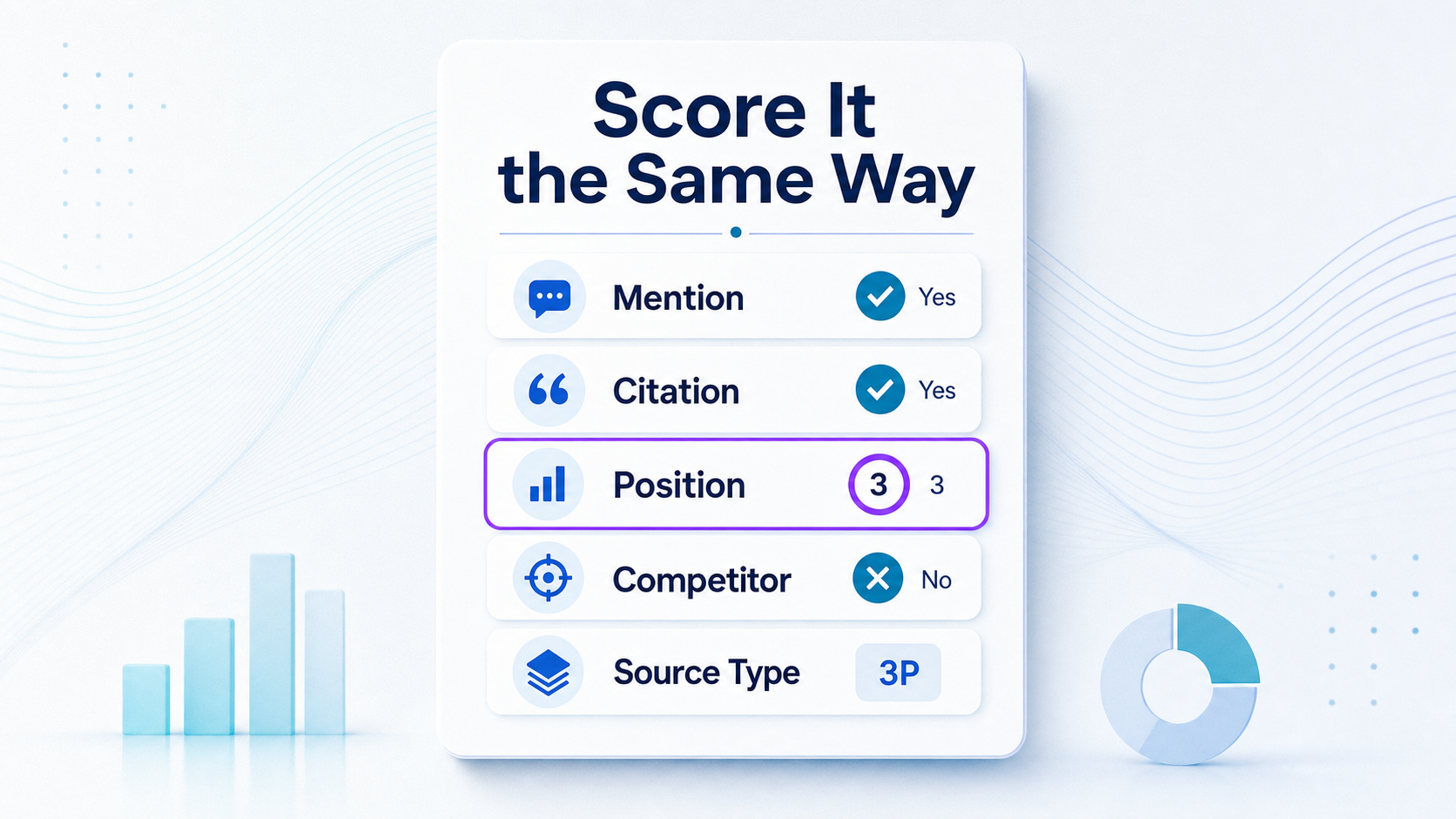
Score every query against the same fields. Mention presence is a binary yes or no for whether the brand appears in the answer text. Citation presence is a separate yes or no for whether Perplexity cites your domain. Keep them in different columns. Collapsing them hides exactly the gap you are trying to find.
| Field | How to log it |
|---|---|
| Mention presence | Yes or no, brand name in answer text |
| Citation presence | Yes or no, your domain in source list |
| Source domain | The top-placed cited domain for that answer |
| Citation position | Numeric rank of your source, if cited |
| Competitor presence | Names of rivals appearing in the answer |
| Source type | Owned, earned, or third-party |
The owned, earned, or third-party label tells you where Perplexity pulls authority from. Owned means your own pages. Earned means coverage you influenced, such as a roundup or review. Third-party means a source you do not control, like a forum thread or a directory. That distinction decides what you fix later, so the source layer matters as much as the mention itself. The factors that decide AI citations explain why some of those sources win and others never surface.
Handle the edge cases up front. For partial matches, count a branded product name as a mention only if it is unambiguous. For comparison answers where competitors appear first, log competitor presence and note the order. Write the rules down once. Consistency beats precision here.
How to Build a Repeatable Perplexity Prompt Set
Your prompt set is the difference between tracking and guessing. Build it from real category language and buyer questions, not random brand searches. A one-off search for your own name tells you almost nothing. A fixed cluster of buyer prompts tells you where you stand.
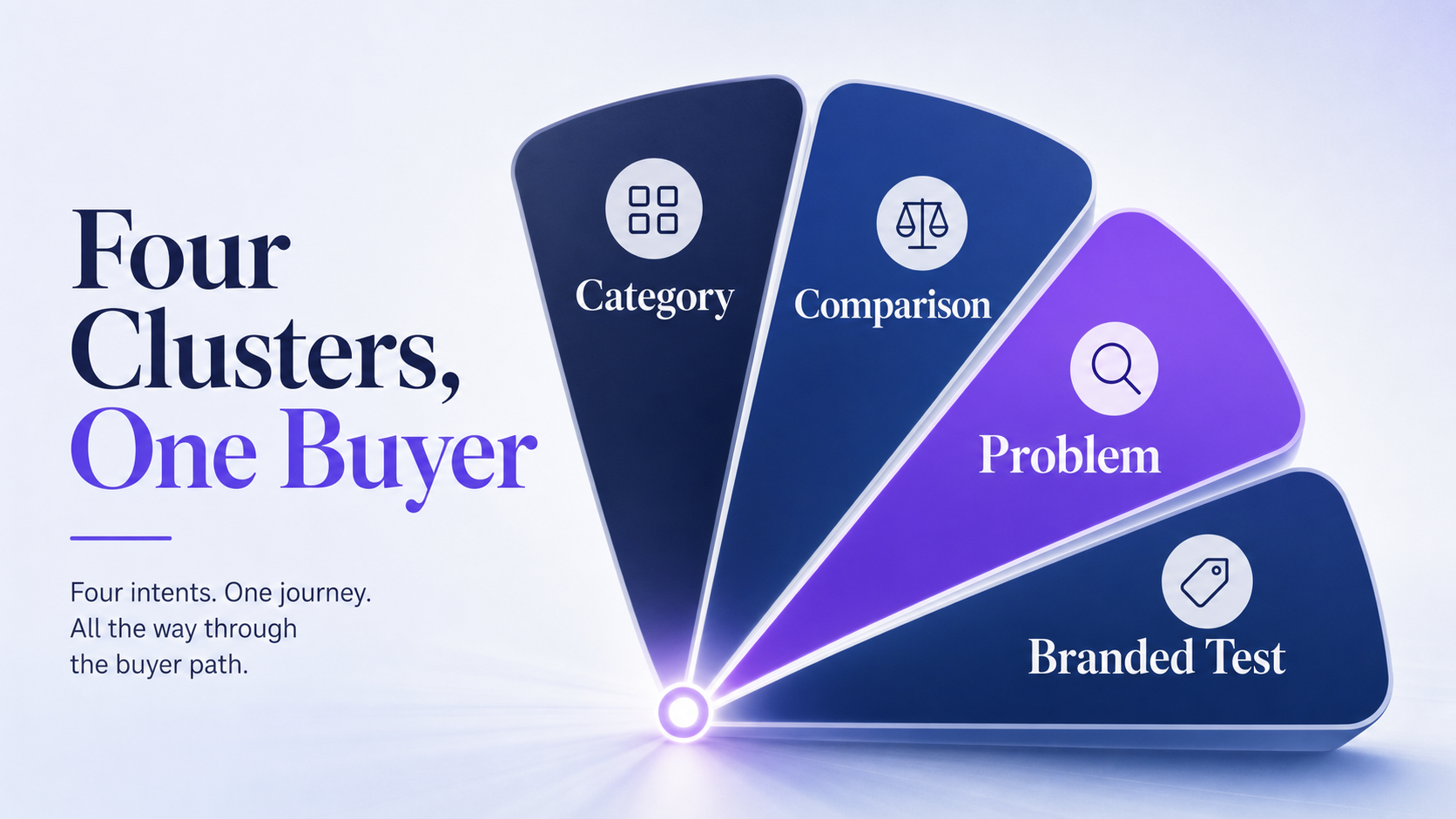
Build four prompt clusters so you cover the full buying journey:
- Category queries, where buyers ask for the best option in your space.
- Comparison queries, where two named brands go head to head.
- Problem and solution queries, where a buyer describes a pain point.
- Branded versus competitor queries, where your name is tested directly against a rival.
Start with one or two prompts per cluster as your baseline, then expand once the workflow is stable. Keep the wording identical across runs. Prompt drift, even a reworded phrase, distorts the comparison and breaks your trend line.
| Intent | Example prompt | Why it matters |
|---|---|---|
| Category | Best [category] tools for [use case] | Shows whether you make the consideration set at all |
| Comparison | [Brand] vs [competitor] for [outcome] | Reveals how Perplexity frames you against a rival |
| Problem | How do I solve [buyer problem] | Catches top-of-funnel answers where you may be absent |
| Branded test | Is [brand] better than [competitor] for [use case] | Surfaces the sources shaping a direct verdict |
Pull the phrasing for these prompts from how your buyers actually talk. A support ticket that reads “is your tool better than X for small teams” is a finished comparison prompt. That language outperforms anything a keyword tool hands you, because it matches what real people type into the answer box.
How to Standardize Test Conditions and Run the Checks
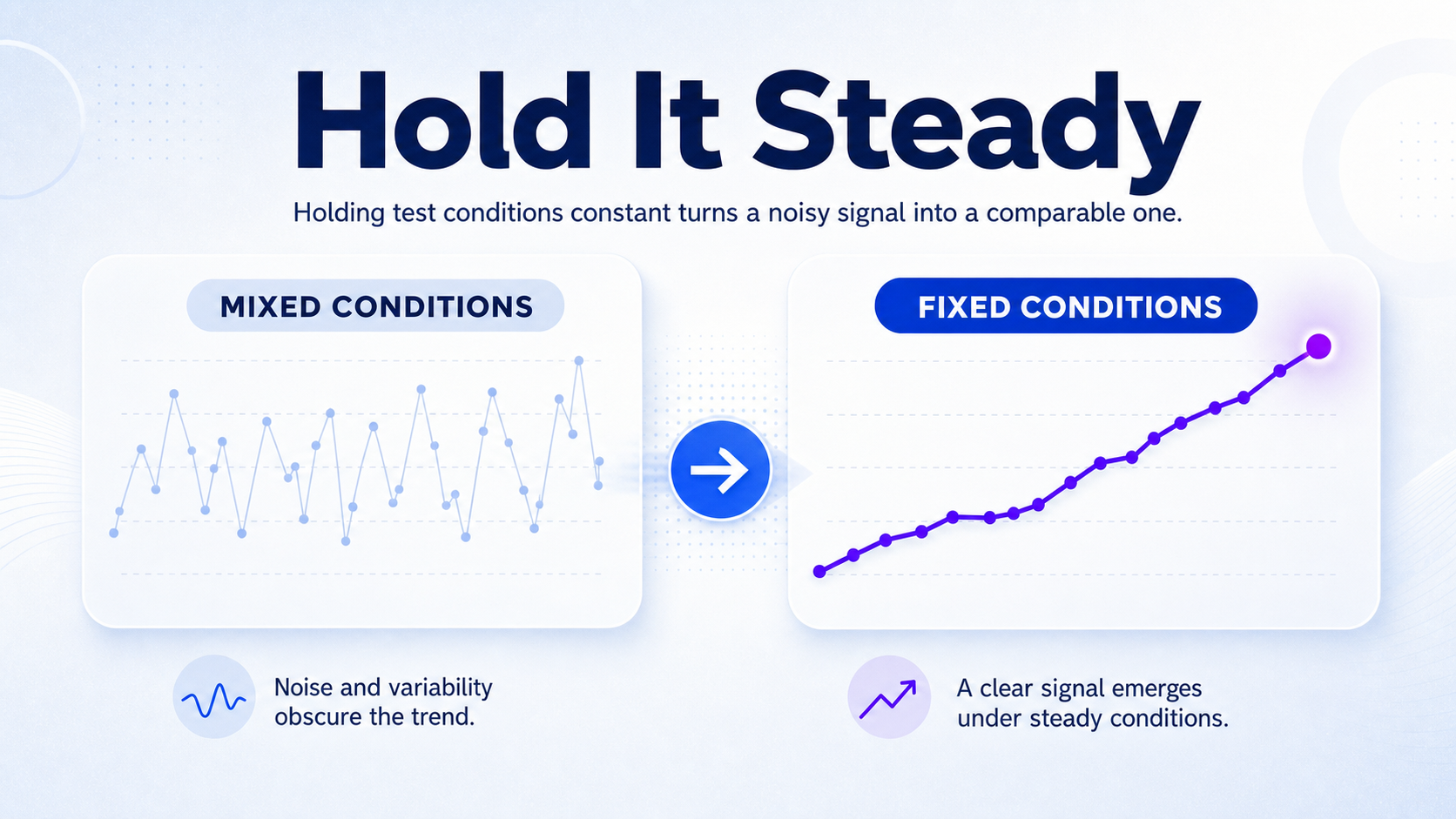
Reduce noise so this week’s run compares cleanly to next month’s. Perplexity varies its answers by session, location, and phrasing, so you fix what you can and flag what you cannot.
Run the checks in this order:
- Fix your browser, language, location, and login state, then keep them constant across every run.
- Enter each prompt with the exact same wording, in the same order, in roughly the same time window.
- Read the answer and record brand mention, citation presence, the cited source domains, and any competitor mentions.
- Save a screenshot or export of each result so a future reviewer can audit it.
- Re-run any prompt that gives a wildly different answer, and flag the anomaly instead of smoothing it away.
The practical rule is to change one variable at a time. Switch location and prompt wording in the same run, and you can no longer tell which one moved your result. Hold everything steady, change one thing, and the data stays comparable.
Save your raw outputs. A screenshot of the full answer and its source list is your audit trail. When a result looks strange three weeks later, you want the original, not your memory of it. For the same process applied across multiple engines, see tracking brand mentions across AI search platforms.
How to Score Visibility and Compare Against Competitors
Turn the raw logs into one simple view that shows where you win, lose, and get ignored. A visibility score does not need to be sophisticated. It needs to be repeatable.
Build a simple index. Count one point for each mention, one for each citation to your domain, and one for a top-placed source. Sum it across your prompt set and convert to a percentage of the maximum possible. That gives you a 0 to 100 visibility number you can track over time. Your first 10-query baseline is a before state, not a perfect statistical model, so do not over-engineer it.
Then run the same count for each competitor across the identical prompt set. That share-of-voice comparison shows whether you trail a rival in the answers your buyers actually see. What earns citations in Perplexity explains why one brand keeps winning the source list while another never appears.
| Brand | Mentions (of 10) | Citations (of 10) | Visibility index |
|---|---|---|---|
| Your brand | 4 | 2 | 40 |
| Competitor A | 7 | 5 | 65 |
| Competitor B | 5 | 3 | 48 |
Look at source concentration next. If 70 percent of competitor citations come from four domains, those four domains are your target list. Group the results by prompt cluster too, so you can see a pattern like winning category queries but losing every comparison. That split tells you exactly which content to build.

See where AI answers put your brand
One free audit: 25 category prompts across every major engine, your citation share against named competitors, and a clear read on what a programme would change.
Request a free auditHow to Turn Findings Into Action
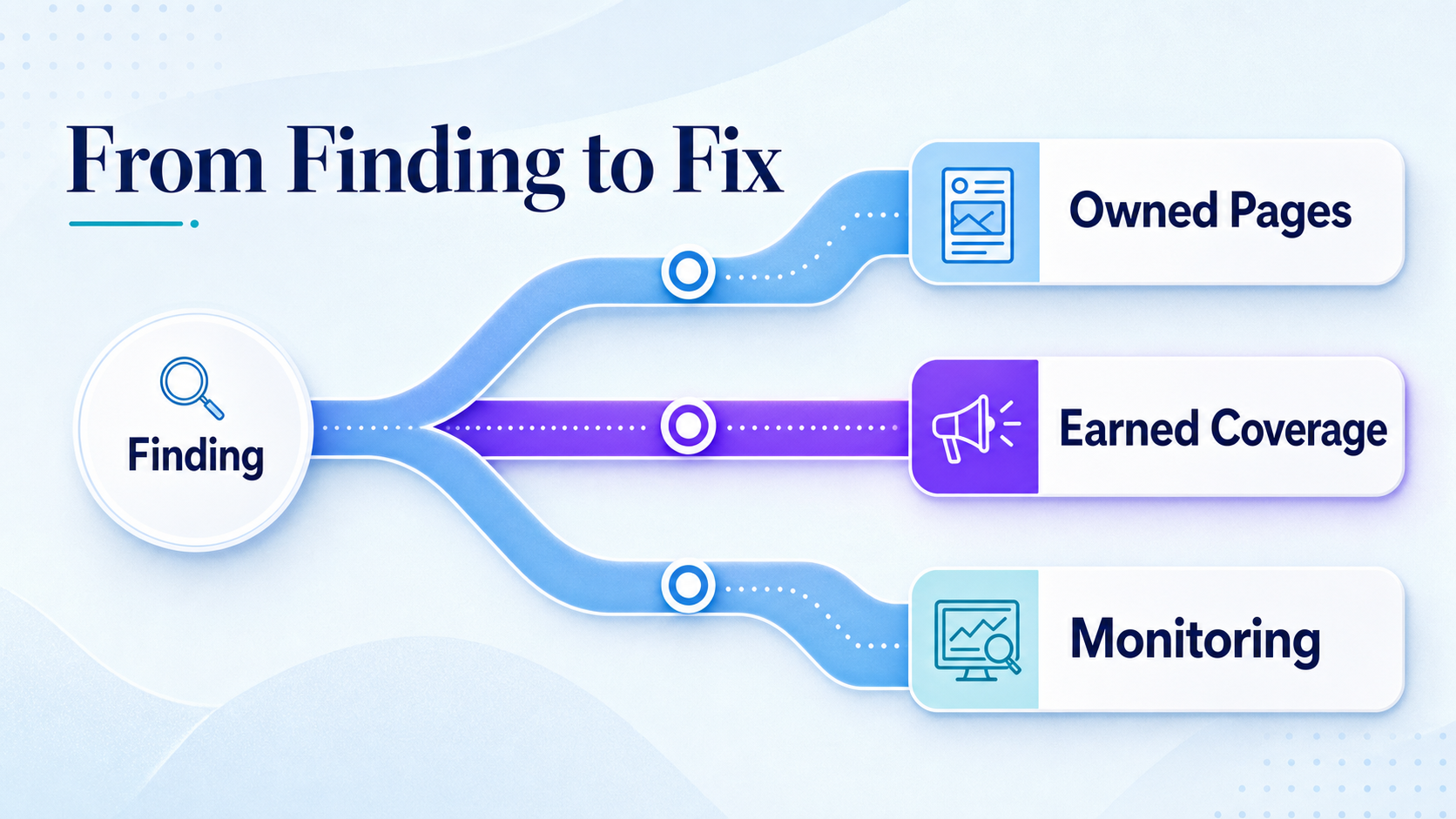
The tracking only matters if it changes what you build next. Read the scorecard for two things: the source domains Perplexity trusts in your category, and the ones missing from your mix. Those gaps are your roadmap.
Start with the pages you control. Update comparison pages, FAQ pages, documentation, and data-backed explainers, because those are the formats Perplexity pulls from for the query types where you are absent. If you lose every comparison query, a clear, honest comparison page is the first fix.
When the trusted sources are third-party, owned pages will not close the gap alone. If a roundup or review keeps getting cited and you are not in it, the fix is earned coverage, not another blog post. Get into the sources the model already trusts.
When competitors are favored on inaccurate or stale grounds, correct the record at the source. If a directory lists outdated information about you while citing a rival, fixing that entry can shift the answer. Ongoing Perplexity monitoring catches those shifts before they harden into the default answer.
Avoid the mistakes that sink most tracking efforts. Checking only your brand name and ignoring the source list. Running one query instead of a cluster. Treating a missing citation as a missing mention. Tracking once and never again, so you see a snapshot instead of a trend.
Manual tracking is enough when you run a small prompt set in one market on a monthly cadence. Move to a dedicated tool when you track many prompts, multiple locations, several brands, or need recurring reports for stakeholders. The step-by-step Perplexity tracking guide walks through the same workflow at a finer grain when you are ready to scale it.
Frequently Asked Questions
How do I track brand mentions in Perplexity?
Run a fixed set of buyer-intent prompts in Perplexity and log three things for each one: whether your brand is named in the answer, whether your domain appears in the source list, and which competitors show up. Keep your account, location, and prompt wording constant so each run compares to the last. Start with a 10-query baseline, then repeat weekly or monthly to build a trend.
What counts as a citation in Perplexity answers?
A citation is a source that appears in Perplexity’s numbered footnote list beneath or beside the answer. It is not the same as being named in the answer text. Your domain can be cited without your brand being mentioned in the prose, and your brand can be mentioned without your domain being cited. Track the two in separate columns, because closing one gap rarely closes the other.
Can I monitor Perplexity brand mentions without a tool?
Yes. A spreadsheet, a fixed prompt set, and a consistent Perplexity session are enough for a small brand in one market. The manual workflow takes about 30 minutes for a 10-query baseline. You only need a dedicated tool once you track dozens of prompts, several markets, or multiple brands, or when you need recurring reports for a team.
How often should I check brand mentions in Perplexity?
Run a full baseline first, then check weekly if your category moves fast or monthly if it is stable. Perplexity’s source pool and answers shift as new content gets indexed, so a single snapshot goes stale quickly. A weekly cadence catches competitor changes early. A monthly cadence is the floor if you want a trend worth acting on rather than a one-time reading.
Why is Perplexity showing competitors instead of my brand?
Perplexity surfaces the brands its trusted sources name most, so if competitors dominate the cited domains in your category, the answer follows. Check the source list on the queries where you are absent: those domains are recommending your rivals and not you. The fix is either getting your own pages into a citable shape or earning coverage on the third-party sources the model already pulls from.
Run a 10-query Perplexity baseline this week. Log every mention and every citation, score your brand against your top two competitors, and pick the single biggest source gap to close first. The brands that show up in Perplexity answers are not lucky. They are tracked, measured, and fixed on a schedule, and that schedule starts with your first run.