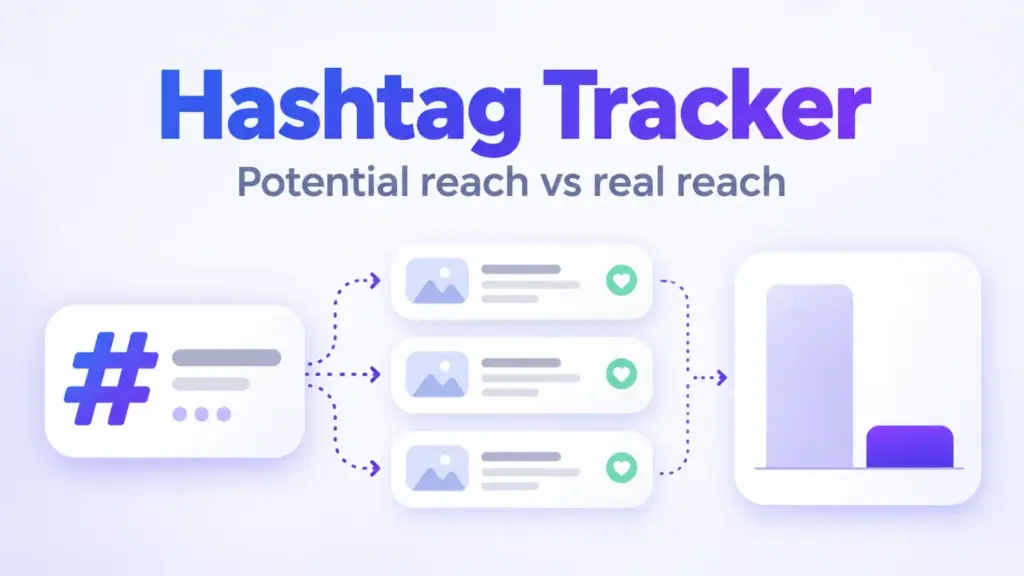

A hashtag tracker counts every public post using your hashtag, who posted it, and the engagement it earned. The catch: the "reach" most tools show is potential reach, the summed follower counts of every poster, not people who saw it. You'll get an honest number by deduplicating authors and pairing tracker data with native analytics.
What a Hashtag Tracker Actually Counts
A hashtag tracker collects public posts that contain a hashtag and rolls them up into a few metrics. Each metric answers a different question, and mixing them is the most common reporting mistake.
- Post volume: how many posts used the hashtag in the period.
- Unique authors: how many distinct accounts posted.
- Potential reach: the sum of those authors' follower counts.
- Engagement: likes, comments, shares and saves on those posts.
- Impressions: actual views, available only for your own posts or via native analytics.
- Sentiment: a positive, neutral or negative tag the tool assigns automatically.
Impressions are the number stakeholders want, and trackers mostly can't see them. A third-party tool reads public data, so it only sees views where a platform exposes them publicly, as TikTok and X do on many posts. Sentiment is a rough guide; spot-check it before you put it in a deck.
Potential Reach vs Real Reach: A Worked Example
Potential reach is a ceiling, not an audience. It assumes every follower of every poster saw every post, which never happens. Here's how one campaign hashtag looks once you work it through.
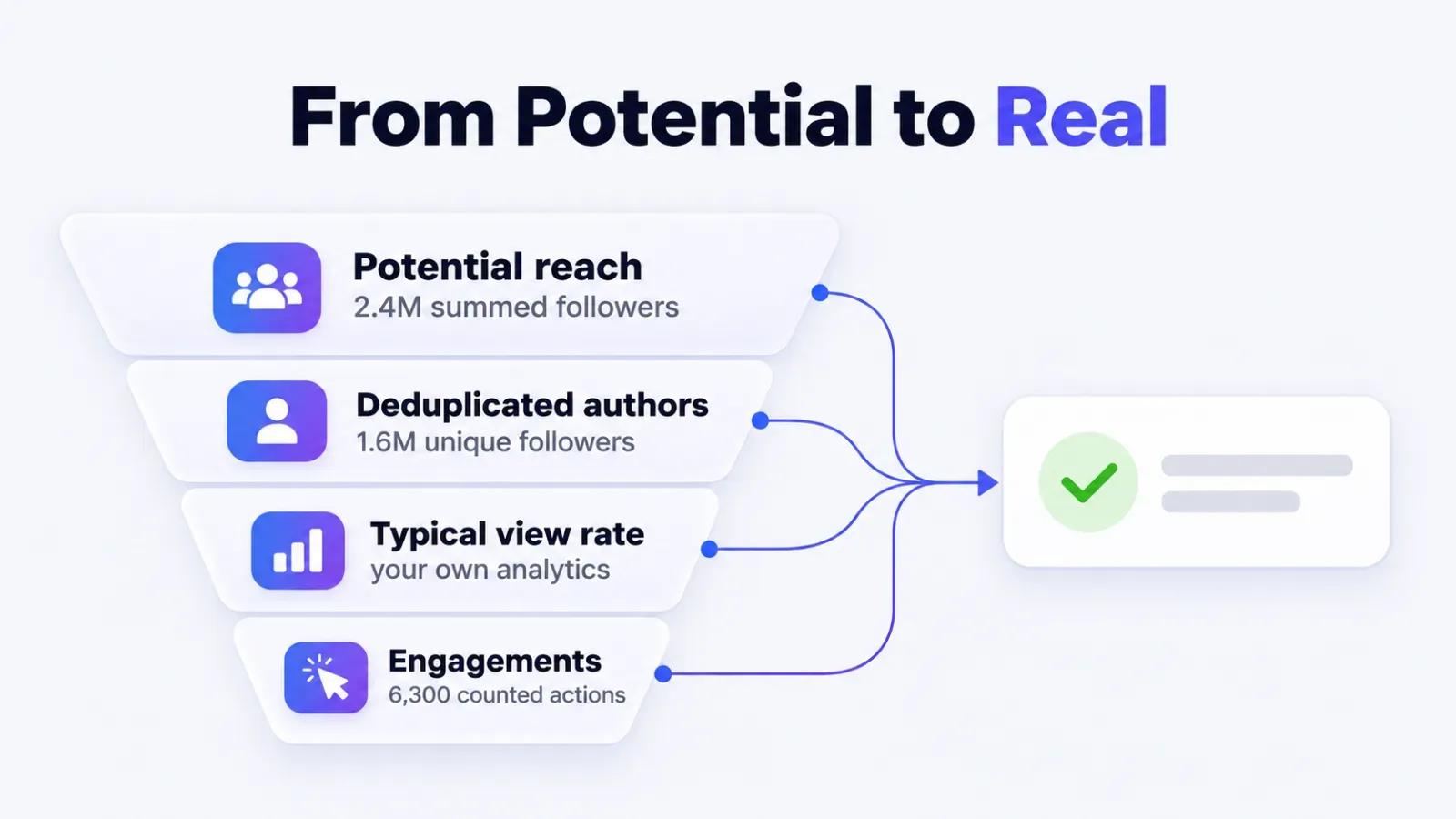
Strip out your own brand account before you calculate anything. A brand posting its hashtag ten times a day inflates volume without proving anyone else cared.
What Each Platform Lets You Track
Every network controls hashtag access differently, so the same tool returns very different depth by platform. Check the platform first, then pick the tool.
| Platform | Free native option | What third-party trackers get |
|---|---|---|
| X | Search and Advanced Search | Coverage via API access, depending on current X API terms |
| Hashtag pages in the app | Business API access with a weekly cap on hashtags (30 unique hashtags per 7 days) | |
| TikTok | In-app search, Creative Center trends (availability varies by region) | Public post data, coverage varies by tool |
| Search by hashtag or keyword | Limited; many tools don't cover it | |
| Hashtag search | Public pages only; personal profiles stay private |
Instagram's cap matters more than buyers expect. If you track a branded hashtag plus competitor and campaign tags, you'll hit the limit fast, so choose the tags you track before signing up.
Free and Paid Hashtag Tracking Tools
Free hashtag tracking works for one hashtag on one platform; paid tools earn their cost once you need history, several networks or exports. The split is about workload, not data quality alone.
Free Options
Native search on X, Instagram and TikTok shows recent posts at no cost. X Pro, formerly TweetDeck, gives live hashtag columns, though access depends on X's current subscription terms. Free tiers of listening tools are covered in our roundup of free social listening tools compared, worth checking before you pay.
The limit is time. You'll copy numbers into a spreadsheet by hand, and you won't get history from before you started looking.
Paid Options
Paid tools fall into two groups. Mid-market listening tools such as Brand24 and Awario track hashtags alongside keywords with alerts and reach estimates. Enterprise suites such as Talkwalker, Brandwatch and Meltwater add historical data, image recognition and wider source coverage; check each vendor's pricing page for current features and plans.
Publishing suites such as Sprout Social and Hootsuite include hashtag listening, often as an add-on. They suit teams already scheduling posts there.
For the wider picture beyond hashtags, the guide on what a social media tracker should cover explains which channels and metrics to add.
How to Set Up Hashtag Tracking in 6 Steps
Hashtag tracking setup takes under an hour, and the order matters. Exclusions and a baseline set early save you from rewriting the report later.
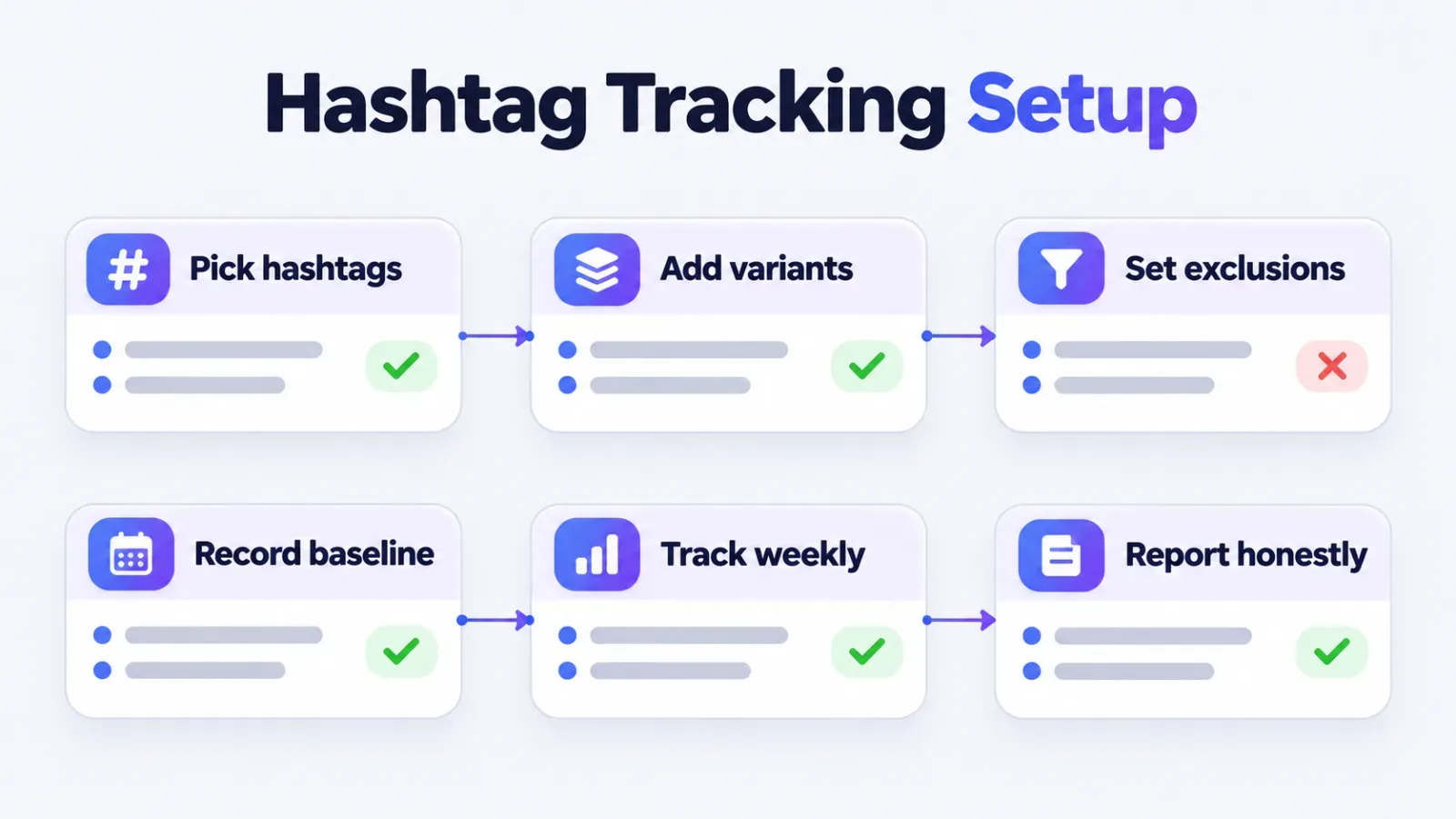
- Pick your hashtags. Branded, campaign and up to three competitor tags.
- Add variants. Include common misspellings and the same phrase without the hash, since many posts mention the campaign without tagging it.
- Set exclusions. Remove your own accounts and unrelated uses of the same tag.
- Record a baseline. Log two weeks of volume and authors before launch.
- Track weekly. Note unique authors, engagement per post and deduplicated potential reach.
- Report honestly. Label potential reach as an estimate and keep impressions to native data.
Hashtag counts become far more useful as a share. Comparing your tag's volume with competitors' turns a raw count into a position, the same logic behind measuring share of voice across channels. For a template that rolls hashtags into wider brand reporting, see what goes in a brand mentions report.
Run a Baseline Before Your Next Campaign Hashtag
Before your next launch, start tracking the hashtag and two competitor tags now, not on launch day. Two weeks of quiet-period data gives you the comparison every post-campaign report needs. Then report unique authors and engagement per post first, and potential reach last, labelled as a ceiling. That ordering builds more trust with leadership than any single big number.