
ChatGPT can mention your brand, recommend a competitor, or leave you out entirely, and it still gives you no native dashboard to track any of it. That gap is why most teams either ignore ChatGPT visibility or check it once, panic, and move on.
To monitor brand mentions in ChatGPT reliably, you need three things before your first check: a fixed brand definition, a reusable prompt set, and a simple tracker that logs every run the same way. Get those in place and the noise of ChatGPT’s varying answers starts to look like a trend you can actually read. This tutorial walks the full workflow, from manual checks to automated monitoring, and what to do with the data once you have it.
Before You Start: Set Up a Repeatable Monitoring Baseline
The data from your first ChatGPT check is only useful if every later check is run the same way. So the setup matters more than the first result. Lock these inputs before anyone opens ChatGPT.
Prepare your monitoring inputs first:
- Your primary brand name, plus common misspellings and product names
- A competitor list, the brands you expect to appear in the same answers
- Your key use cases, the jobs buyers hire your product to do
- Priority markets or languages, if you sell across regions
- One tracking environment you can keep fixed, with the account state noted for every run
Account state is the part most people skip. A logged-in ChatGPT account with memory and custom instructions answers differently from a logged-out session. Pick one and record it, because mixing them quietly corrupts your trend line.
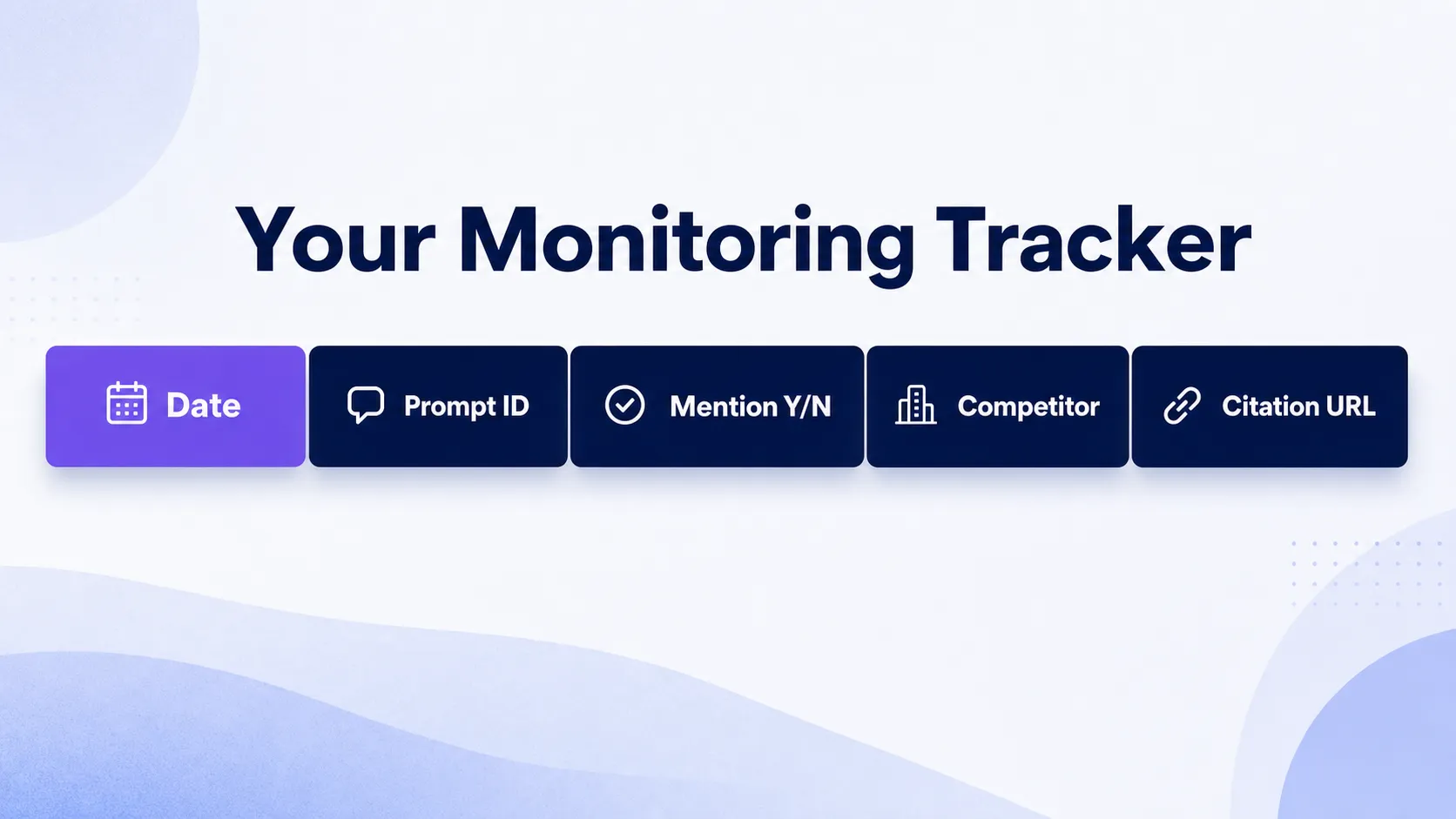
Your tracker needs the same columns from day one. Set up a spreadsheet with these fields: date, prompt ID, prompt text, model or chat mode, brand mentioned yes or no, mention type, competitor mentioned, citation URL, answer position, and notes. Fill every column on every run, even when the answer is boring.
ChatGPT answers vary by prompt wording, account state, and time of day. You cannot remove that variation, but you can hold everything else still. On day one, consistency beats perfect sampling. The practical win is freezing your prompt wording and run conditions before anyone tries to read a trend into the results.
Manual tracking is enough to start. But if you want to compare results week to week, the process has to be documented, not improvised each time someone gets curious.
Step 1: Define What Counts as a ChatGPT Brand Mention
Lock your measurement rules before you track anything, because teams almost always overcount until they write down what a clean mention actually is. A brand mention is your brand name appearing in ChatGPT’s generated answer, with or without a link attached. That sounds simple, then a competitor with a similar name shows up and your data gets murky.
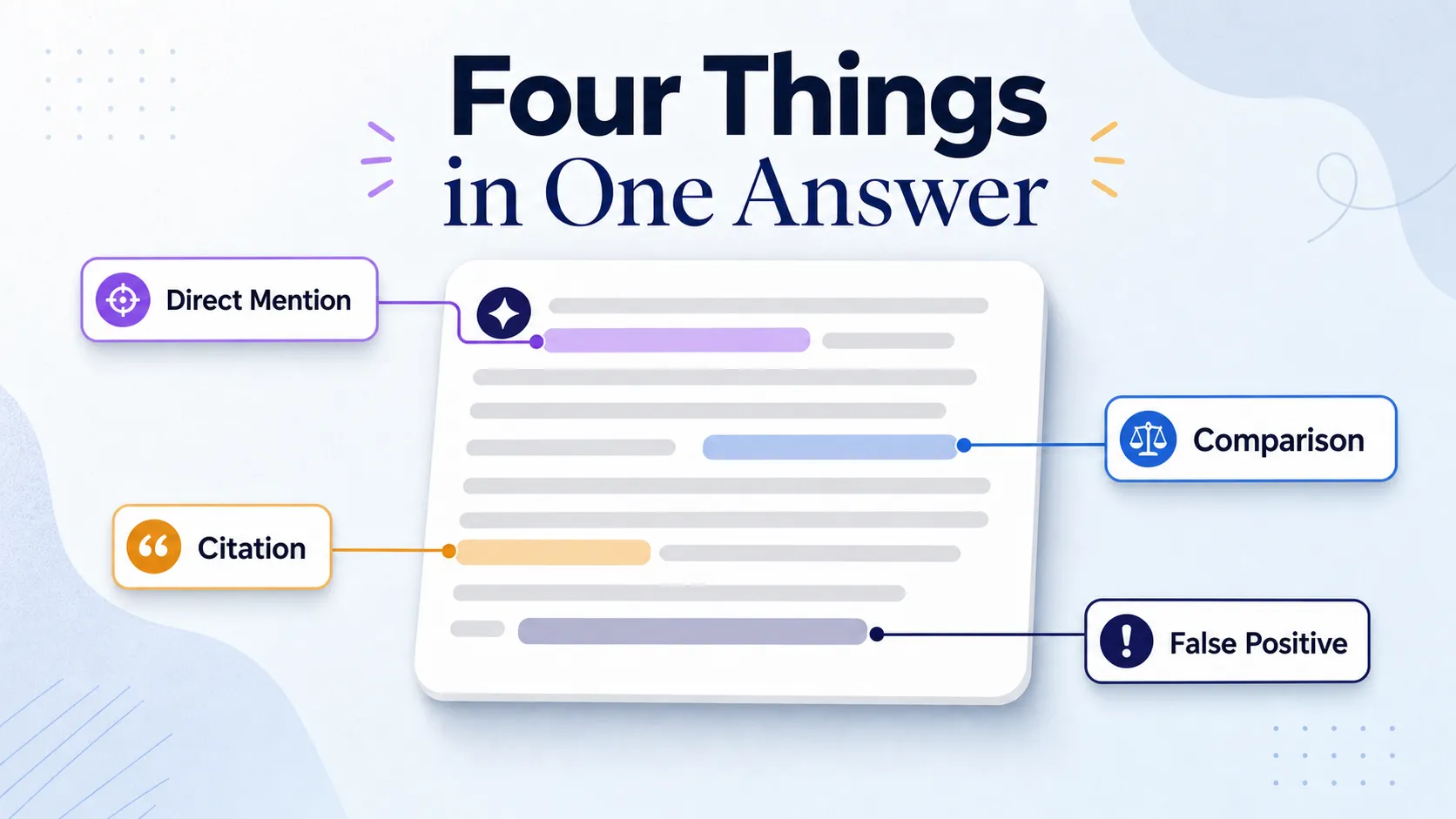
Use this rule set to classify every appearance:
| Type | What it means | How to record it |
|---|---|---|
| Direct mention | Your brand name appears in the answer, no link required | Count as a mention, log the wording |
| Recommendation | ChatGPT actively suggests your brand in a “best tools” or “which should I use” answer | Count as a mention, flag as a recommendation |
| Comparison | Your brand appears alongside a named competitor | Record separately from a standalone mention |
| Citation | A source URL or domain ChatGPT references | Log the URL, but do not count it as a brand mention |
| False positive | Similar-name brand, generic product term, or a misspelling | Flag it, do not count it as a clean mention |
The citation distinction is the one people get wrong most. A citation is ChatGPT pointing at a source. A mention is ChatGPT naming you. They tell you different things, and a tool that blends them will inflate your sense of visibility. If you want to keep these straight long term, the difference between a named appearance and a referenced source is worth understanding in depth, which our brand mention and citation terms page breaks down.
Step 2: Build a Prompt Library You Can Reuse
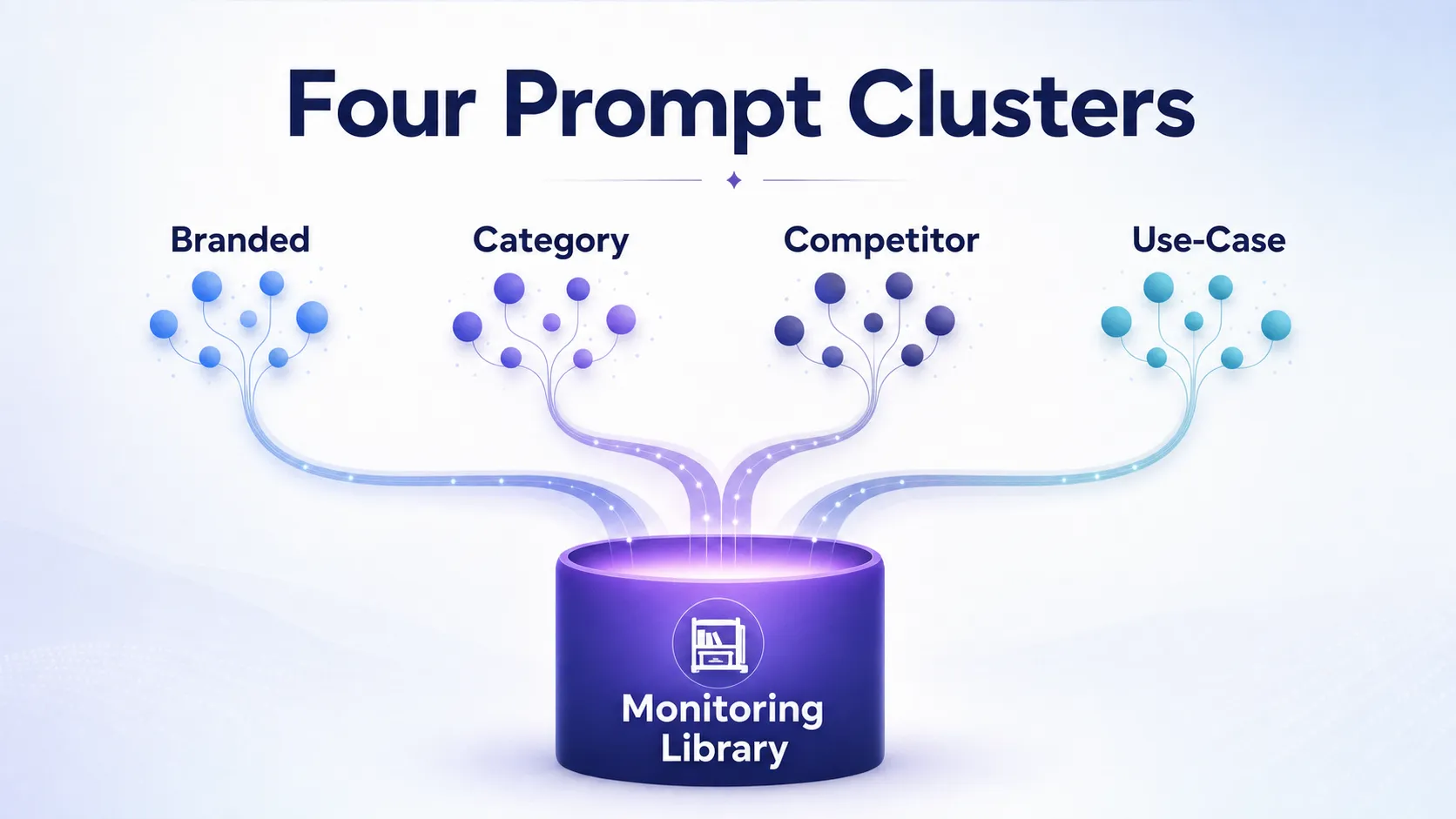
Reliable monitoring comes from prompt reuse, not prompt creativity. The goal is a stable set of questions you can rerun for months without changing what you are measuring. Build four prompt clusters and write real examples, not abstract labels.
- Branded prompts: “What is [your brand] and who is it for?” or “Is [your brand] any good?” These test whether ChatGPT describes you accurately.
- Category prompts: “What are the best brand monitoring tools?” or “Which AI visibility platforms should B2B teams consider?” These test whether you surface at all when nobody names you.
- Competitor prompts: “How does [your brand] compare to [competitor]?” or “Alternatives to [competitor].” These test where you stand head to head.
- Use-case prompts: “How do I track brand mentions across AI search?” or “What tool tracks competitor mentions in ChatGPT?” These mirror the questions your buyers actually ask.
Keep the wording unchanged for at least one full tracking cycle. After that cycle, review whether any prompt was too broad to be useful or too narrow to ever return you. Change one thing at a time, never the whole set at once.
Tag each prompt with its market, language, funnel stage, and product category. Tags let you segment later, so you can ask whether you are invisible everywhere or just weak in one region. For a deeper structure that spans engines beyond ChatGPT, the approach in our guide to tracking brand mentions in AI search results extends the same prompt-cluster logic across platforms.
Step 3: Run Manual Checks in ChatGPT and Log Every Response
Manual checking is free, it is fast, and it is where every monitoring program should start. The discipline is simple: same prompts, same setup, every result logged. Here is the exact flow.
Step 3a: Open ChatGPT in Your Fixed Setup
Use the account state you committed to in your baseline. Note which model or chat mode you are using and whether browsing or web search is enabled, when that detail is visible. These settings change the answer, so they belong in your tracker, not your memory.
Step 3b: Run Each Prompt Multiple Times
A single run is a snapshot, not a measurement. ChatGPT will name you in one run and skip you in the next for the same prompt. Run each prompt at least three times so you can see how stable the answer is before you draw any conclusion.
Step 3c: Log What Actually Appeared
For every run, record whether your brand was mentioned, where it appeared in the answer, which competitors were named, and whether a citation showed up. When your brand appears, copy the exact wording ChatGPT used. Do not paraphrase it from memory later, because the precise framing is what tells you whether the description is accurate.
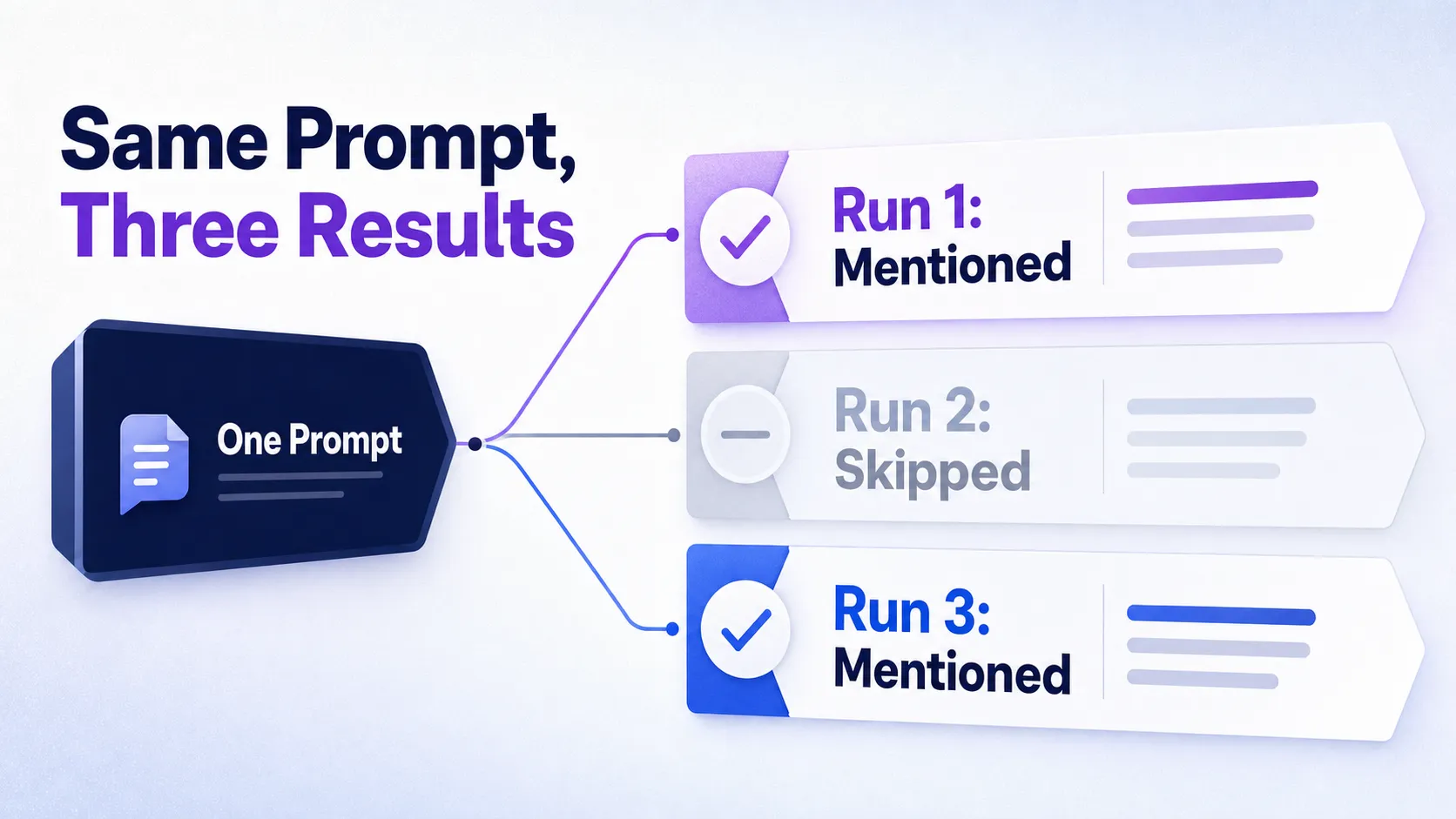
One-off checks are fine for a quick audit. Repeated logging is what exposes the real variability, and that variability is the whole reason you cannot trust a single answer. If you want a tighter version of this manual routine, our walkthrough on how to check brand mentions in ChatGPT covers the prompt-by-prompt mechanics.
Step 4: Switch to Automated Monitoring When Manual Gets Too Large
Move to a tool when the spreadsheet stops being practical, not before. The trigger is volume: too many prompts, too many markets, too many stakeholders asking for numbers, or a reporting cadence that manual checks cannot sustain. Until then, manual tracking teaches you what to measure.
When you do shop for a tool, judge it by workflow fit before brand name. A platform that cannot show both visibility trends and prompt-level detail is the wrong category for this job.
| Capability | Manual tracking | What a tool must add |
|---|---|---|
| Scheduled runs | You run prompts by hand | Automatic reruns on a fixed cadence |
| Prompt library | Your spreadsheet | A reusable, taggable prompt set |
| Competitor tracking | Manual note per run | Side-by-side share across the set |
| Citation reporting | You paste URLs | Source-domain rollups over time |
| Exports and alerts | None | Scheduled exports and change alerts |
Do not confuse an AI visibility tool with a generic social listening platform or an SEO rank tracker. Those track the open web and search positions. You need software built to query ChatGPT and other answer engines directly. Use automation to extend your manual audit, not replace the judgment you built in steps one through three. For a category overview before you commit, our roundup of tools for monitoring ChatGPT mentions compares what each type does well.
The real upgrade from a tool is not more data. It is scheduled repeatability, clean exports, and competitor benchmarking you would never sustain by hand.
Step 5: Track the Right Metrics and Separate Signal From Noise
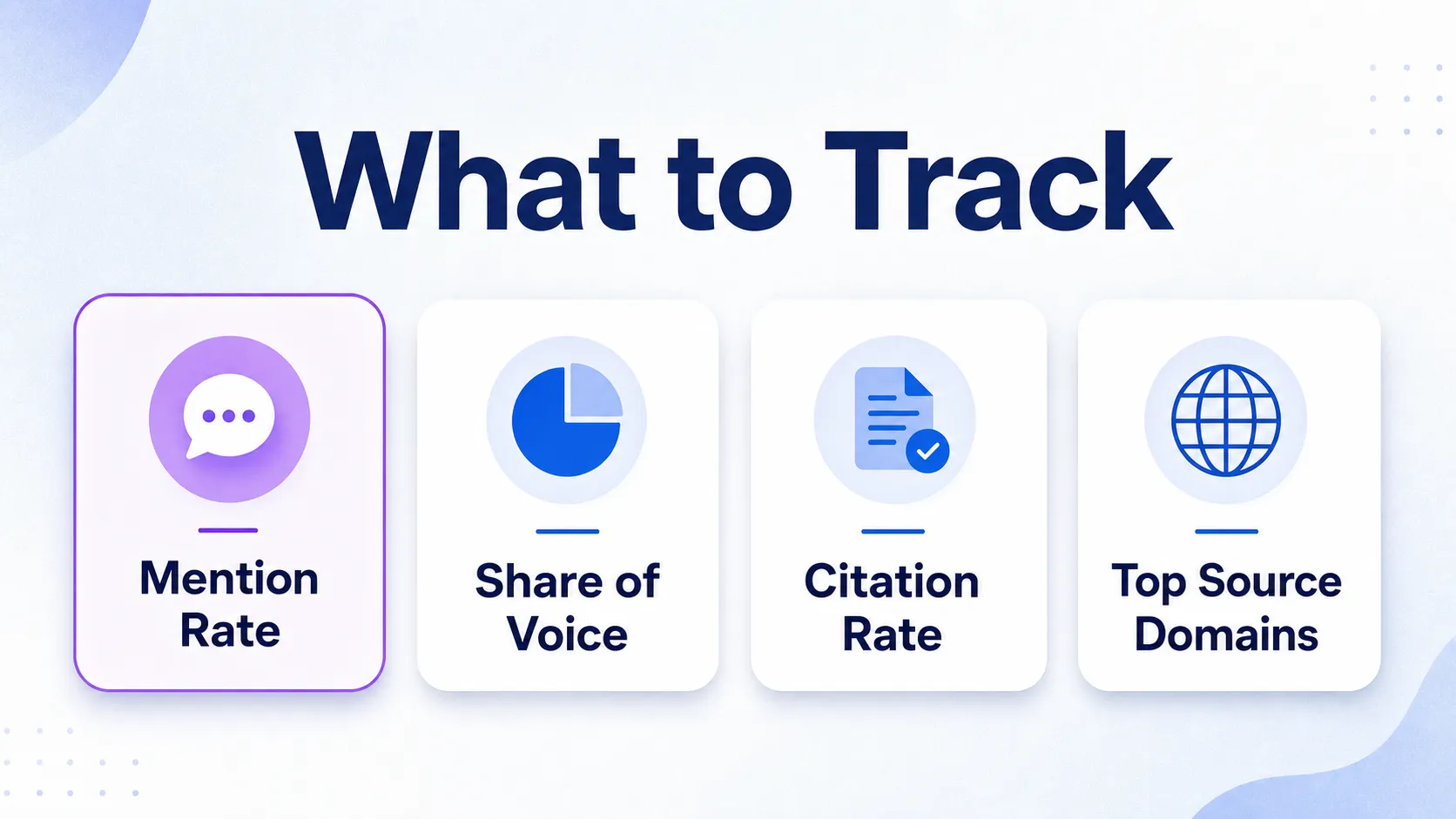
The metrics that drive decisions are few, and the vanity ones crowd them out. Track these and ignore the rest until they matter.
Mention Rate
Mention rate is the percentage of prompts where your brand appears. If you run 40 prompts three times each and appear in 30 of those 120 answers, your mention rate is 25 percent. It is the single clearest measure of whether ChatGPT knows you exist.
Share of Voice
Share of voice is your visibility versus competitors across the same prompt set. A 25 percent mention rate looks fine until you see a rival at 70 percent on the identical prompts. Share of voice is what turns your number into a ranking.
Citation Rate
Citation rate is the percentage of answers that cite a source at all, and it is not the same as your mention rate. A high citation rate with browsing enabled tells you which source domains ChatGPT leans on, which is where your optimization work points next.
Supporting Fields
Round out your reporting with competitor presence, answer position (how early you appear), sentiment (how you are described), and the source domains ChatGPT cites. These four turn a yes-or-no log into a story about why you do or do not show up.
Read changes with patience. Use repeated runs, weekly averages, and month-over-month comparisons instead of reacting to one answer. A shift may be normal ChatGPT variation, not a real visibility change, unless the same pattern holds across repeated runs. The most useful trend line is the rolling average, never the single best or worst result. Teams that want to formalize this into a recurring view will find our brand mentions monitoring dashboard setup a useful next layer.
Step 6: Act on the Findings and Avoid the Common Mistakes
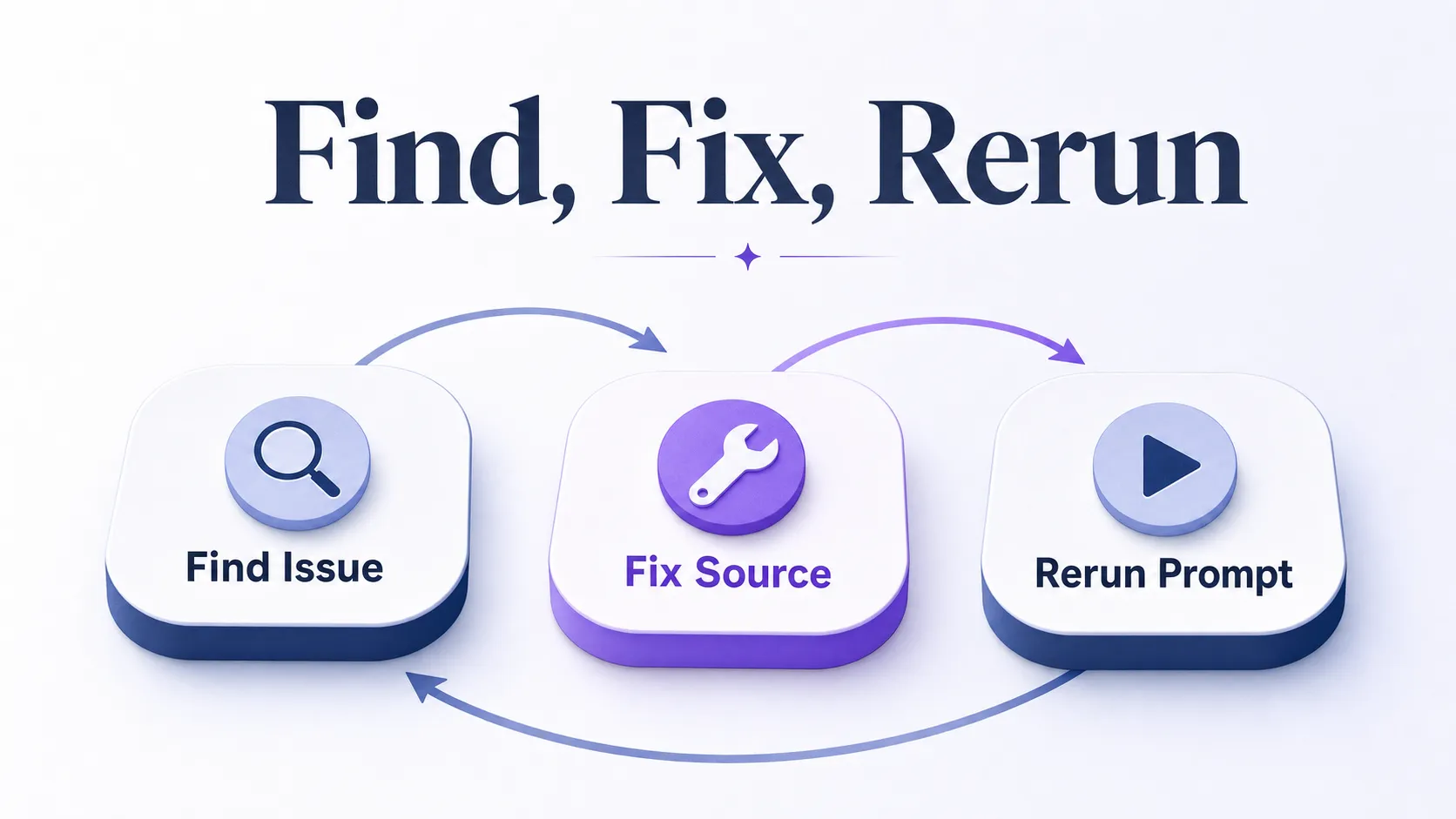
Monitoring that never changes anything is just expensive curiosity. The point is to connect a finding to a fix and a fix to a rerun. What you do depends on what the data shows.
When Your Brand Is Missing
Improve the source coverage ChatGPT draws from. Build clearer comparison pages, strengthen your presence on the third-party domains the model already cites, and make sure your category pages answer the exact use-case prompts you tracked. The fastest wins come from the domains ChatGPT already trusts, not from generic publishing volume.
When the Mention Is Inaccurate
Correct the underlying pages feeding the confusion. Tighten your entity signals so the model knows exactly who you are, and update FAQ or product pages that describe you loosely. Inaccurate mentions usually trace back to a vague source, not to ChatGPT inventing things.
When Competitors Dominate
Analyze which pages, reviews, or third-party sources ChatGPT pulls for them. Close those gaps first. If a rival owns a review platform or a roundup you are absent from, that placement is doing the work, and reclaiming unlinked mentions of your own brand is a fast start, covered in our guide to finding unlinked brand mentions.
Mistakes That Make Monitoring Useless
The errors that wreck a monitoring program are consistent. Changing prompts too often resets your trend line. Checking only once treats a snapshot as truth. Confusing citations with mentions inflates your numbers. Ignoring competitors hides the real picture. And treating one result as a trend is the fastest way to chase noise. The operational rule that prevents all five: document every run, keep the prompt set stable, and recheck after each change so you can tie an action to its outcome.
What Success Looks Like Once the System Runs
A working monitoring system gives you a repeatable way to spot brand visibility gaps, track progress over time, and identify the pages and source domains most likely to influence what ChatGPT says about you. You stop guessing whether the model knows you and start watching a number move. When you ship a comparison page or earn a placement, you can rerun the affected prompts and see whether the needle moved, which is the difference between marketing you can measure and marketing you hope works.
Frequently Asked Questions
How do I monitor brand mentions in ChatGPT?
You monitor brand mentions in ChatGPT by running a fixed set of prompts repeatedly and logging whether your brand appears in each answer. Start manually with a spreadsheet that captures the date, prompt, mention type, competitors named, and any citation, then move to an AI visibility tool once the prompt volume outgrows manual checks. The discipline is consistency: same prompts, same setup, every run recorded.
What counts as a brand mention in ChatGPT?
A brand mention is your brand name appearing in ChatGPT’s generated answer, whether or not a link is attached. Direct mentions, recommendations in “best tool” answers, and comparison appearances all count, though you record comparisons separately. A similar-name brand or a generic product term is a false positive and should be flagged, not counted.
Can I track ChatGPT citations and brand mentions separately?
Yes, and you should, because they measure different things. A citation is a source URL or domain ChatGPT references, while a mention is your brand named in the answer text. Keep two columns in your tracker so a high citation rate never gets mistaken for high brand visibility, and watch the source domains ChatGPT cites to find where your optimization work points next.
Why does ChatGPT mention my competitor but not my brand?
ChatGPT usually names a competitor over you because the model draws on stronger or clearer source signals about them. That often means the competitor has more authoritative third-party coverage, clearer comparison pages, or a presence on review platforms the model trusts. Find the specific pages and domains ChatGPT pulls for them, then close those gaps before chasing broad content volume.
What tools can track brand mentions in ChatGPT at scale?
Tools built for AI visibility tracking can run scheduled prompts, store reusable prompt libraries, track competitors, and report citations across answer engines. Look for scheduled runs, prompt-level detail, competitor share, source-domain reporting, exports, and alerts, and avoid generic social listening or SEO rank trackers, which monitor the open web rather than ChatGPT answers directly.
Start With a Spreadsheet, Graduate to a Tool
The honest reality is that ChatGPT monitoring is more about discipline than software. A fixed prompt set, a consistent setup, and a tracker you actually fill in will beat an expensive tool used carelessly. Start manual this week, run your prompts three times each, and log everything. Once the workflow proves it earns its keep, automate it and add competitors. See where your brand stands in AI search if you want a read on your current ChatGPT visibility before you build the system yourself.