
If you want Google AI Overviews to cite your page, stop treating it like a ranking trick and start treating it like a checklist. AI Overview optimization works when you do three things in order: pick the queries that actually trigger an AI summary, make the page answer the question directly and early, then add the technical and trust signals that make it worth citing.
The pages that get pulled into AI Overviews are not the ones stuffed with keywords, they are the ones a model can lift a clean, sourced answer from. This checklist walks you through that sequence, from choosing the right page to running a repeatable monitoring loop, so you can audit one page today and know exactly what to fix.
Prerequisites: What to Have Ready Before You Start
Before you touch the content, confirm the page is even worth optimizing. Most AI Overview failures I see in audits are not content problems. They are eligibility problems: a page that is technically live but blocked, mis-canonicalized, or aimed at the wrong intent. Fix that first, or every content change you make is wasted effort.

Gather these inputs before you begin. Each one removes a guess later.
| Input | Why you need it |
|---|---|
| Target page URL | The single page you are optimizing, not the whole site at once |
| Primary query set | The 3 to 8 questions this page should answer for a searcher |
| Google Search Console access | Baseline impressions, queries, and current ranking position |
| Crawl and indexing access | To confirm the page is crawlable, indexed, and rendered |
| Schema testing tool | To validate structured data against the visible content |
| Visibility tracking method | A way to sample whether the page appears in AI summaries over time |
The page must already be indexable, canonicalized to itself, and matched to a real search intent. If a page carries a noindex tag, points its canonical elsewhere, or targets a query nobody phrases that way, no amount of formatting will earn a citation. Run this preflight check first.
The Preflight Check: Optimize or Rebuild
Run this before you commit hours to a page. If the page ranks somewhere on pages one or two for a real query and covers the right topic, optimize it. If the page has zero organic traction after months live, or it targets an intent it was never built for, create a new page instead. Reworking a fundamentally mismatched page costs more than starting clean. For the deeper diagnostic behind this call, our AI visibility diagnostic framework maps the full audit sequence.
Step 1: Identify the Queries That Can Trigger AI Overviews
Start with the queries, not the content. AI Overviews trigger most often on informational, question-based, comparison, and problem-solving searches, so those are the pages worth prioritizing. A pure sales page rarely triggers a summary. A page that answers the pre-purchase questions around that product often does.
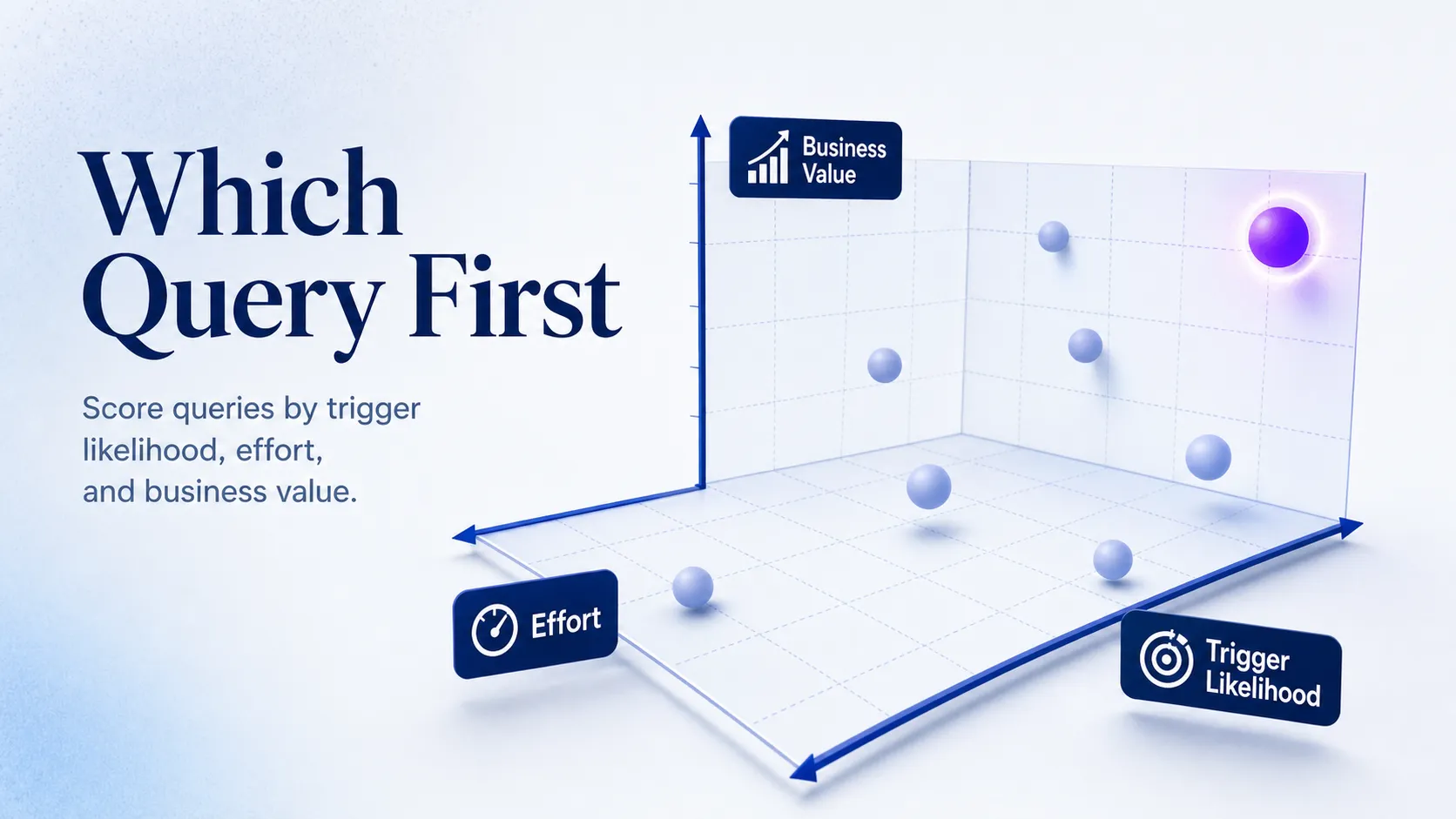
Here is how to find and rank the right queries:
- Pull queries from Search Console where the page already earns impressions but sits below the top few results.
- Add question-form and comparison variants from your keyword tool that match the page topic.
- Sample the live SERP manually for each query and note whether an AI Overview already appears.
- Score each query on trigger likelihood, business value, and how close the page is to page one.
The prioritization rule is simple: optimize pages already ranking in the top 20 before chasing brand-new topics. Most AI Overview wins come from pages that already have organic traction, because Google draws its summaries heavily from pages it already ranks. A page with no footing has to earn ranking first, then citation, which is two problems instead of one.
Commercial pages qualify only when they answer real pre-purchase questions. A pricing page that explains how pricing works for different use cases can trigger a summary. A pricing page that only lists numbers will not.
Step 2: Audit the Page for Answerability and Extractability
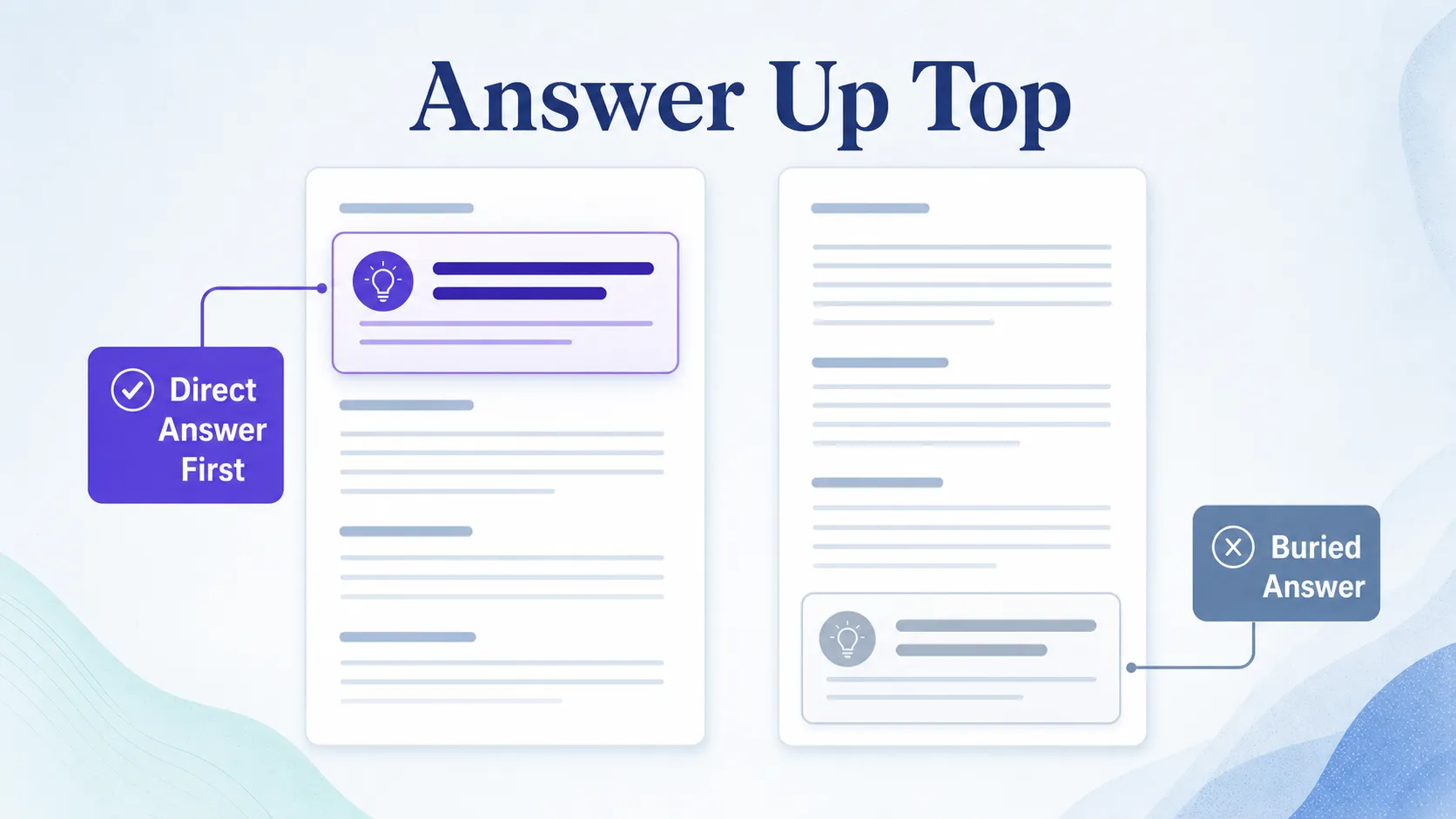
Now check whether the page gives Google a clean, early, reusable answer. The single most common reason a page never gets summarized is a long introduction that buries the point past the third paragraph. If a model has to read half the page to find the answer, it looks elsewhere.
Work through this audit on the target page:
- Confirm the page answers its core question inside the first 100 words.
- Check that each heading is descriptive and question-led, not vague or product-jargon.
- Verify each section covers one idea, so the point is not diluted across a long paragraph.
- Run the extractability test: can you lift a clean answer, definition, step, or comparison from each section without the surrounding text?
Watch for the patterns that break extraction: long throat-clearing intros, subheads that describe nothing (“Overview,Details”), stacked jargon, and content that only makes sense once you have read three paragraphs of setup. If a section fails the lift test, rewrite its opening sentence into a direct answer. This is the same principle behind how AI crawlers actually pick sources: clean, self-contained passages win.
Step 3: Rewrite the Content Into an AI-Friendly Structure
Restructuring a page usually creates a bigger lift than adding more words. The goal is a format easy to summarize without going thin or robotic. Lead with the answer, then support it. Break the page into concise headings that map to real user questions, not internal product language.
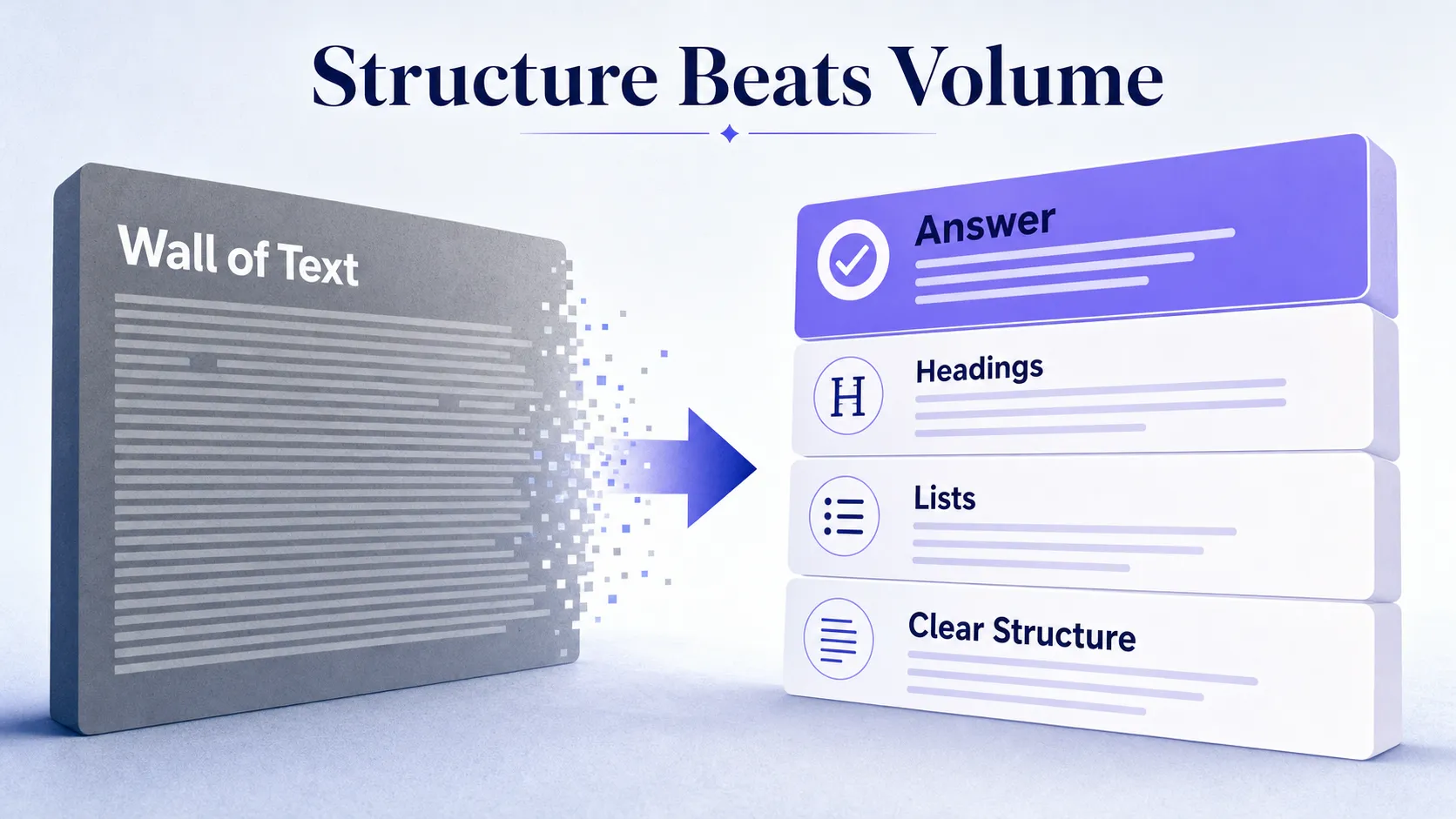
The rewrite pattern is consistent. A weak page opens with two hundred words of context before the answer, uses generic subheads, and packs three ideas into every paragraph. A strong page states its main answer in the first paragraph, uses question-led H2s and H3s, and gives each idea its own short section. Add lists, steps, tables, and FAQ blocks only where they genuinely improve retrieval, never as decoration.
Keep paragraphs short and concrete. A page reads like a machine-readable human experience when a person can scan it in seconds and a model can quote any section cleanly. If a paragraph runs past four lines on a phone, split it. Our AEO content structure framework gives the full page skeleton if you want a repeatable template.
Step 4: Strengthen Semantic Relevance and Topical Completeness
Citation opportunities improve when the page answers the main query plus the next two or three questions a searcher will ask. Google fans a single query out into related sub-questions, so a page that covers only the headline term leaves gaps a more complete competitor fills. Expand coverage without drifting off intent.
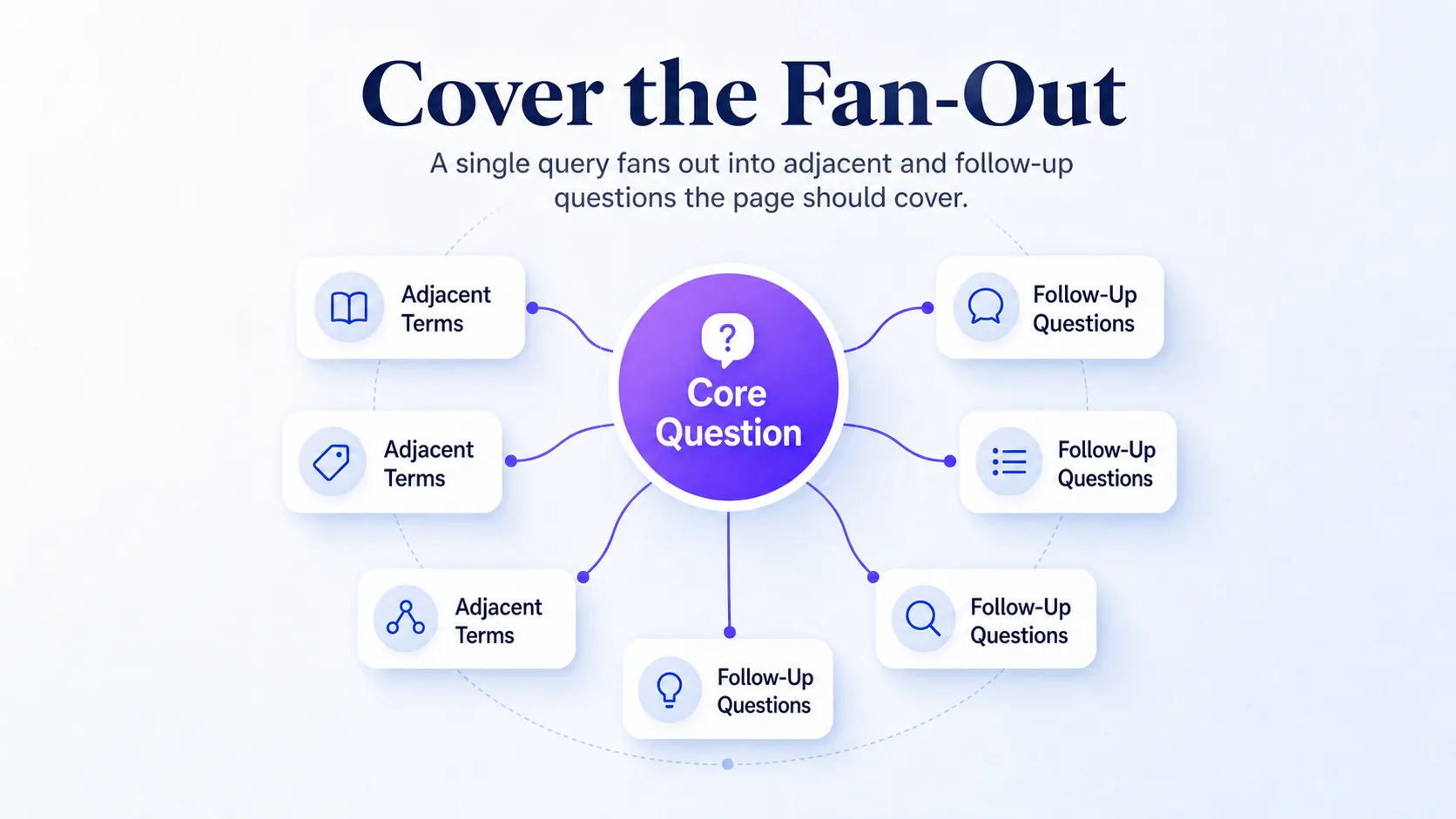
Map the coverage before you write. Start with the core question, then list the adjacent terms a reader expects and the common objections or follow-ups they raise. Add examples, edge cases, and implementation notes so the page reads complete rather than generic.
| Coverage layer | What it answers |
|---|---|
| Core question | The primary query the page targets directly |
| Adjacent terms | Related concepts a searcher assumes the page will define |
| Follow-up questions | The next two or three things the reader asks after the answer |
| Objections and edge cases | The “but what about” scenarios that build trust |
When the topic involves tradeoffs, add one comparison block or decision table. Do not stuff in unrelated SEO advice just to lengthen the page. Padding dilutes the topical signal and pushes the real answer further down. For the wider view of how topical authority connects to citations, see our take on building authority for 2026 search.
See where AI answers put your brand
Twenty minutes with a senior strategist: where the major engines point buyers in your category, who gets named instead of you, and a straight read on what a programme would change.
Book a strategy callStep 5: Add Citation-Worthy Proof, Schema, and Trust Signals
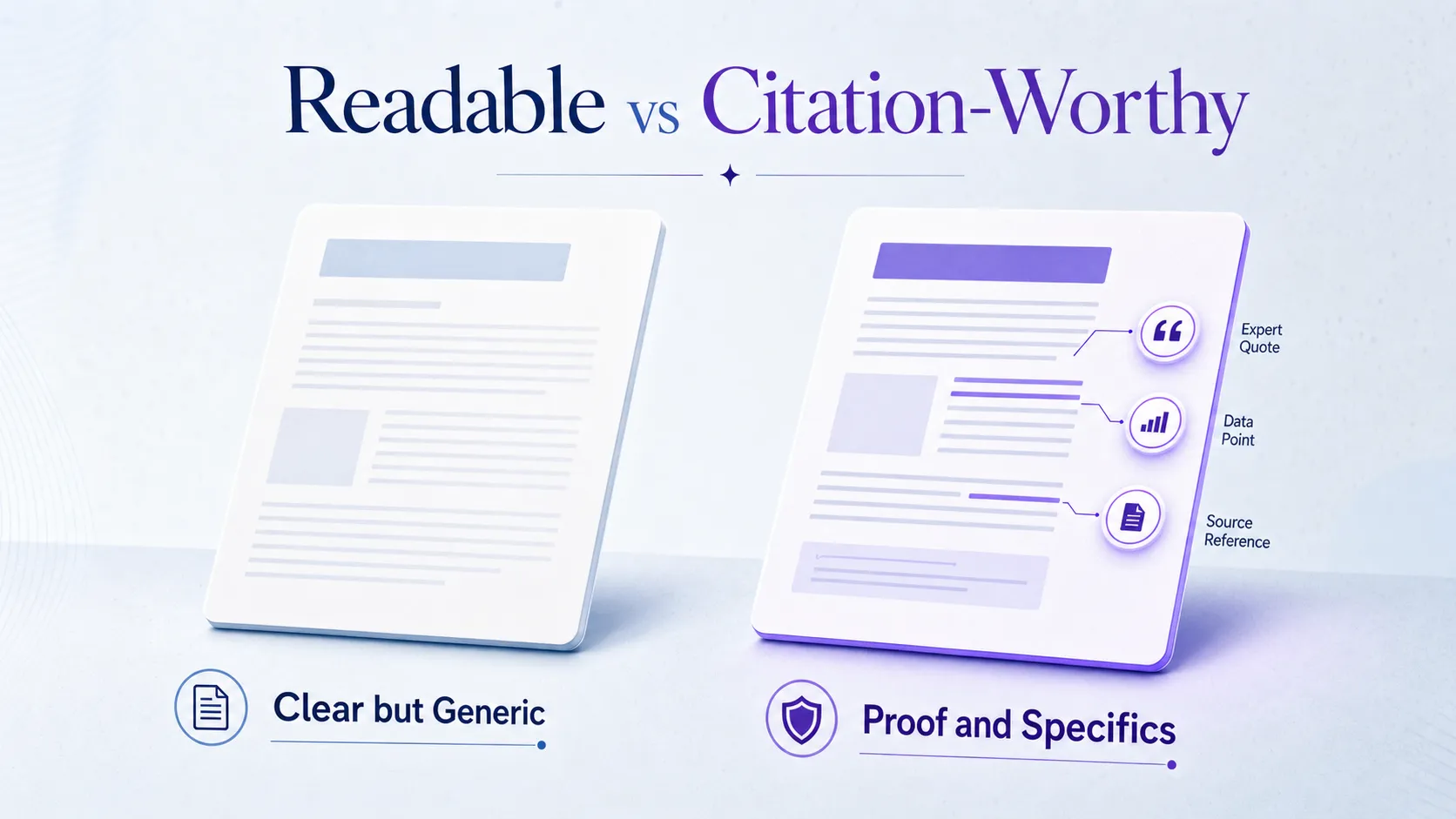
Readable and citation-worthy are two different bars. A page can be perfectly clear and still get skipped because it offers nothing a model would rather quote than a competitor’s. Citation-worthy content carries proof: original data, named entities, specific examples, recent references, or a claim stated with real precision. Pages that earn citations usually combine that proof with technical clarity and recognizable authority.
Make the Content Worth Quoting
Add original data, named entities, expert quotes, recent references, and concrete examples wherever the topic supports them. A sentence like “named in 7 of 10 answers for the query” beats “strong visibility” every time, because it gives a model something specific to lift. Specificity is the difference between a page a model reads and a page it cites.
Apply Schema Only Where It Matches Visible Content
Schema markup, the structured data that helps engines understand your page, supports comprehension but cannot rescue weak content. Use Article, FAQPage, or HowTo markup only when the page actually contains that visible content. Marking up FAQs that do not exist on the page, or a how-to with no steps, misleads the parser and risks a mismatch. Validate every schema type against what a reader can see.
Confirm the Technical Trust Layer
Confirm the page is indexable, canonicalized to itself, mobile-usable, fast to load, crawl-accessible, and renderable without JavaScript hiding the main content. These are the mechanics that decide whether a model ever reaches your words. If a crawler cannot render the answer, the answer does not exist. Our guide to tracking which AI bots crawl your site shows how to confirm access rather than assume it.
Reinforce Authority Signals
Support the page with internal links to related pages, a clear author bio with real credentials, consistent brand and entity naming across the site, and relevant external mentions. AI engines weigh entity credibility alongside on-page quality, so the signals that make your brand recognizable feed the same judgment. The specific weightings behind this sit in our breakdown of AI citation ranking factors.
Step 6: Validate, Monitor, and Keep the Page Fresh
AI Overview behavior shifts often enough that a win is temporary unless the page gets revalidated. Treat the checklist as an operating routine, not a one-time refresh. Baseline before you change anything, then measure what actually moved after.
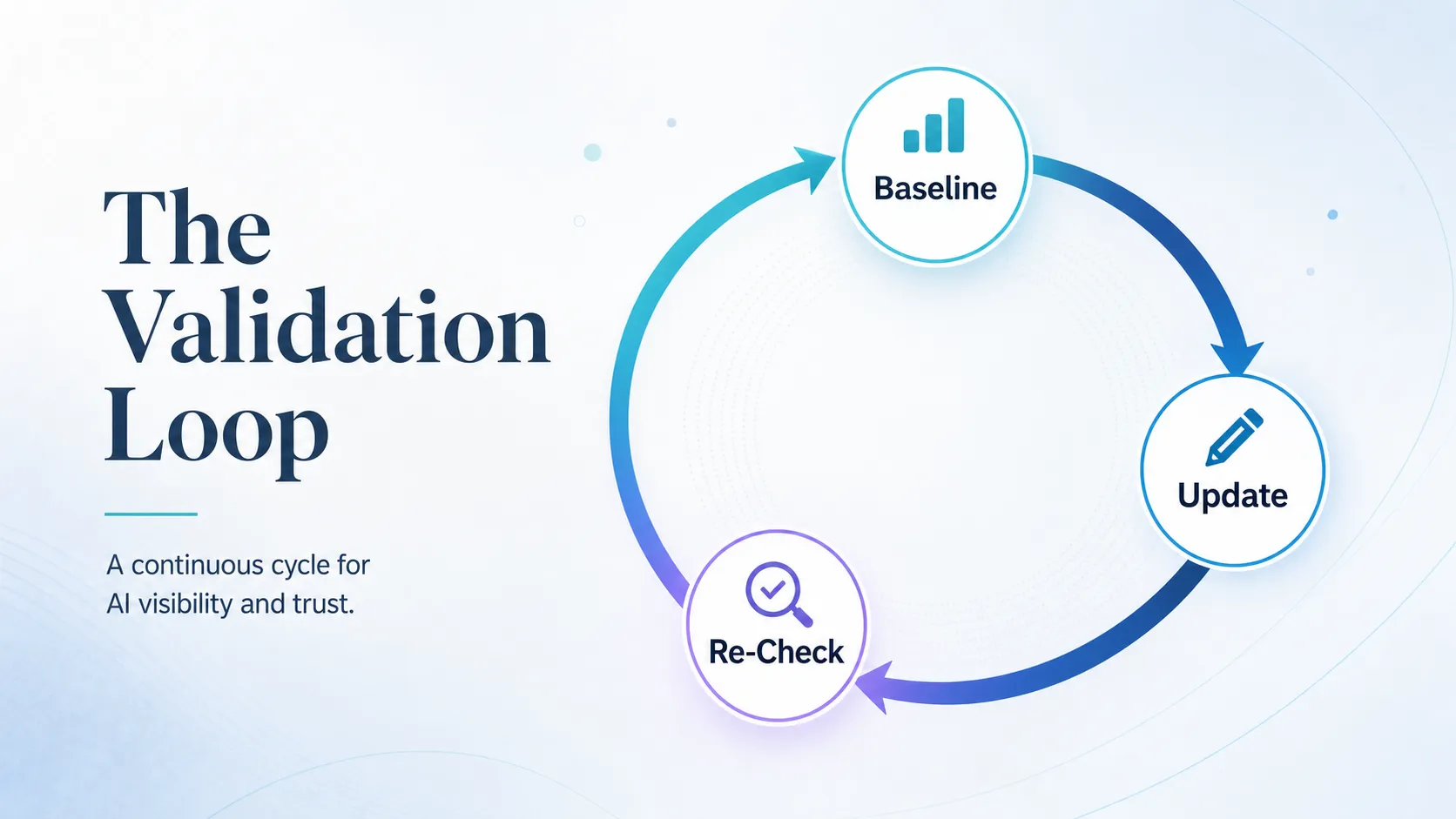
Set the baseline first: record current Search Console impressions and clicks, sample your priority queries manually, and note whether the page already appears in any AI summary. Then after your updates, watch what shifts.
| Signal to watch | What a change tells you |
|---|---|
| Impressions and clicks | Whether the page gained or lost search visibility overall |
| Query mix | Which new questions the page now earns visibility on |
| AI Overview presence | Whether the page is being surfaced in the summary itself |
| Citation frequency | How often the page is named across sampled queries |
Set a cadence you can keep: weekly checks for active, high-value pages, monthly for priority pages, quarterly for lower-stakes content. Run the loop each time: sample the queries, compare before and after, log the change, and revise the page when AI behavior shifts. Because search rankings and AI citations do not always move together, track both, which our comparison of AI visibility versus SEO metrics unpacks in detail.
Common Pitfalls to Avoid
Four mistakes undo good work. Writing for AI instead of humans produces stilted, keyword-heavy prose that reads worse and cites no better. Relying on schema alone assumes markup can substitute for a real answer, which it cannot. Ignoring query intent means optimizing a page for a search it was never built to serve. And letting content go stale means a page that ranked in spring quietly drops out of summaries by autumn because nobody revalidated it.
Frequently Asked Questions
How do I get my page featured in Google AI Overviews?
Pick a query that already triggers an AI Overview, make your page answer that question directly in the first 100 words, then add proof and clean structure so a model can lift the answer. Pages already ranking in the top 20 organically have the best odds, because Google draws summaries heavily from pages it already ranks. There is no guaranteed inclusion, so treat every change as a test and revalidate.
Does schema markup help AI Overviews?
Schema helps engines understand your page, but it cannot rescue weak content. Use Article, FAQPage, or HowTo markup only when the page actually contains that visible content, because markup that does not match what a reader sees creates a mismatch rather than a boost. Think of schema as a label on a clear answer, not a substitute for one.
What type of content gets cited in AI Overviews?
Content that is specific, sourced, and structured gets cited most. A page that offers original data, named examples, recent references, and a direct answer gives a model something concrete to quote, while a generic page that any competitor could match gets skipped. The difference is proof: “named in 7 of 10 answers for the query” earns a citation where “strong visibility” does not.
How do I track AI Overview visibility?
Combine Search Console data with manual query sampling and a visibility tracking method. Baseline your impressions, clicks, and current AI Overview presence before changes, then re-sample the same queries after. Because AI summaries shift, run this check on a set cadence rather than once, and log each result so you can see whether a change held.
How often should I update content for AI Overviews?
Update active, high-value pages weekly, priority pages monthly, and lower-stakes content quarterly. AI Overview behavior changes often enough that a page cited today can drop out within a season if nobody revalidates it. The cadence matters less than consistency: a page you revisit on a schedule holds its visibility far better than one you optimize once and forget.
AI Overview optimization is not a one-time task, and the honest reality is that citations move. The pages that hold their place are the ones a team keeps structured, keeps sourced, and keeps checking against how AI actually answers the query. Start small: audit one priority page with this checklist and fix the first three gaps before you publish again. Want to see where your brand stands in AI search? Book a strategy call and find out what AI says about you and your competitors.